SYMPTOM:
After creating a custom group containing at least one custom group element and setting a value for the Padding, it is observed that no padding is actually displayed when running the report in Strategy Developer 9.4.x-10.x. Upon running the report in Strategy Web 9.4.x-10.x, the padding is displayed correctly.
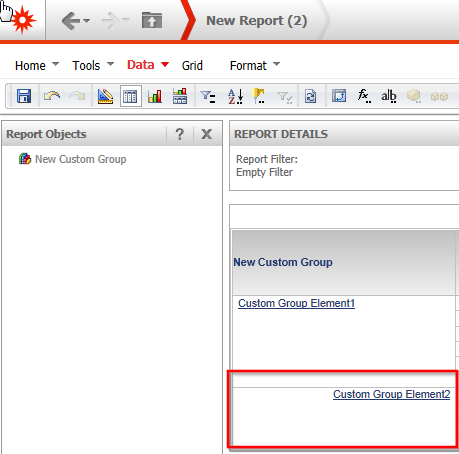
In order to set the padding, right-click a custom group element as seen in the screenshot below then select Formatting properties > Element Header...

In the Alignment tab, set the padding to an arbitrary value as seen in the screenshot below:

Run the report in Strategy Developer and see that no padding is applied to that custom group element:

Run the report in Strategy Web and see that the padding is displayed correctly:
CAUSE:
This is a known formatting issue in Strategy Developer 9.4.x-10.x.
ACTION:
Strategy will continue to investigate and post updates as soon as they are available.
