SYMPTOM:
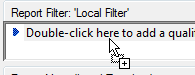
When users create an object prompt where they choose from a list of attribute element prompts, they are not able to add the object prompt to a report.
STEPS TO REPRODUCE:
1. Create an attribute element prompt on the Year attribute
2. Create an attribute element prompt on the Region attribute
3. Create an object prompt and add the two above prompts to the predefined list of objects
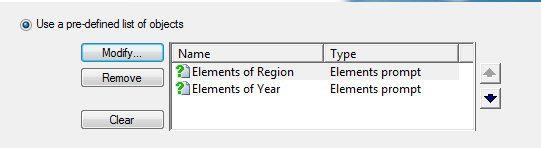
4. The user will not be able to add the object prompt to the report fiter of a report

ACTION:
Add the attribute element prompts to filters and then add the filters to an object prompt. The object prompt will be able to be added to a report filter. Follow the steps below:
1. Create a filter with the Year attribute element prompt
2. Create a filter with the Region attribute element prompt
3. Create an object prompt and add the two filters to the predefined list of objects
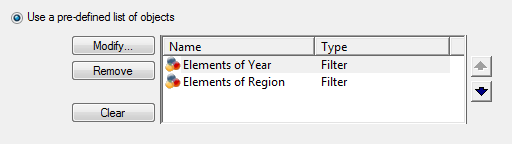
4. The user can add the object prompt to a report filter of a report. The report will be prompted successfully when executed.