SYMPTOM
Reports migrated by objects package via Command Manager is displayed as <DELETED REPORT> in Strategy Enterprise Manager report.
Below is a possible scenario for end users who meet such problem.
Below command is used as this package is merged to Production environment via Command manager.
IMPORT PACKAGE "C:\Package1.mmp" [FOR PROJECT "xxxx"];
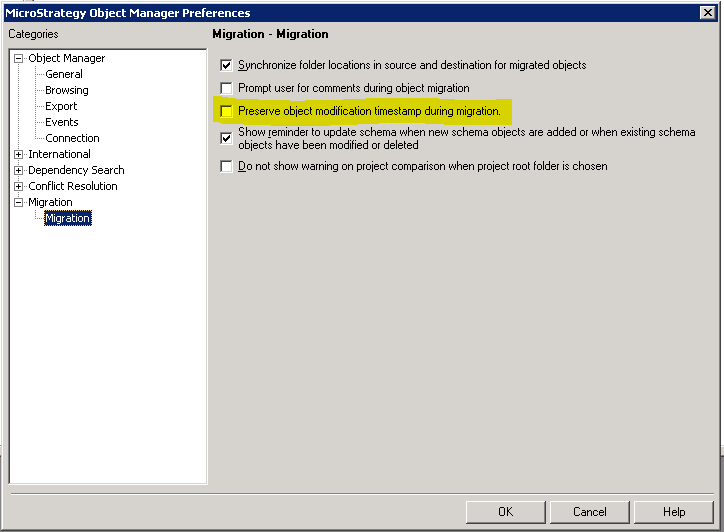
But for Command manager, running IMPORT PACKAGE command would always follow the behavior when above setting is checked. Namely the modification timestamp would never be updated no matter how the option has been set on Object Manager side.
So in above scenario, the objects migrated to Production would preserve the modification timestamp as originally, instead of being updated to the migration date.
Thus its modification time falls out of the next scheduled data load's time window.
Then these objects would never be loaded.
This is a special user case caused by limitation on Command manager script until Version 11.0.
ACTION
Starting from version 11.0, a new parameter UPDATEOBJECTMODIFICATIONTIME has been supported.
In order not to preserve the timestamp, use below command:
IMPORT PACKAGE "C:\Package1.mmp" [FOR PROJECT "xxxx"] UPDATEOBJECTMODIFICATIONTIME;
