SYMPTOM:
In Strategy Web 10.x, after creating a data source via Data Import using JDBC connection, when users try to access available tables in the Amazon RedShift database by clicking the data source, the below error message is displayed:
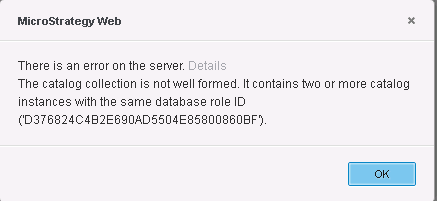
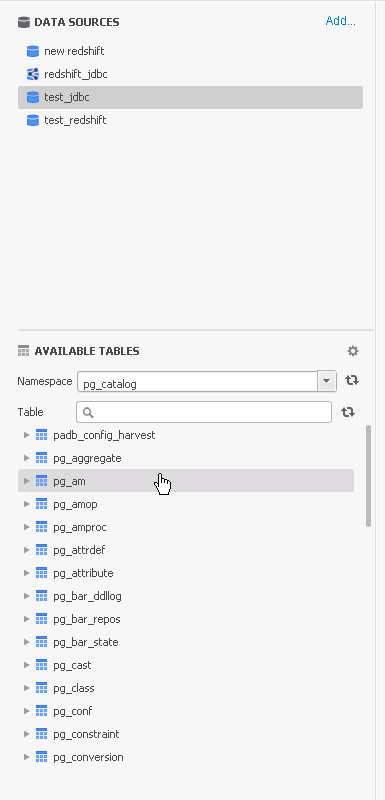
If users click OK, then manually search for a table in the Available Tables search dialog, the table is returned and can use the table without any issues.
CAUSE:
This issue is caused by the Amazon RedShift JDBC native driver not following the JDBC call convention when retrieving the table namespaces. Strategy call "DatabaseMetadata.getTables("", "%","",null)" and expect to get all namespaces. But we get "DatabaseMetadata.getTables(null,null,null,null)" from the Amazon RedShift JDBC native driver which returns information of all tables.
ACTION:
To fix this issue, add the parameter <PROPERTY NAME="CatalogNameSpaceSQL" VALUE="SELECT DISTINCT TABLE_SCHEMA as NAME_SPACE FROM INFORMATION_SCHEMA.TABLES" /> to the Amazon RedShift DBMS object in the DATABASE.pds file and re-import the Amazon RedShift DBMS object using Developer to update the metadata to make it work for 10.7 and below.
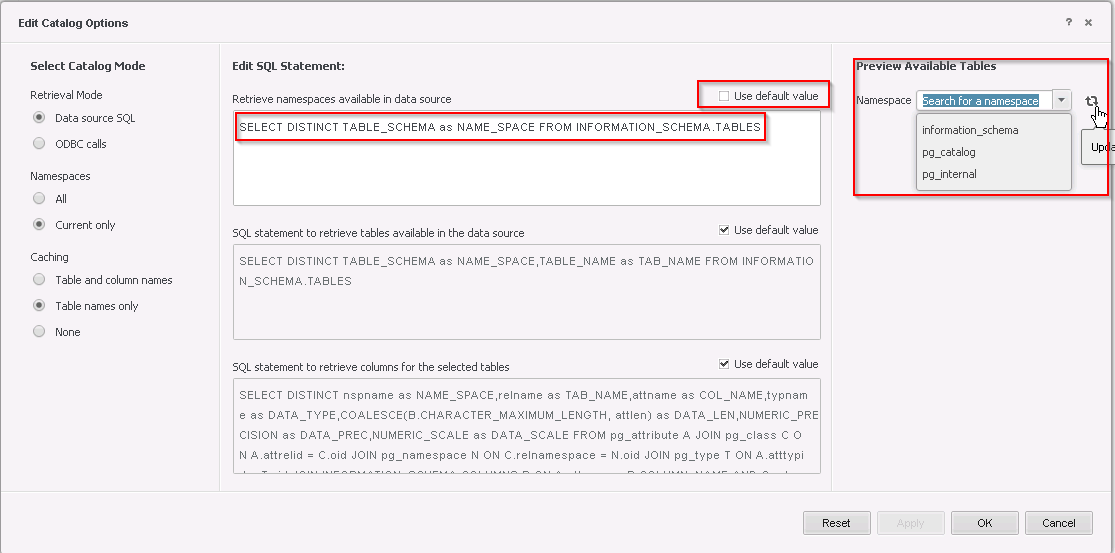
Note: Starting in version 10.8, The '[Edit Catalog Options]' is now exposed for JDBC connections. Users in this version can edit this option and directly add the sql "SELECT DISTINCT TABLE_SCHEMA as NAME_SPACE FROM INFORMATION_SCHEMA.TABLES" into the 'Retrieve namespaces available in data source' section to fix the issue without having to modify the DATABASE.pds.
KB439428 KB439428
