SYMPTOM
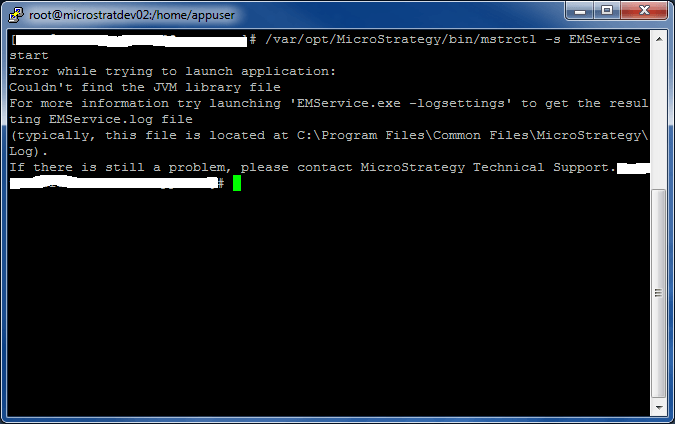
When attempting to start the Strategy Enterprise Manager Data Loader Service via the mstrctl tool in Linux, the following error may be seen:
Error while trying to launch application:
Couldn't find the JVM library file
For more information try launching 'EMService.exe -logsettings' to get the resulting EMService.log file
If there is still a problem, please contact Strategy Technical Support.
CAUSE
The Enterprise Manager Data Loader Service requires a library located in the Strategy Health Center directory. If the Health Center directory does not exist or does not contain the correct Java Library files, the Data Loader Service will not start.
ACTION
Ensure that Strategy Health Center has been properly installed before starting the Enterprise Manager Data Loader Service. A repair installation may be necessary to ensure that Strategy Health Center is correctly installed. KB439499
