SYMPTOM
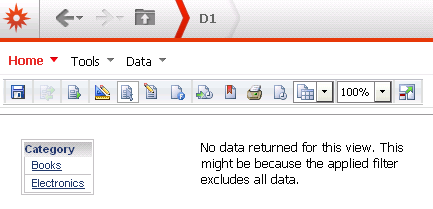
When selecting a default answer from a grid selector, if a user logs in and has a security filter on the attribute of the filter, they may not see any data.
CAUSE
Once the filter has been applied, there is no data to be returned.
ACTION
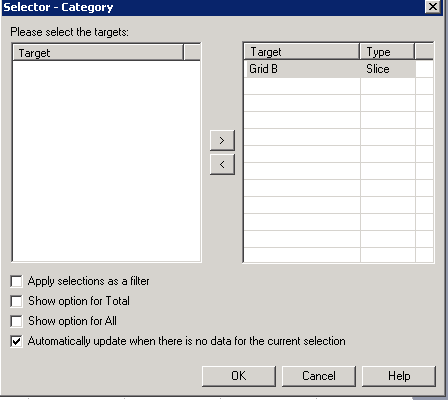
To avoid such results, and automatically select another answer, the user can enable setting "Automatically update when there is no data for the current selection" in the selector properties.
Using Strategy Tutorial project as an example:
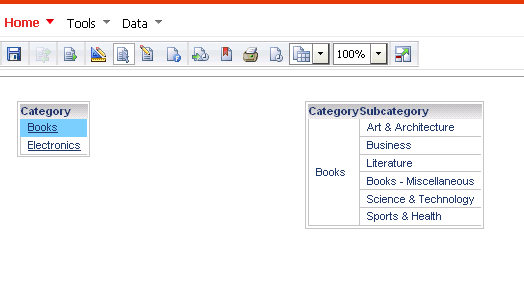
1. In a document, Category is defined as a selector in left grid A. This selector applies then to grid B on the right.
2. Run the document and save it with a default value "Movie" for the selector.
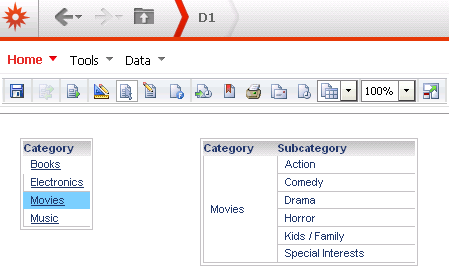
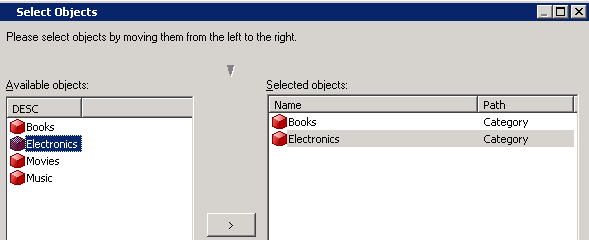
3. User B has a security filter on Category and he can only view element Books and Electronics.
4. Log in Web as a user. When he runs the document, he is not able to view the default element Movies defined in step 2.
5. User B log out without saving the document.
6. In desktop, right click on the attribute selector in the grid and “edit selector”:
-select the type “slice”
-modify to “Automatically update when there is no data for the current selection”
7.User B goes to Web and run the document again. This time, he'll able to see the Category elements that he has access to.