Starting with the release of Strategy ONE (March 2024), dossiers are also known as dashboards.
DESCRIPTION
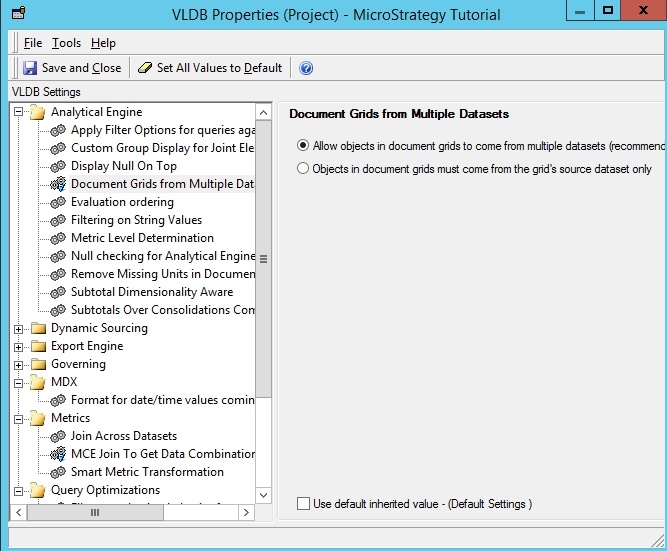
Starting in Strategy 9.4 data blending was made available for documents and dashboards. This permits grid, graph and widget objects to source data from multiple different datasets at the same time. This is a powerful feature that can allow for complex designs and functionality. However sometimes testing needs to be done without it enabled to check for performance and join behavior issues. In order to do this a VLDB property exists to disable the data blending feature. This is available under the analytical engine VLDB properties inside of project configuration. The property is named "document grids from multiple datasets" and defaults to enabled but can be set to disabled. The property is shown in the below screenshot.
This property is a good choice to test disabling in environments where reports seem to execute quickly but documents and dossiers have performance issues.
Any change to this VLDB property will require an Iserver restart to apply to the system.
KB439892
