Starting with the release of Strategy ONE (March 2024), dossiers are also known as dashboards.
Strategy users want to hide the default "Chapter 1: Page 1" title in Dossier. When in prevention mode, Strategy Dossier is currently showing <Chapter Name>:<Page Name> in the content panel. There is no option to hide Charter Name or Page Name. View the image below:
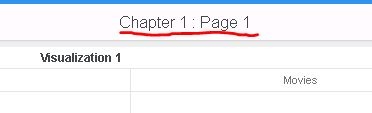
There are two workarounds to meet this requirement:
1. In Design mode, rename the Chapter name or Page name replace it with a space:
Note: Feel free to add a new name for the chapter or page. The space will essentially "hide" the names.
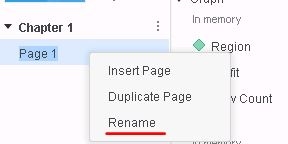
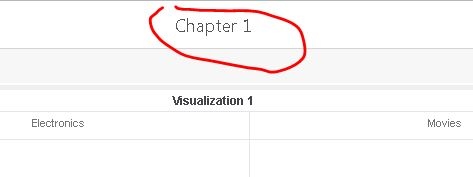
2. Run the Dossier in Library where the Contents Panel will only display Chapter name when there is only one page:
Note: This option will remove the Page name, but the Chapter name will remain in the view.
Interested in learning more about Dossier authoring? Visit the Learning Center on Community!
