SYMPTOM
After attempting to connect to the Intelligence Server for an Audit using the License Manager tool, the user receives a "Request Timeout" error.

CAUSE
One possible reason for this error is that the user is attempting to connect using a Project Source that was modified by KB313530 in order to support SSL connectivity to Command Manager: https://community.Strategy.com/s/article/KB313530-New-feature-in-10-4-SSL-support-for-Strategy . This KB article gives instructions on how to change the Windows Registry or Linux MSIReg.reg values to support this functionality.
If the project source that has been modified in this way is used for License Manager, it will not work, as License Manager does not have SSL support like Command Manager.
ACTION
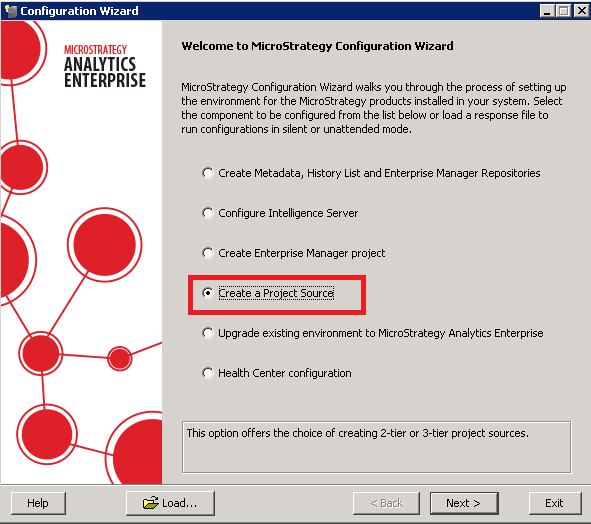
The current workaround is to create a new project source that does not use SSL to run the audit. This can be done with the Configuration Wizard tool or via Developer on Windows client machines.
KB440262
