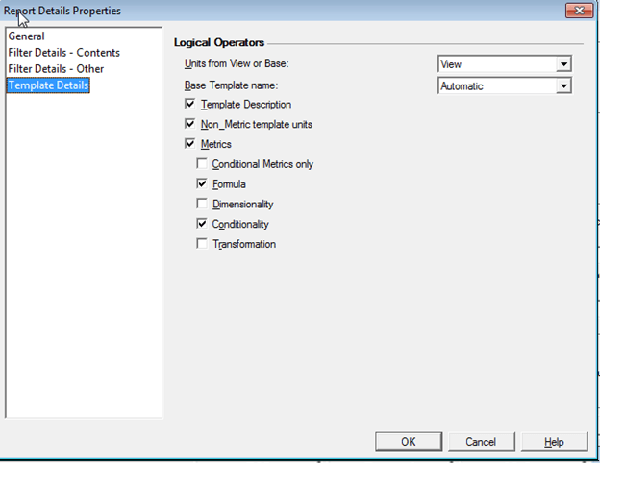
The report details, prompt details, filter details, and template details that display in Strategy reports and documents can be modified to display different information about the report or document by altering the report details properties.
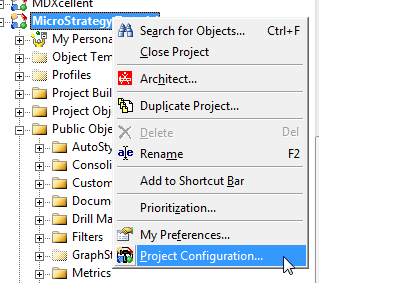
1. In Strategy Developer, right-click on the desired project and navigate to project configuration.
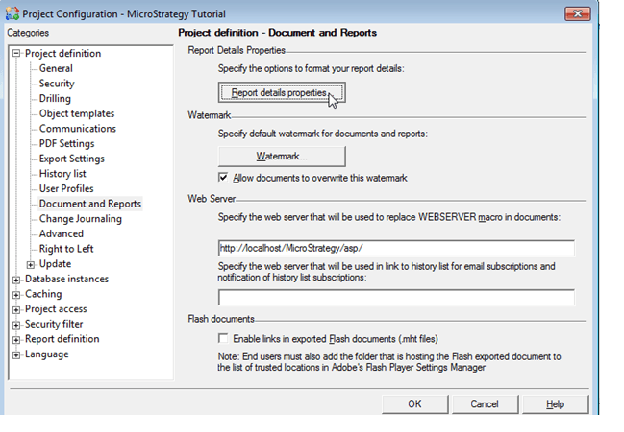
2. Expand the 'project definition' section, select 'documents and reports and then 'report details properties.'
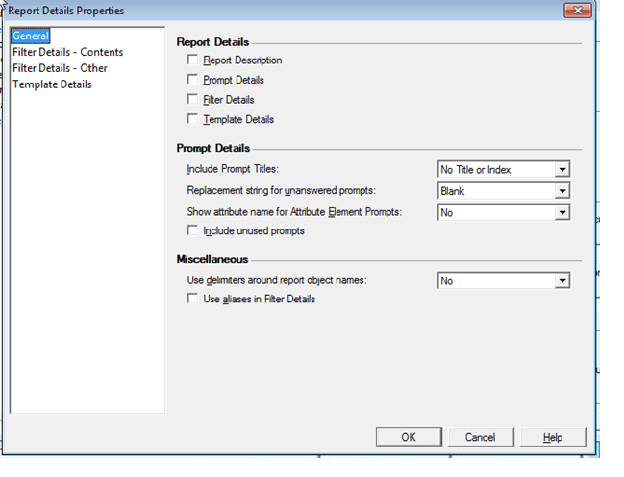
3. Under the 'general' section, the report details, prompt details, filter details, and template details can be turned off. Prompt details can also be modified.
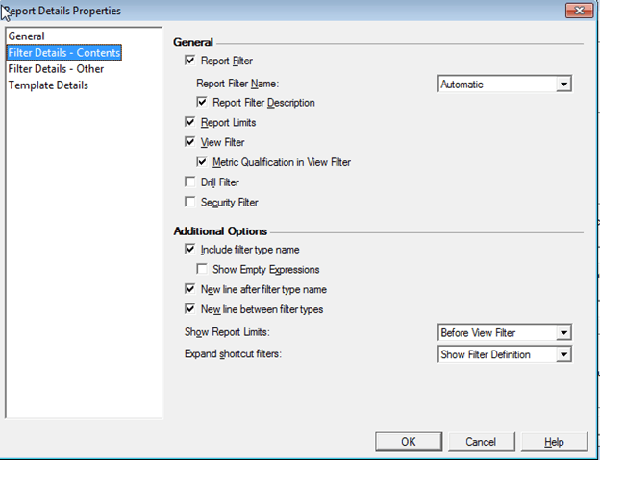
4. Under the 'filter details - contents' section, the type of filter (report filter, view filter, drill filter, security filter) to be displayed can be turned off.
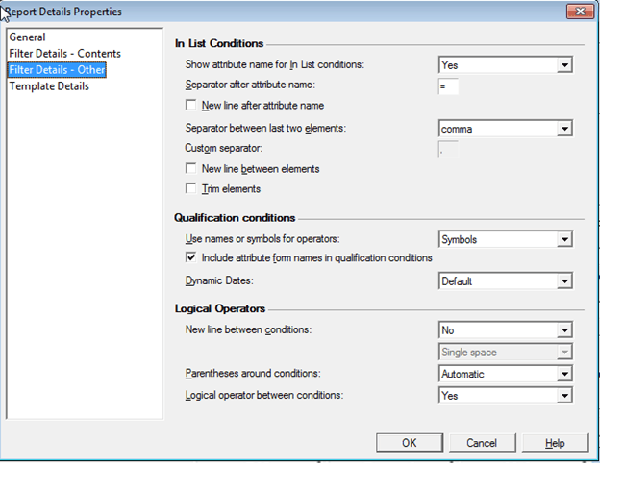
5. Under the 'filter details - other' section, the in list conditions, qualification conditions, and logical operators of a filter that display in the report details can be modified.
6. Under the 'template details' section, the logical operators that display in report details can be modified.