SYMPTOM
When using Citric Netscaler load balancer with external SSL certificate, users navigating in Strategy Web 10.8 see a blank screen and an error message.
ERROR MESSAGE
Edge is reporting: INET_E_DATA_NOT_AVAILABLE
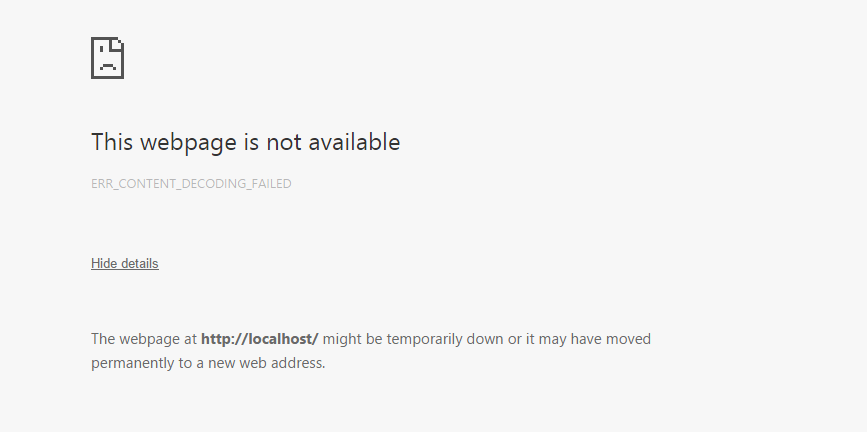
Chrome: ERR_CONTENT_DECODING_FAILED
CAUSE
INET_E_DATA_NOT_AVAILABLE is a Microsoft-specific error, as shown in the following links:
The ERR_CONTENT_DECODING_FAILED error is due to HTTP response headers claiming that content is gzip encoded, but it isn't.
ACTION
This is due to an additional compatibility view setting enabled for Internet Explorer in load balancer end. After removing the setting, the load balancer JavaScript issue got fixed.
Below is the setting added to the load balancer configuration file that was later removed to fix the issue:
add rewrite action add_meta_tag-Strategy insert_after "HTTP.RES.BODY(1500).SUBSTR(\"<head>\")" q{"<meta http-equiv=\"X-UA-Compatible\" content=\"IE=EDGE\" />"}
Third Party Software Disclaimer:
WARNING:
The third-party product(s) discussed in this technical note is manufactured by vendors independent of Strategy. Strategy makes no warranty, express, implied or otherwise, regarding this product, including its performance or reliability.
Internal reference number for this article is KB440384. KB440384
