SUMMARY
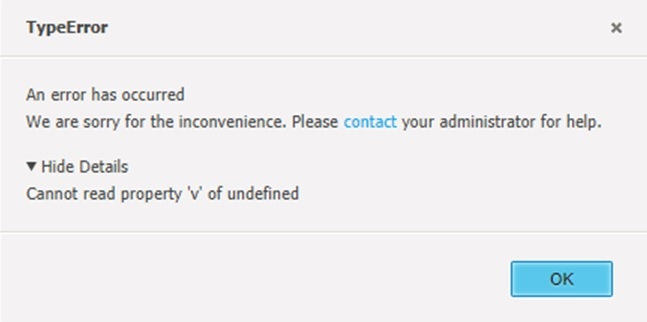
This Knowledge Base article describes a solution to a "Cannot read property 'v' of undefined" error displaying after opening a report in MSTR Web 10.4.
CAUSE
When a selector is set to slice data, it collects data from all targets. When there are many targets (in a particular case it was 3 grids and 3 graphs) and thus there is too much data to collect, the Cannot read property 'v' of undefined error is triggered.
ACTION
1. Go to Edit mode
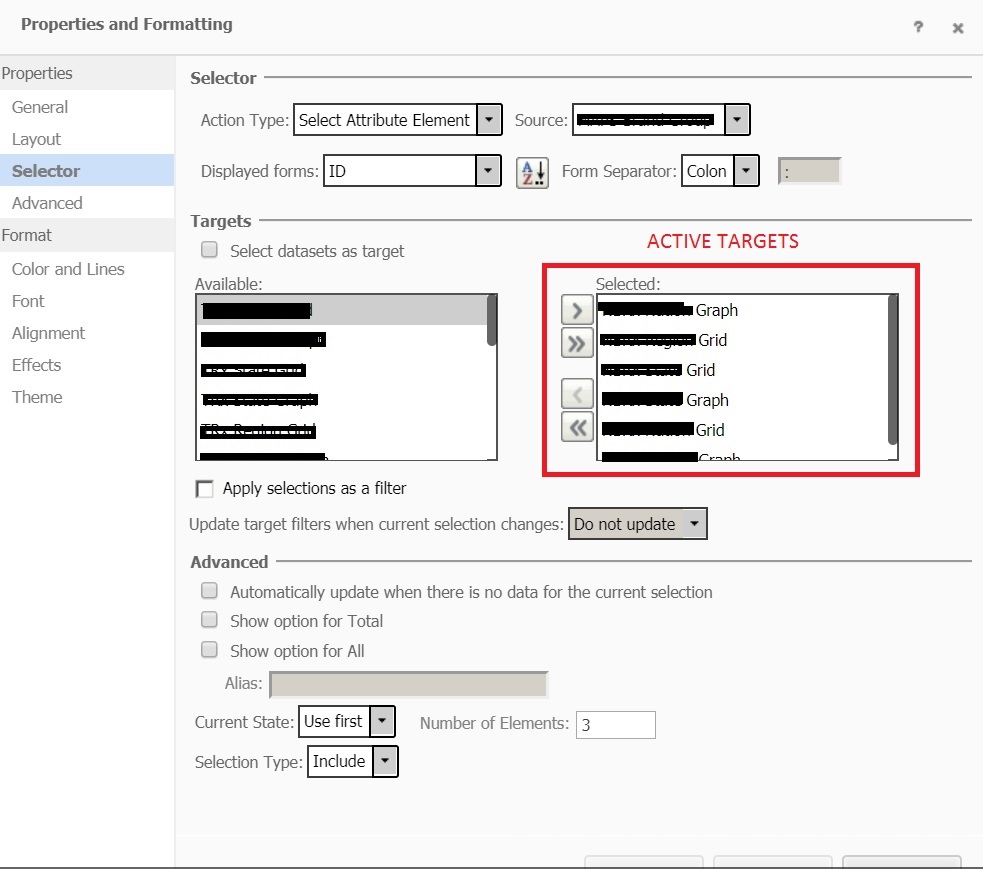
2. Locate a selector that targets many objects at once. To be able to see that, go to Document Structure section, right-click the selector, choose properties and formatting and then go to the "Selector" tab on the left.
Example of a selector with 6 targets can be seen below:
3. Check the "Apply selections as a filter" checkbox underneath the target list. This will change the type of the selector from slicing to filtering.
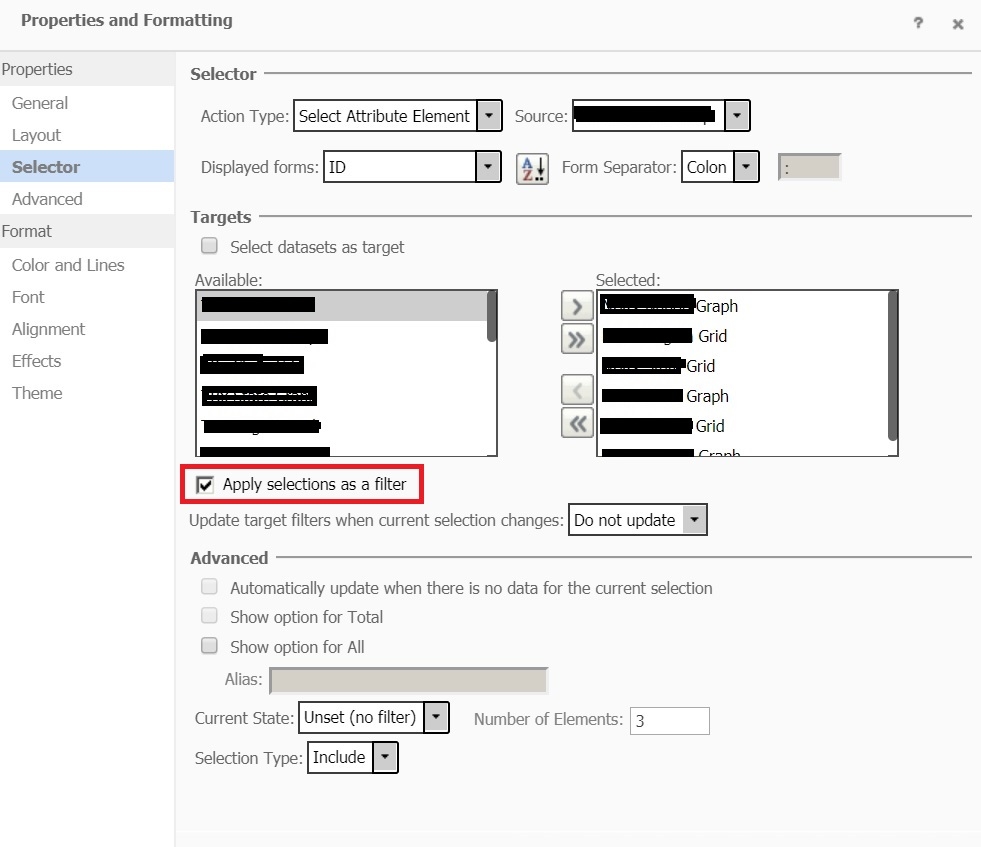
The error should not display anymore after going through the above steps. KB440437
