Sometime user may have a couple of KML files with different countries, or regions and wish to combine them in one.
This article introduced how to user a 3rd party software available for free download to achieve this requirement.
The tool KML Merge for Google Earth is available for free download at:
https://groups.google.com/forum/#!topic/kml-support-getting-started/gd9cpJ7XuBY
Below is an example showing with this tool you can easily go from map of Germany and Austria:
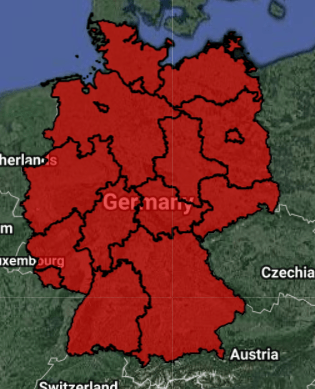
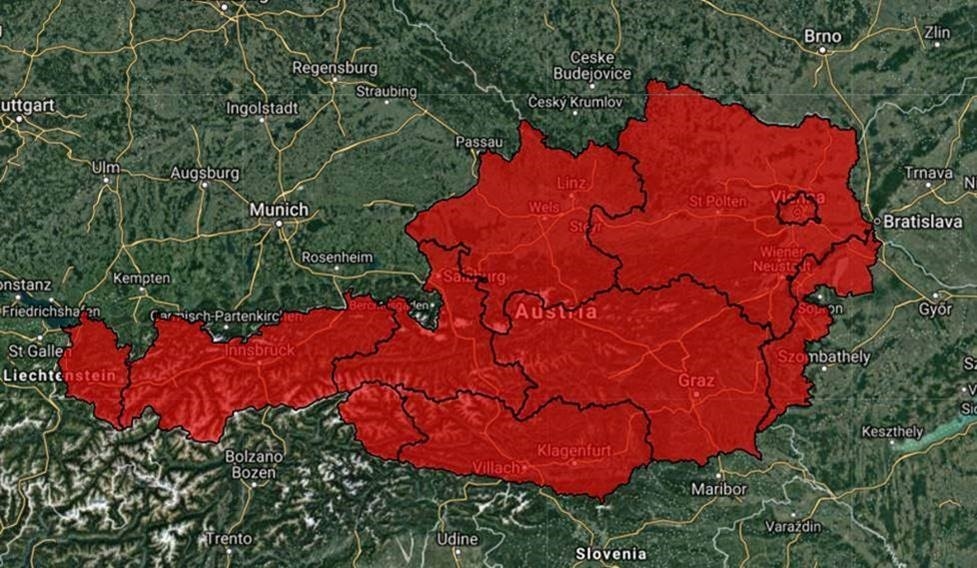
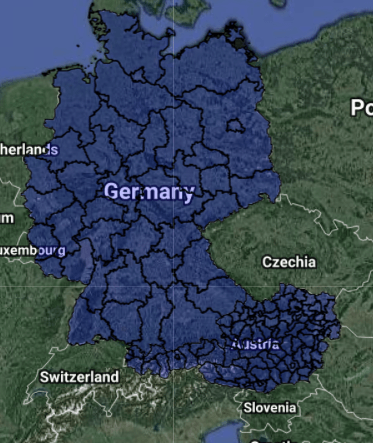
To a unified map of Austria and Germany:
Steps:
1. Download “KML Merge for Google Earth” tool from https://groups.google.com/forum/#!topic/kml-support-getting-started/gd9cpJ7XuBY
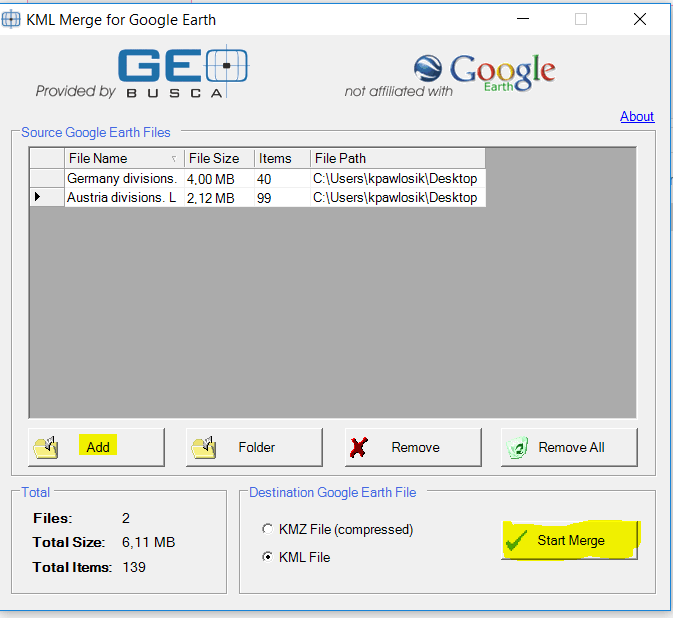
2. Open it, click Add button to add the two+ KML files you want to merge
3. Choose format as "KML File" and click "Start Merge".
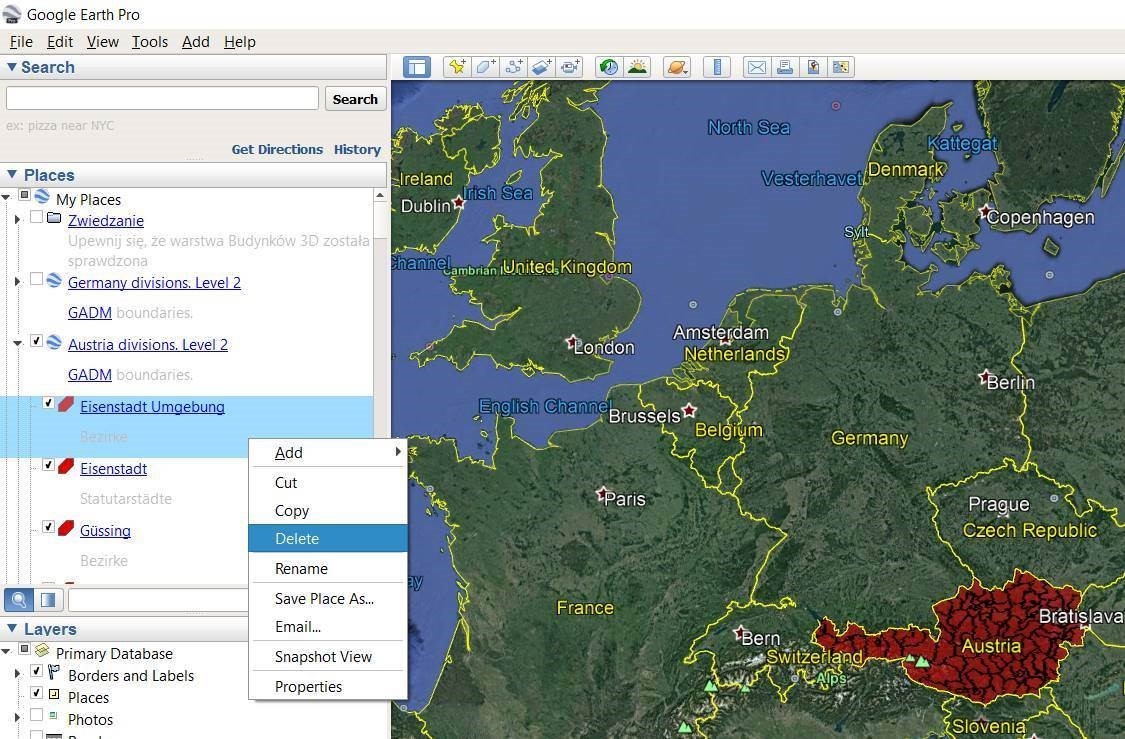
Besides, with use of Google Earth user can also easily modify maps, by deleting regions, to create for example map of Austria and boundary regions of Germany.
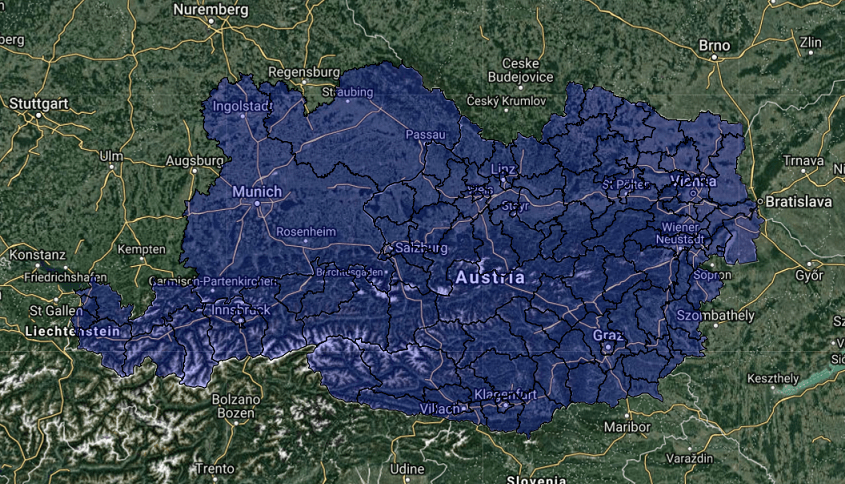
This can be done by simply deleting the regions from the KML file in Google Earth: