EducationSoftwareStrategy.com
StrategyCommunity

Knowledge Base

Product

Community

Knowledge Base

TopicsBrowse ArticlesDeveloper Zone

Product

Download SoftwareProduct DocumentationSecurity Hub

Education

Tutorial VideosSolution GalleryEducation courses

Community

GuidelinesGrandmastersEvents
x_social-icon_white.svglinkedin_social-icon_white.svg
Strategy logoCommunity

© Strategy Inc. All Rights Reserved.

LegalTerms of UsePrivacy Policy
  1. Home
  2. Topics

KB440547: In MicroStrategy 10.9 Library, the comments remain visible after importing a new version of a dossier using an Object Manager package.


Community Admin

• Strategy


This Knowledge Base article explained an expected behavior with importing new version of a dossier using an Object Manager package and seeing comments from previous dossier version.

Starting with the release of Strategy ONE (March 2024), dossiers are also known as dashboards.
SYMPTOM
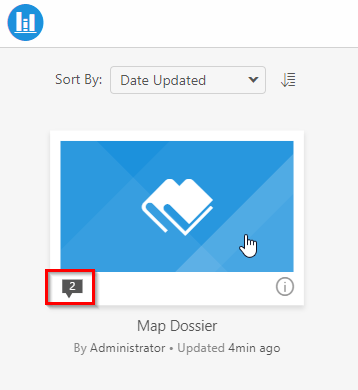
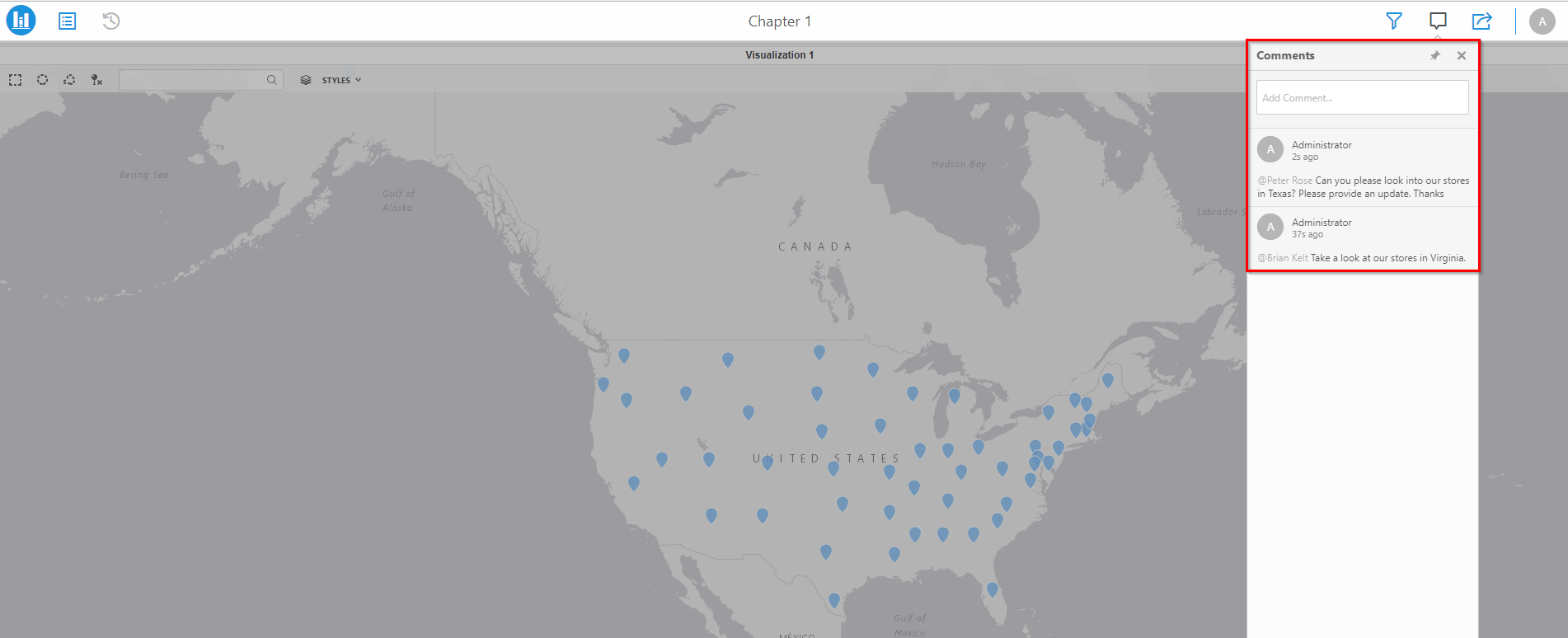
If a new version of a dossier with the same object ID is imported to a project (replacing the original object), all comments associated with the dossier (object ID) will remain visible in the Comment drop-down.
ka0PW0000001JUPYA2_0EM44000000A7Lj.png


ka0PW0000001JUPYA2_0EM44000000A7Lo.png

 
Example: In DEV, a developer makes a change to Map Dossier (Object ID 2314) which is already in PROD with multiple comments. Using Object Manager, the administrator creates a package of Map Dossier (Object ID 2314) and imports it into PROD. Map Dossier in PROD will be replaced with the new version created from DEV. The comments will remain visible as the object ID is the same after applying the Object Manager package.
 
 
CAUSE
This is working as designed.
Article Reference Number:   KB440547


Comment

0 comments

Details

Knowledge Article

Published:

April 3, 2018

Last Updated:

March 21, 2024