Geo Location Prompt for Strategy Mobile 9.4.x-10.x:

The Geo Location prompt lets users answer a prompt by using their device’s current geographical location. Geo Location prompts are typically used to filter data in a Map widget. For example, a Map widget displays several locations as markers on the map display. You can choose to display only those map markers that are in the user’s current city.
The location name that is returned by a Geo Location prompt is based on Google’s geocoding. The prompt determines the user’s longitude and latitude using the mobile device’s GPS receiver, and passes this information to Google Maps to return information about the user’s location.
There are two ways to get the values for a Geo Location prompt:
The following procedure describes how to create a Geo Location prompt using a device's current latitude and longitude (value prompts):



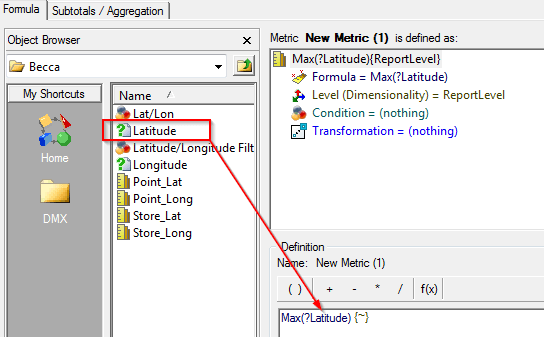
Note: The report created above does not have any function other than providing the prompt to retrieve the latitude and longitude of the current location. There are no checks between the Store latitude and Store longitude and the values of the Geo Location prompt.
Warnings: Note that the value prompts need to be created in Strategy Web for the user to choose a "Geo Location" style for the prompt. This option will not be available in Strategy Developer 9.4.x-10.x.
44056
