EducationSoftwareStrategy.com
StrategyCommunity

Knowledge Base

Product

Community

Knowledge Base

TopicsBrowse ArticlesDeveloper Zone

Product

Download SoftwareProduct DocumentationSecurity Hub

Education

Tutorial VideosSolution GalleryEducation courses

Community

GuidelinesGrandmastersEvents
x_social-icon_white.svglinkedin_social-icon_white.svg
Strategy logoCommunity

© Strategy Inc. All Rights Reserved.

LegalTerms of UsePrivacy Policy
  1. Home
  2. Topics

KB440734: Error "cannot be found.Item" is encountered in Dashboard when visualization refers to a metric which is deleted from the dataset


Min Zhao

Quality Engineer, Principal • MicroStrategy


This Knowledge Base article addresses an error seen in VI Dashboard sourced from a Cube when switching to a different sheet in MicroStrategy 10.x.

Starting with the release of Strategy ONE (March 2024), dossiers are also known as dashboards.
SYMPTOM:
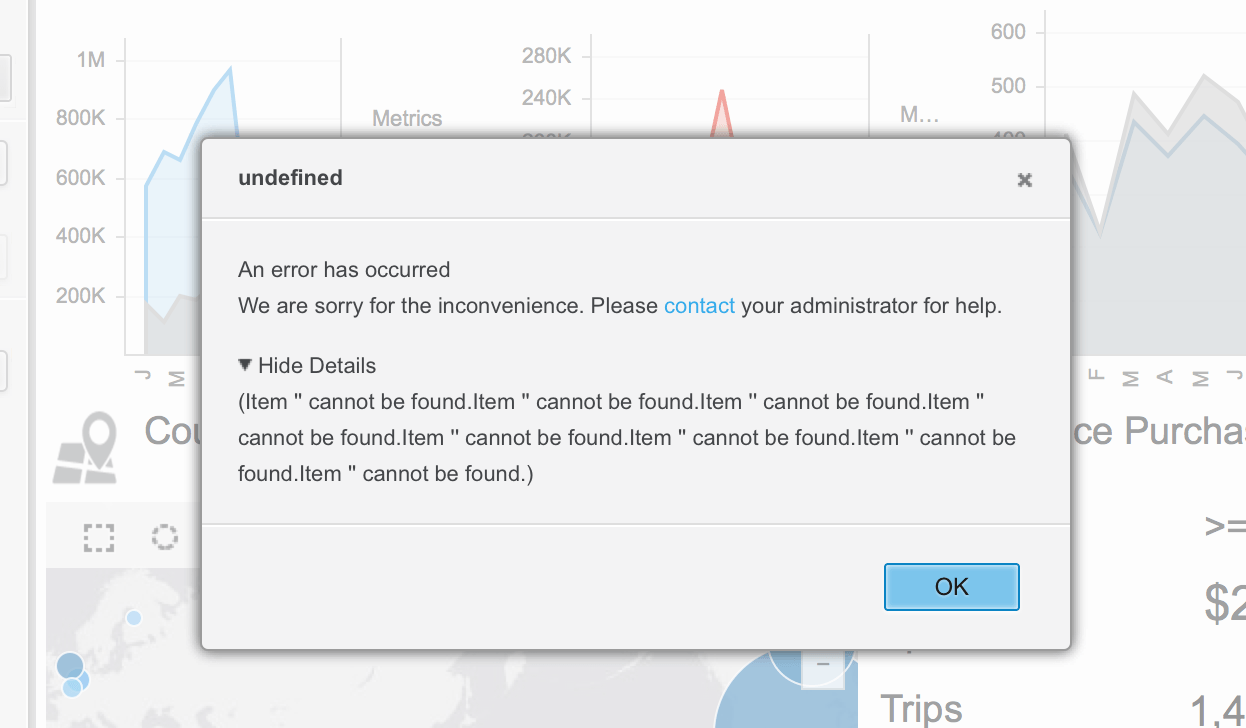
In Strategy 10.x, the below error message is seen in the VI Dashboard sourced from a Cube when user attempt to switch to a different sheet.
ka0PW0000001JPmYAM_0EM44000000WLoK.png


An error has occurred
We are sorry for the inconvenience. Please contact your administrator for help.

Hide Details
(Item " cannot be found.Item " cannot be found.Item " cannot be found.Item " cannot be found.Item " cannot be found.Item " cannot be found.Item " cannot be found.Item " cannot be found.)

CAUSE:
This error message occurs because a metric object used in the dashboard filter (Metric Qualification) was removed from the Cube, and republished. Since the metric is no longer available in the cube but still referenced in the VI Dashboard, the error message occur.
ACTION:
This issue was fixed in Strategy 10.8 by showing "no data" when user switches to the affected sheet and the dashboard CSI (Query Details of the visualization) would also show reference to the missing object. Dossier designer should revisit the filter to remove references of the deleted metric from the dataset in order to make the visualization work again. Here is the example of the CSI which indicates which metric is missing from the dataset and where 0 clause is added to show no data because metric filter could not be applied:

select    [Metric Missing From Cube.LYPercentageNC] as [LYPercentageNC],

[Metric Missing From Cube.TYPercentageNC] as [TYPercentageNC]

from    Hotel-Non-Compliant

where    0

Appendix


There is one more change made in Strategy 2020 Update 1 associated with this article. The new change is to address the data leak issue in conditional metrics. For more details, see KB484104: Data leak caused by conditional metrics.
Strategy reference numbers for this technical note are KB440734 and DE46107.


Comment

0 comments

Details

Knowledge Article

Published:

May 2, 2018

Last Updated:

March 21, 2024