EducationSoftwareStrategy.com
StrategyCommunity

Knowledge Base

Product

Community

Knowledge Base

TopicsBrowse ArticlesDeveloper Zone

Product

Download SoftwareProduct DocumentationSecurity Hub

Education

Tutorial VideosSolution GalleryEducation courses

Community

GuidelinesGrandmastersEvents
x_social-icon_white.svglinkedin_social-icon_white.svg
Strategy logoCommunity

© Strategy Inc. All Rights Reserved.

LegalTerms of UsePrivacy Policy
  1. Home
  2. Topics

KB440735: Detail Sections of Document not Exported to PDF when Attribute in Grouping Returns No Data in MicroStrategy 10.x


Caitlin Corrigan

Senior Education Developer • Strategy


This article describes a known defect where the Detail Sections of a Report Services Document are not exported to PDF when the document contains an attribute with no data in the Grouping.

SYMPTOM
When the attribute in the grouping of a document does not return any data, the Detail sections (Detail Header, Detail, and Detail Footer) are not exported to PDF.  Removing the attribute from the grouping allows these sections, including static text, lines, and other objects to be exported to the PDF as expected.
 
STEPS TO REPRODUCE
In Strategy Tutorial:
  1. Create a report with the Year attribute. Add a filter where Year = 0 to make sure that no data is returned in the report.
  2. Create a document from the report created in Step 1.
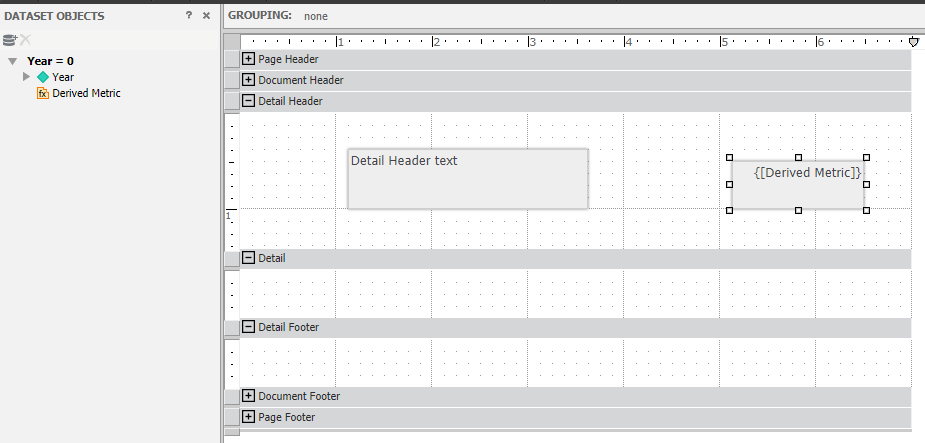
  3. Add a text box to 'Detail Header' section and type any text, such as “Detail Header text.”
  4. Create a derived metric with the definition “Max(1)” and drag into the Detail Header as dynamic text.

​

ka044000000kNvvAAE_0EM44000000WLpI.png
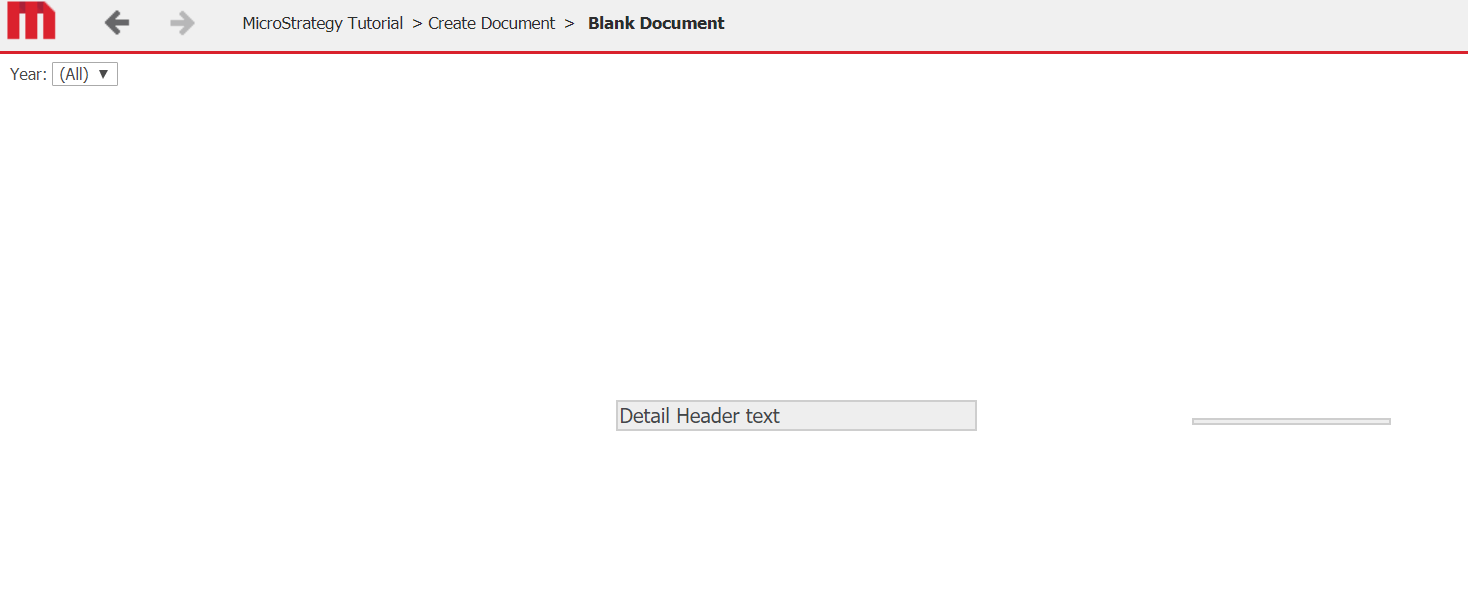
  1. Run in presentation mode and export to PDF. Validate that “Detail Header text” displays as expected and that the text box for the derived metric is displayed, but returns no data.
ka044000000kNvvAAE_0EM44000000WLph.png
ka044000000kNvvAAE_0EM44000000WLpS.png
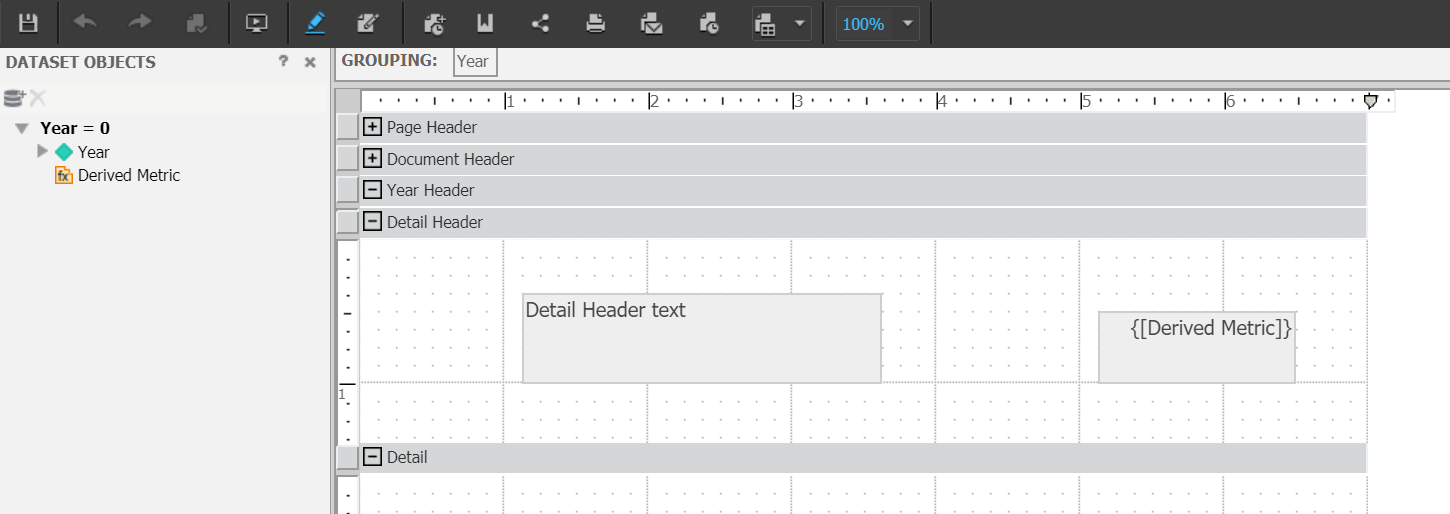
  1. In Edit mode, add ‘Year’ to the grouping in the document.
ka044000000kNvvAAE_0EM44000000WLpX.png
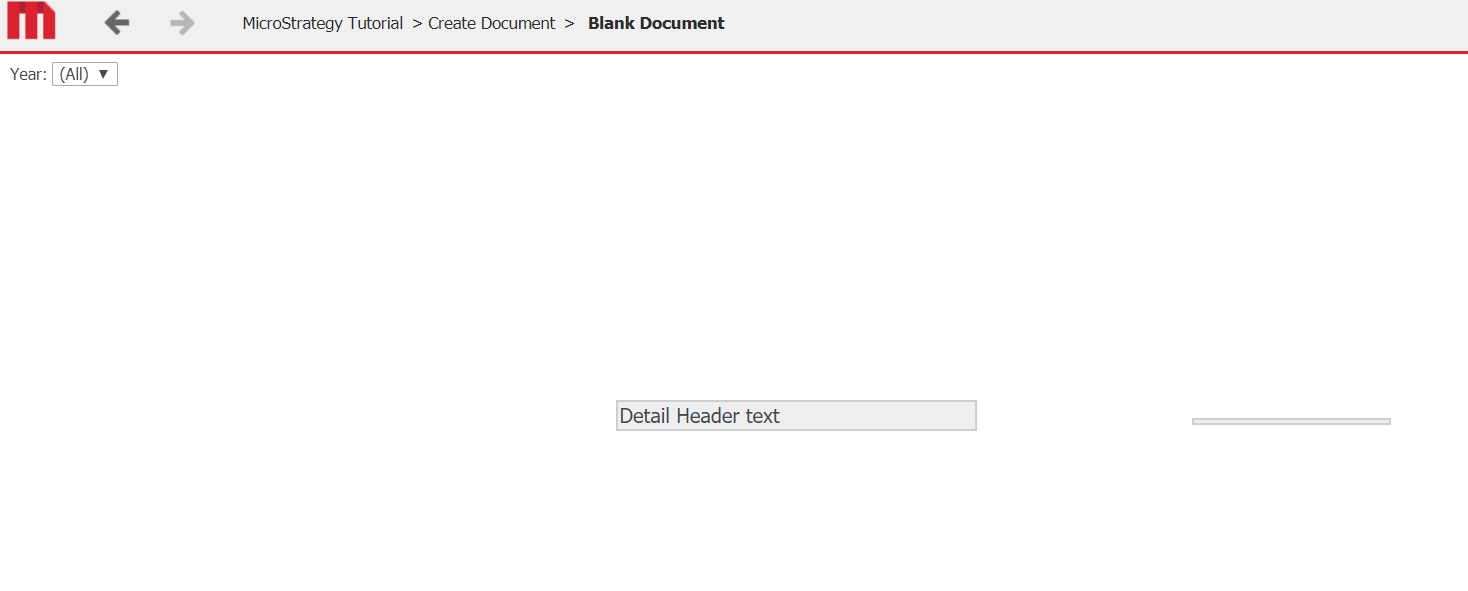
  1. Run in Presentation mode confirm that the static text is displayed as is the empty dynamic text box for the derived metric.
ka044000000kNvvAAE_0EM44000000WLpc.png
  1. Export to PDF and see that neither text box is displayed.
ka044000000kNvvAAE_0EM44000000WLpm.png


CAUSE
This is a known defect in Strategy 10.x.  Strategy will continue to investigate and post updates as soon as they are available.
 
ACTION
Strategy will continue to investigate and post updates as soon as they are available.
 
WORKAROUND
Remove the attribute that is not returning data from the Grouping in the document or move any objects that should be exported into the Document Header or Document Footer sections.


Comment

0 comments

Details

Knowledge Article

Published:

May 2, 2018

Last Updated:

December 1, 2018