SYMPTOM
Some users may find when creating a dashboard in an Enterprise manager project when applying a date filter no data is returned.
STEPS TO REPRODUCE
- In the Enterprise Manager Project create a new Dashboard
- In the Dashboard add data > New Report...
- Create a report with Day
- Add a grid as a visualization with Day:

- Add a template filter and drag and drop Day into the filter:

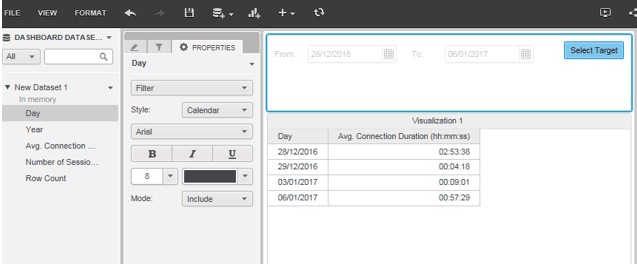
- Then target the grid:

-And change the date, and no data will be shown:

ACTION
This issue has been addressed in Strategy 10.4 Hotfix 6 and Strategy 10.8. Apply the platform Hotfix or upgrade to the latest feature release version to take advantage of this fix.
KB440853
