Users may get an error message that states “Error connecting to local machine. Unexpected error occurred. Access denied.” This error may appear when launching the Diagnostics and Performance Logging Tool on the Linux box and accessing the Logging Tool by clicking Start and selecting Strategy Tools, then Diagnostics Configuration.
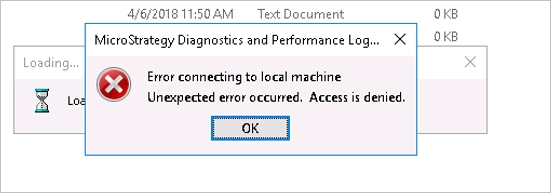
To resolve the error, launch the tool by running it as an administrator. To do so, click the Start button, under Strategy Tools, right-click Diagnostics Configuration, point to More and select Run as administrator - Strategy Diagnostics and Performance Logging Tool opens, without the error message.
