Starting with the release of Strategy ONE (March 2024), dossiers are also known as dashboards.
SUMMARY:
When navigating within web, it is necessary to navigate to the main projects page. This functionality should be available for all interfaces within Strategy Web. This functionality fails and yields the JavaScript error “JavaScript errors were encountered on this page” when attempting to do so from the document prompt page.
STEPS TO REPRODUCE:
1) Go to user preferences -> General -> Drop down menus and uncheck "Require mouse click to open menus"
2) Run any of the following: Report, Prompted Report, Prompted RSD, Prompted Dossier (Note: Can also sometimes see this just loading one of the folder browsing pages)
3) Immediately after running one of the previous or starting to navigate to the new page, move your cursor to where the M logo will appear.
4) Keep hovering over the M logo until the dropdown menu appears (or you see the loading popup for it)
5) Once you see it started to load move your cursor up and down to try and hover over the "Projects" list as soon as it's available and then error will appear
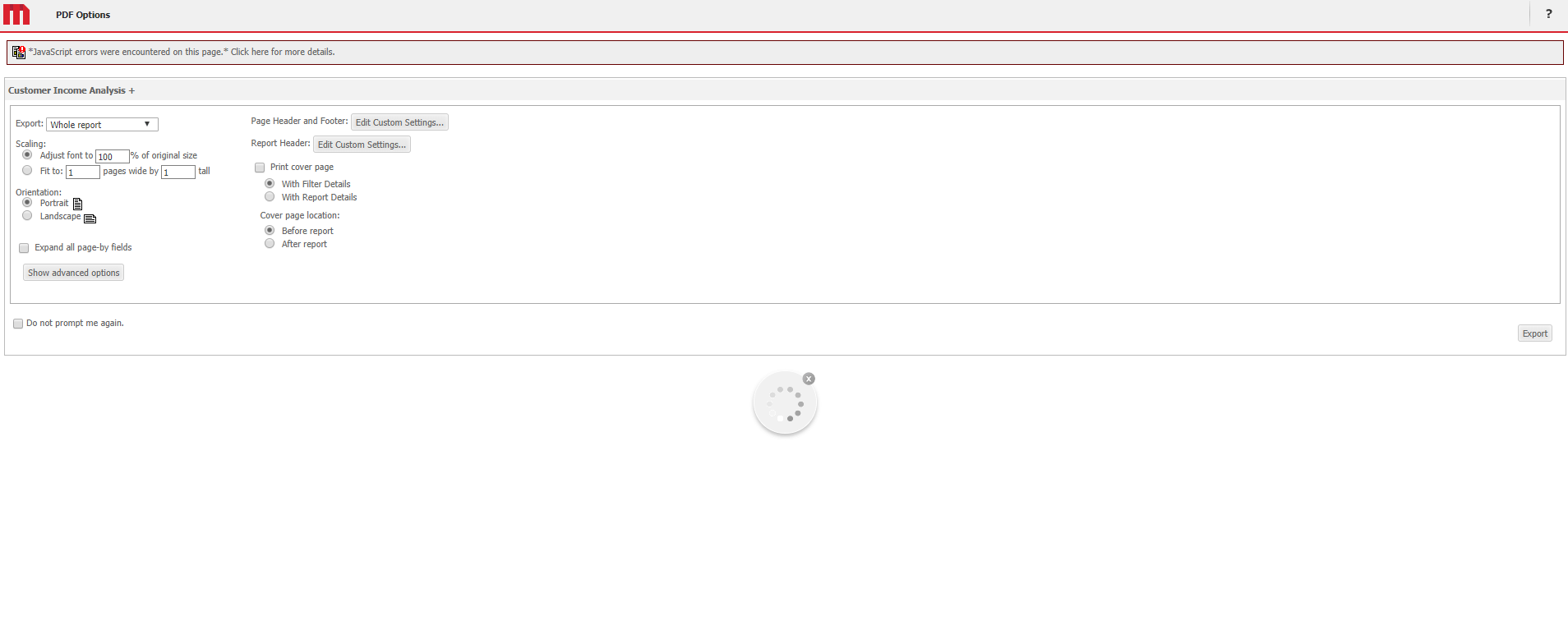
CAUSE:
The mstrmojo.ui.ScrollableList is needed to make the dynamic class ScrollableListTooltip, but wasn't included in the mstrmojo.requiresCls() call.
ACTION:
This issue is resolved in future versions of Strategy
KB441082
