Starting with the release of Strategy ONE (March 2024), dossiers are also known as dashboards.
CONTENT:
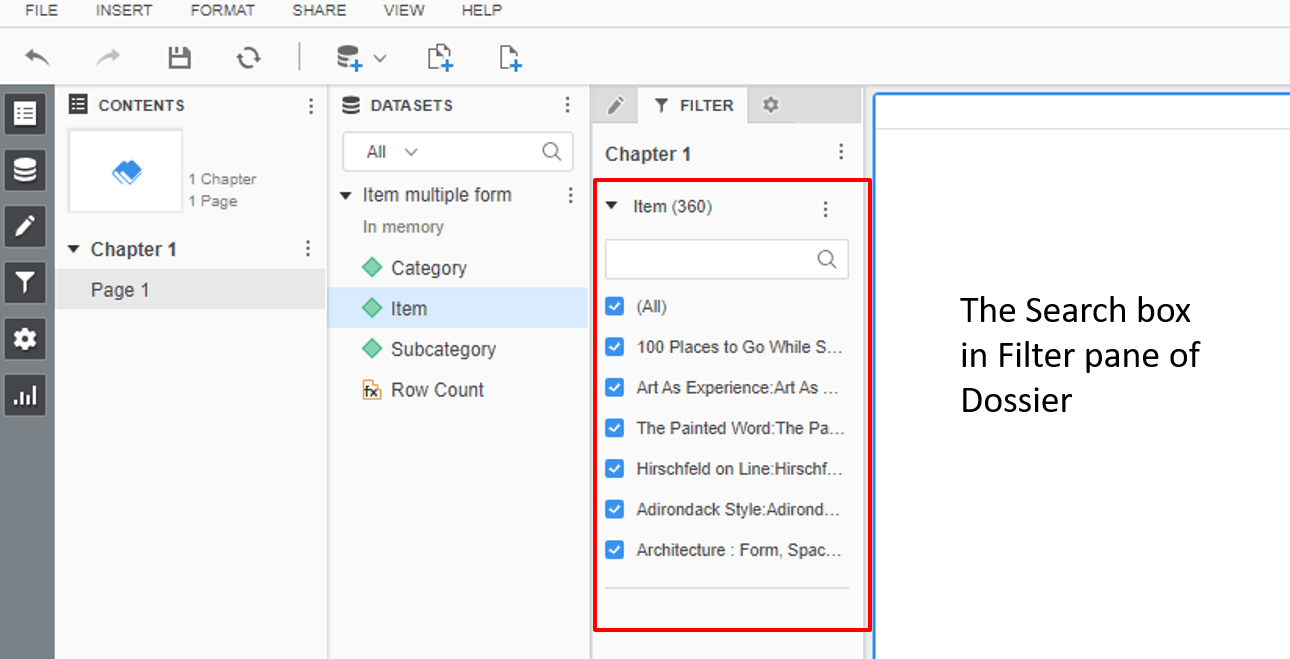
When users add an attribute with large number of elements into the Filter Pane of Dossier/VI Dashboard and set the selector type to Checkbox, a search box will also be displayed so users can search the elements, which is very convenient. This article demonstrates how to achieve the same in Report Service Document.
WORKAROUND STEPS:
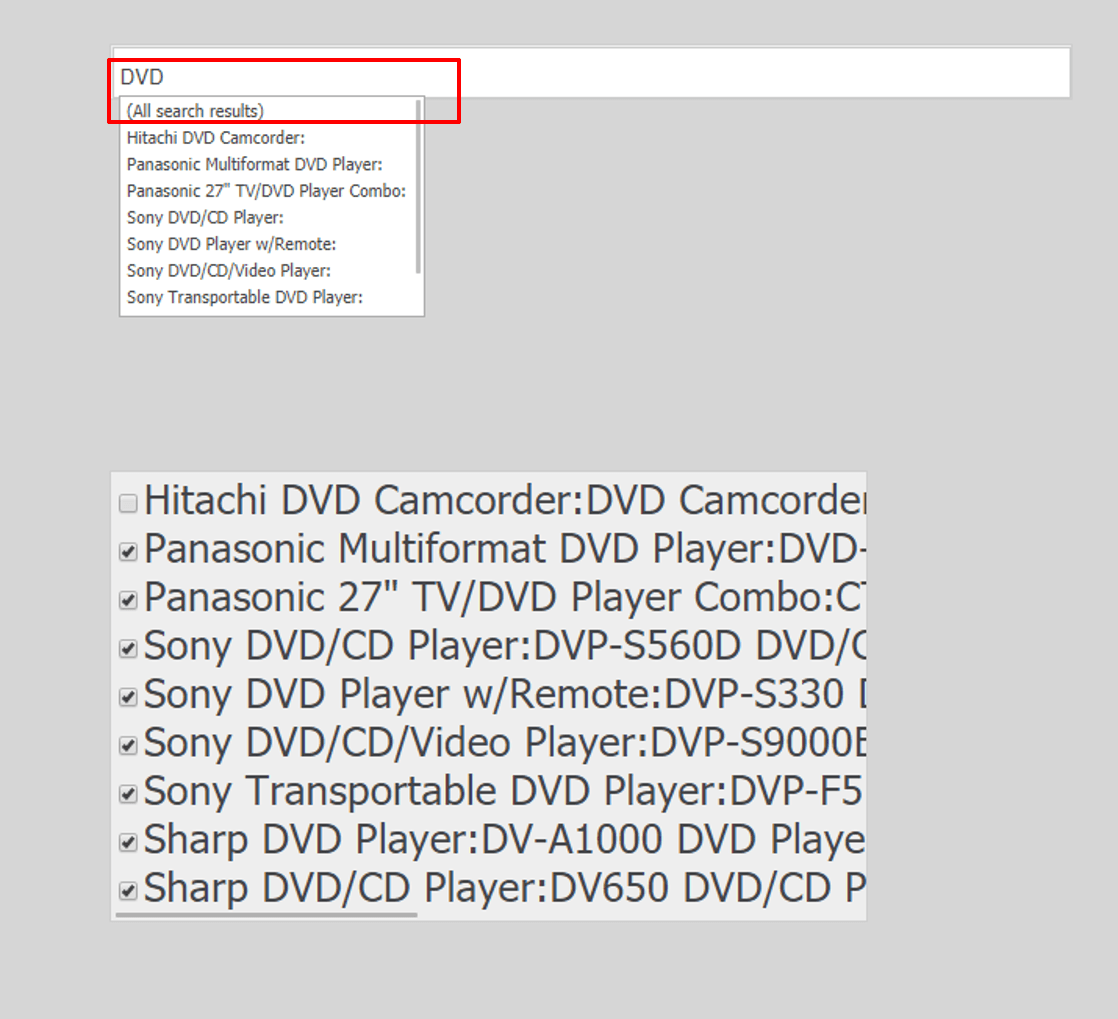
1. Create a normal Checkbox selector on top of Attribute A inside of a RS document
2. Create a Search Box selector on top of Attribute A and target to Checkbox selector
3. Users can take advantage of the search box selector and select (All search result) to search the Checkbox selector
KB441165
