SYMPTOM:
A user attempting to insert a function into a new derived metric is shown the "Insert Function" window but it appears empty and a JavaScript error appears in Strategy Web 9.3.0, like shown below.
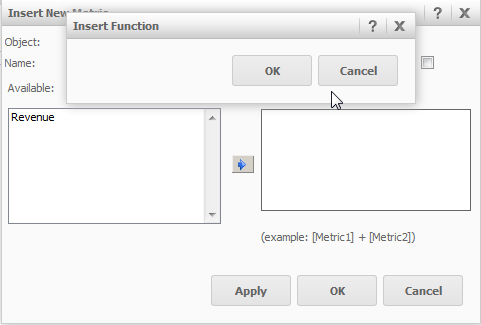
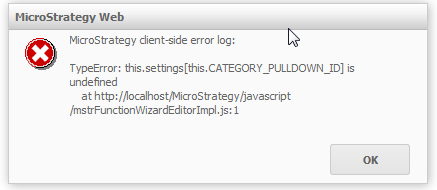
Sample Code/Error
Strategy Web
Strategy client-side error log:

TypeError: this.settings is undefined at http:///MicroStrategy/javascript/mstrFunctionWizardEditorImpl.js:1
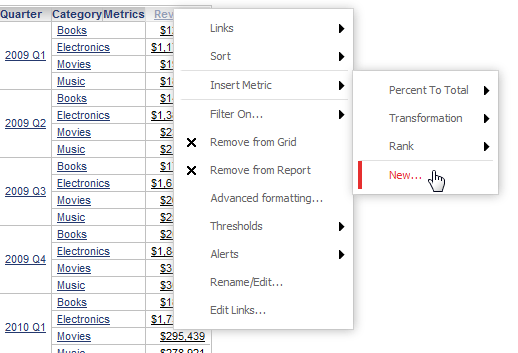
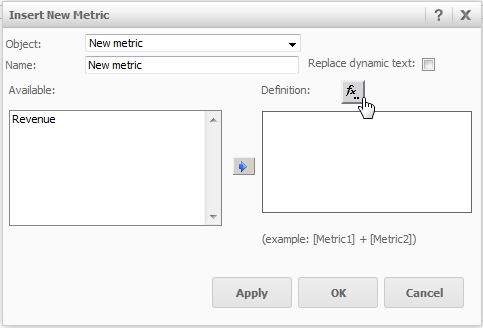
Sample Code/Error
Strategy Web
Strategy client-side error log:

TypeError: this.settings is undefined at http:///MicroStrategy/javascript/mstrFunctionWizardEditorImpl.js:1
CAUSE:
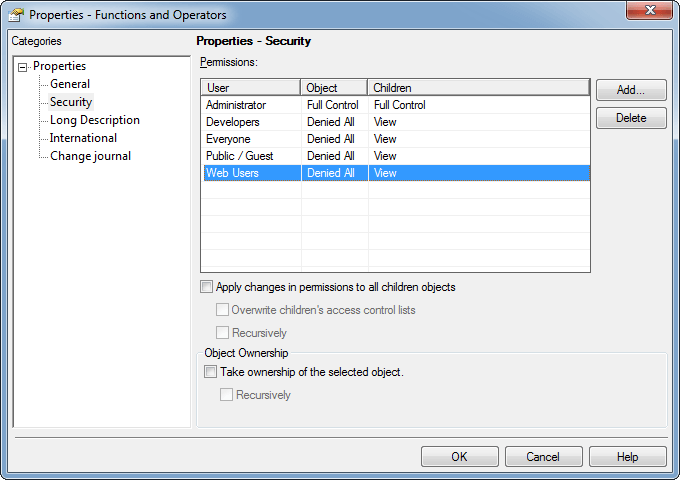
The user attempting to add a function does not have access to the "Functions and Operators" folder located under the Schema Objects folder in Strategy Desktop 9.3.0, as shown below.
ACTION:
Change the security properties for the "Functions and Operators" folder to allow users the ability to view the contents of the "Functions and Operators" folder located under the Schema Objects folder. Also check "Apply changes in permissions to all children objects" to give the user access to all subfolders as well.
