Starting with the release of Strategy ONE (March 2024), dossiers are also known as dashboards.
Symptom:
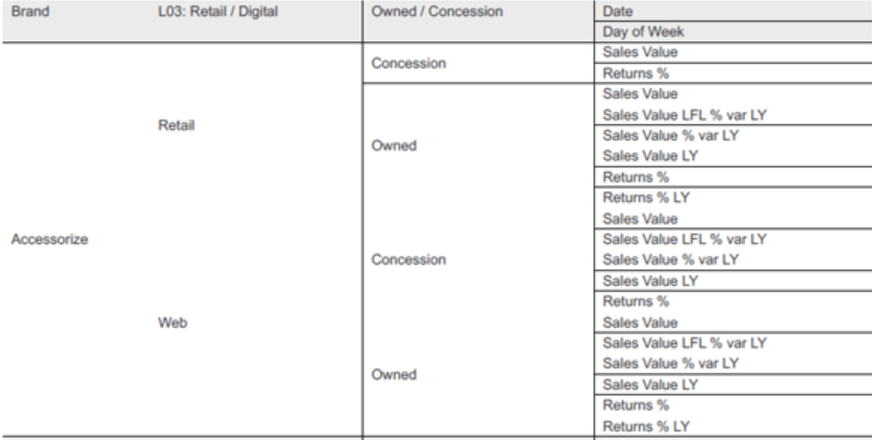
In the browser the PDF output looks fine, with all the lines appearing. However, when the PDF is then downloaded and viewed in Acrobat Reader some of the lines are missing.
Casue:
This is a known defect with Adobe Acrobat Reader that is not connected with Strategy.
Action:
Strategy PDF export works correctly and this is Adobe related issue. Lines are perfectly visible in Chrome when exporting Dossier to PDF and the issue occurs on the download level where Strategy is not involved.
However, there is a known error with Adobe Reader that wasn't displaying table lines when converting from Word document to PDF. The root cause of the issue was wrong resolution and option "Enhance thin line" checked. Please open your PDF file then go to Edit > Preferences > Page Display and here uncheck "Enhance thin lines" and change custom resolution (this value might be different for every monitor). The display resolution of the PDF page should be higher than the monitor's.
KB441241
