EducationSoftwareStrategy.com
StrategyCommunity

Knowledge Base

Product

Community

Knowledge Base

TopicsBrowse ArticlesDeveloper Zone

Product

Download SoftwareProduct DocumentationSecurity Hub

Education

Tutorial VideosSolution GalleryEducation courses

Community

GuidelinesGrandmastersEvents
x_social-icon_white.svglinkedin_social-icon_white.svg
Strategy logoCommunity

© Strategy Inc. All Rights Reserved.

LegalTerms of UsePrivacy Policy
  1. Home
  2. Topics

KB441398: Dossier printing layouts from Print option is different from Edge and Chrome Microstrategy Web 2021


Shuang Qi

Senior Cloud Support Engineer II • Strategy


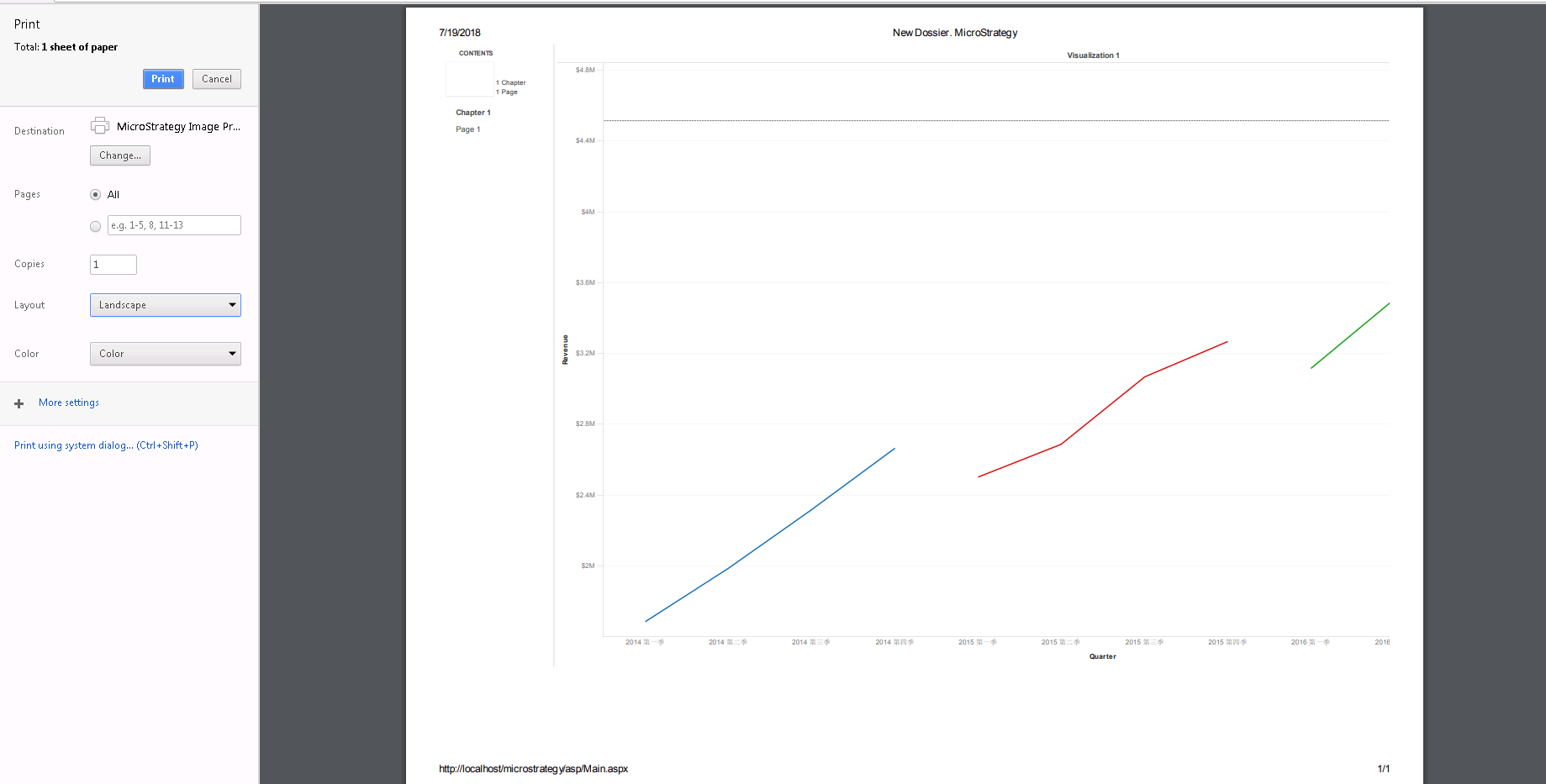
When printing dossier page from File --> Print option or browser print option , user may got different dossier page layouts with different browsers like Edge, Chrome. Or even got incomplete dossier page in print preview.

Starting with the release of Strategy ONE (March 2024), dossiers are also known as dashboards.
SYMPTOM
When printing dossier page from File --> Print option or browser print option , user may got different dossier page layouts with different browsers like Edge , Chrome. Or even got incomplete dossier page in print preview
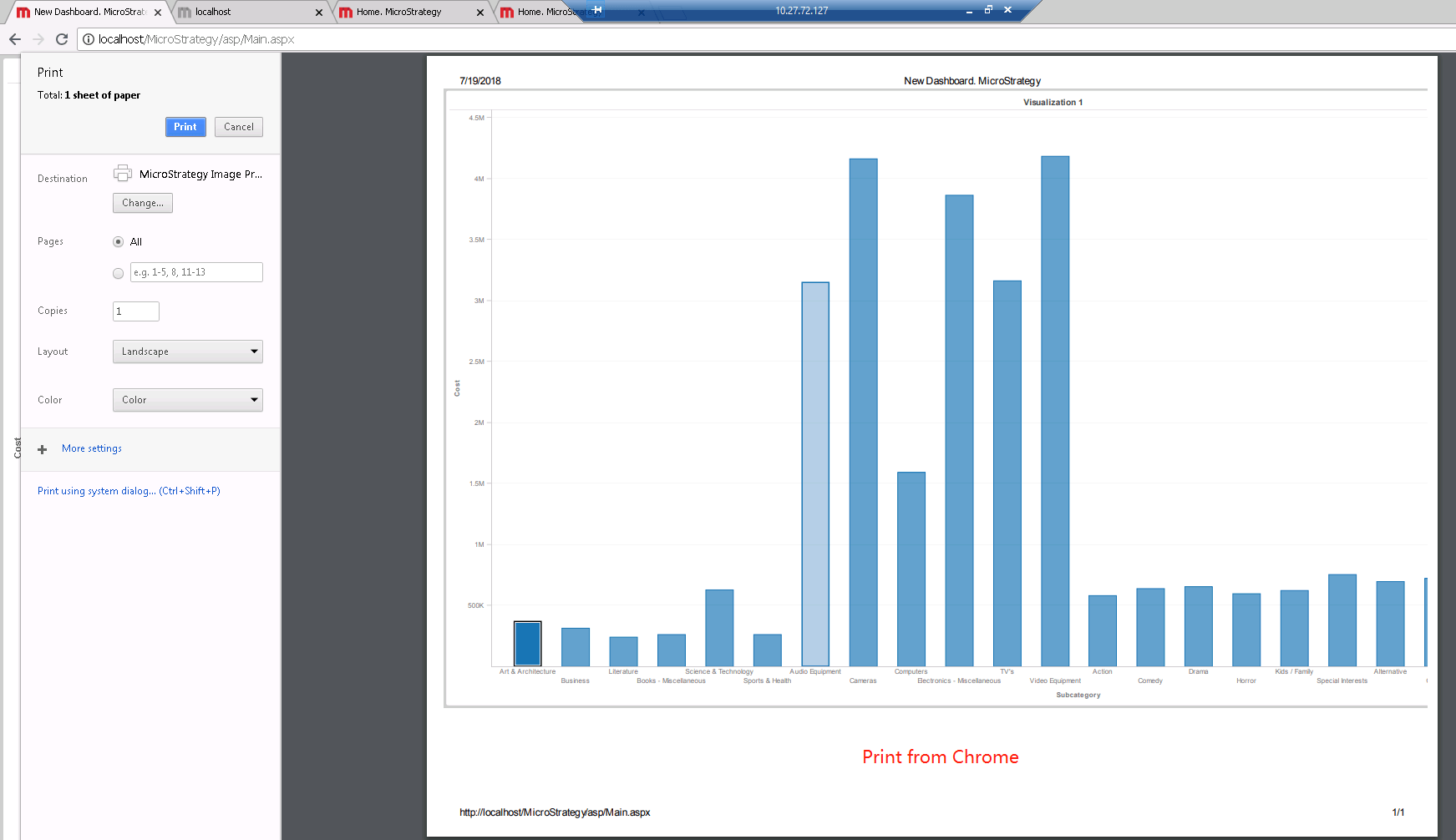
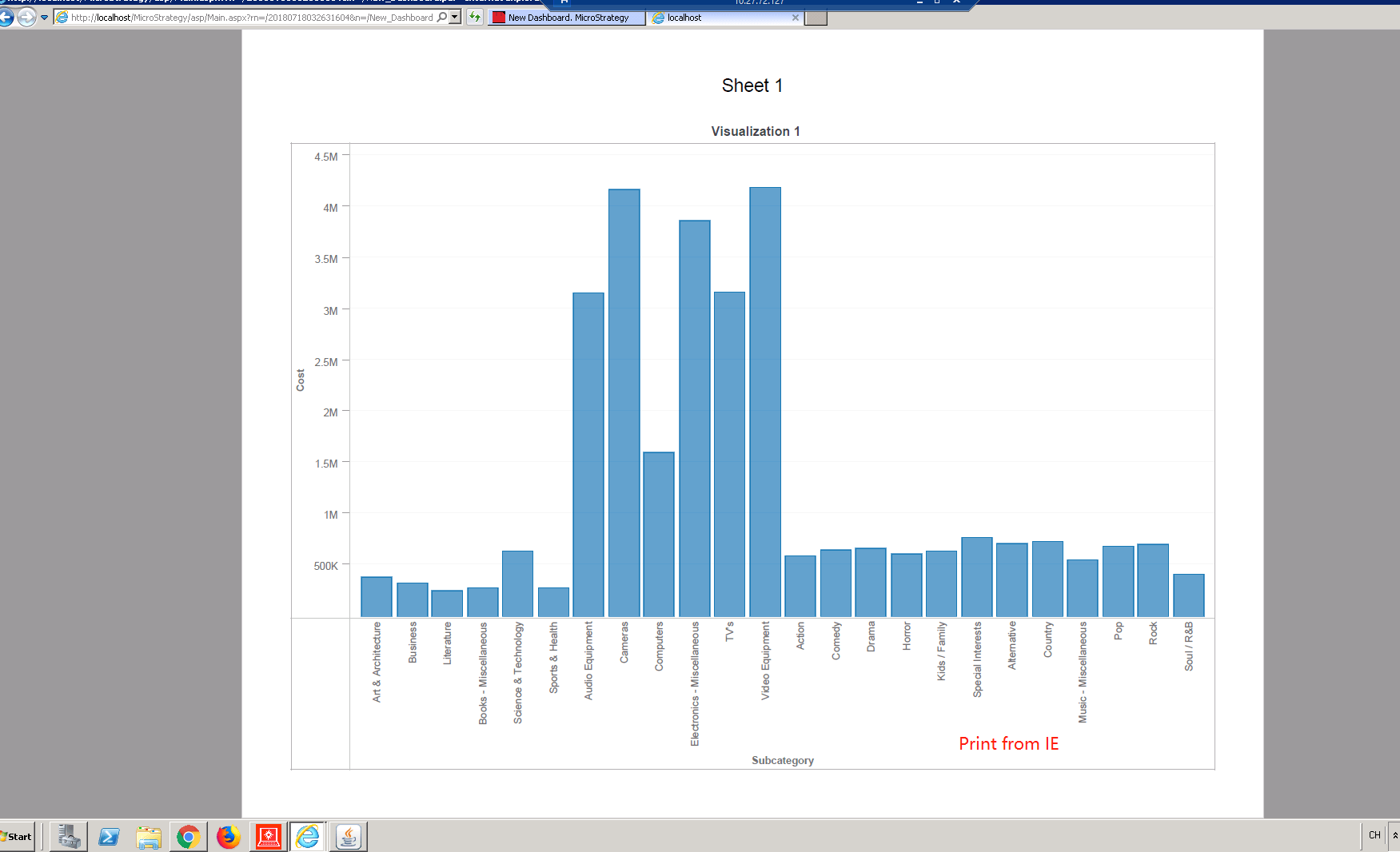
ka0PW0000001JhqYAE_0EM44000000WapX.png


ka0PW0000001JhqYAE_0EM44000000Wapc.png
ka0PW0000001JhqYAE_0EM44000000WapN.png

 
CAUSE
This is a known issue in Strategy Web 2021.
WORKAROUND
Export a dossier to PDF first then print the PDF file could simply avoid the issue.
Article reference number : KB 441398


Comment

0 comments

Details

Knowledge Article

Published:

August 22, 2018

Last Updated:

March 21, 2024