Starting with the release of Strategy ONE (March 2024), dossiers are also known as dashboards.
The table of contents provides a familiar, easy to use, and scalable way for you to navigate through many pages of content. You can quickly see where you are and what other chapters and pages are available. Sheets are now called Chapters and panels are now Pages.
You can also swipe between the pages of the dossier. For example, see the below screenshot which has 5 pages in total and we are looking at the 3rd page.
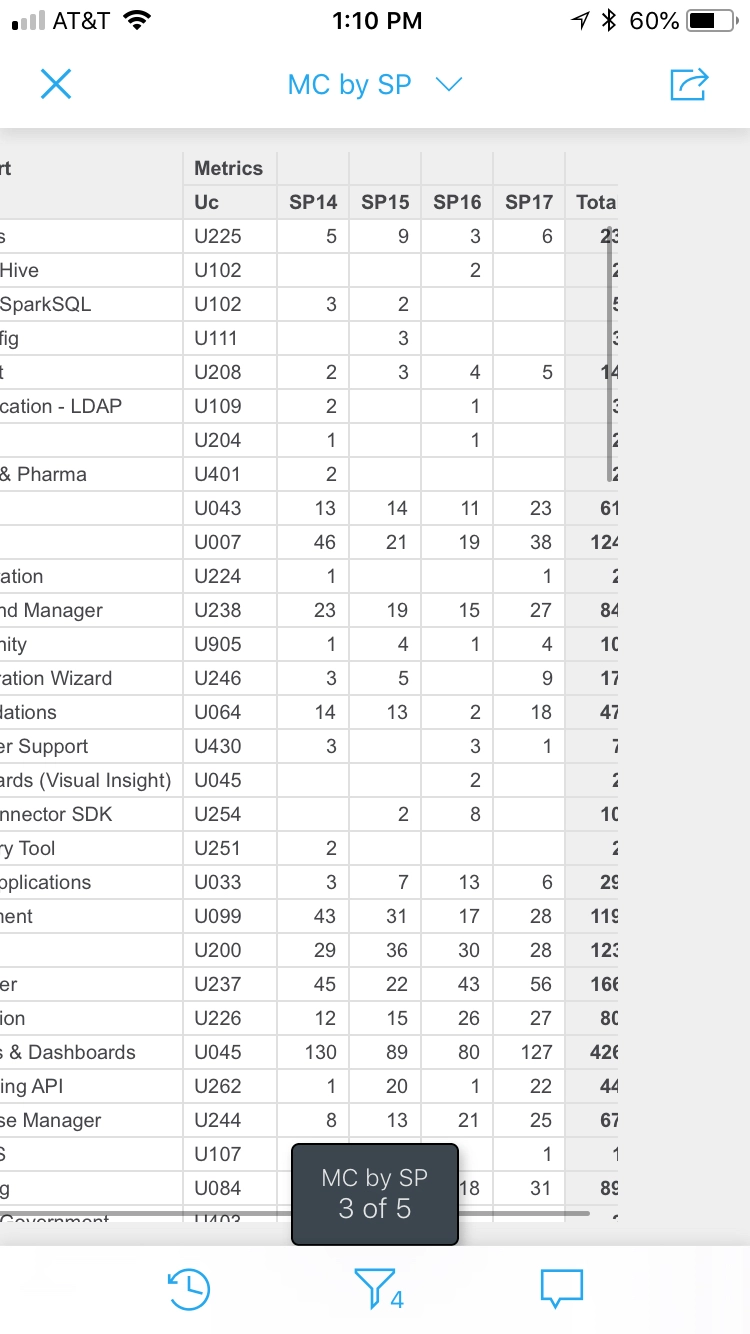
When viewing a dossier via Library Mobile app :
using iPhone : swiping left/right allows to change page
using Android smartphone : This feature is not available. Changing page can only be done by using the page selector from the top menu.
CAUSE:
This is a known limitation in Strategy Library Mobile Android Application. Enhancement request has been logged.
ACTION:
Contact Strategy Technical Support for an update on this enhancement request.
KB441597
