Starting with the release of Strategy ONE (March 2024), dossiers are also known as dashboards.
ACTION
Currently, the only known way to manage contents of Library is to do it by the users themselves.
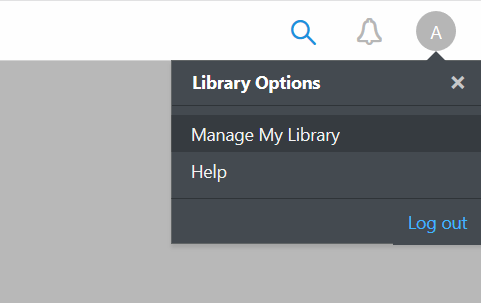
The user should select the Account icon in the upper right corner of Library interface, then Manage My Library:
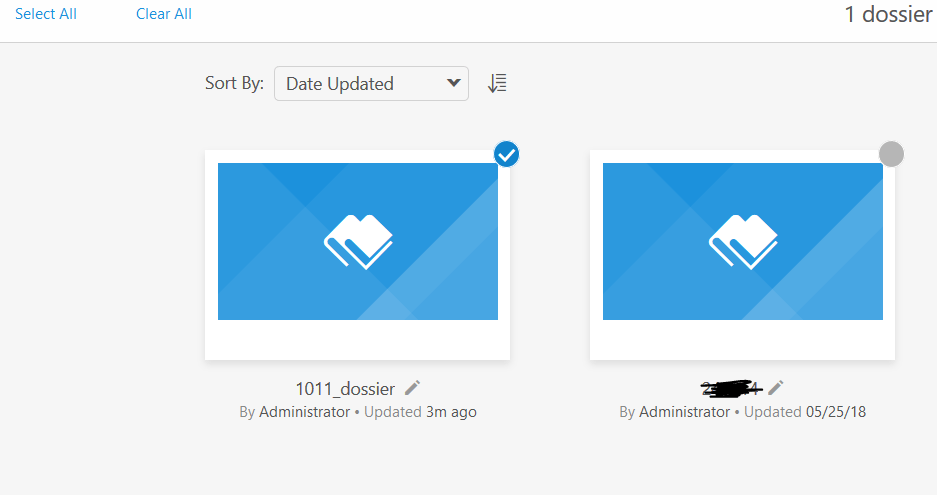
Then, select the Dossier that should be deleted and confirming with the Delete button in the upper right corner of the interface:
However, there are plans on implementing such functionality to manage one's Library contents. It is being discussed and assessed by the developments teams currently.
Article Reference Number: KB441931
