EducationSoftwareStrategy.com
StrategyCommunity

Knowledge Base

Product

Community

Knowledge Base

TopicsBrowse ArticlesDeveloper Zone

Product

Download SoftwareProduct DocumentationSecurity Hub

Education

Tutorial VideosSolution GalleryEducation courses

Community

GuidelinesGrandmastersEvents
x_social-icon_white.svglinkedin_social-icon_white.svg
Strategy logoCommunity

© Strategy Inc. All Rights Reserved.

LegalTerms of UsePrivacy Policy
  1. Home
  2. Topics

KB442061: Unable to save document as PDF through Chrome browser in J2EE environment.


Shuang Qi

Senior Cloud Support Engineer II • Strategy


After a document exported to the PDF file by using URL API, users are unable to save the file through Chrome browser in J2EE environment.

SYMPTOM
After exporting RSD document to PDF file by using URL API, users are unable to save the file through Chrome browser in J2EE environment. 
REPRODUCE STEPS
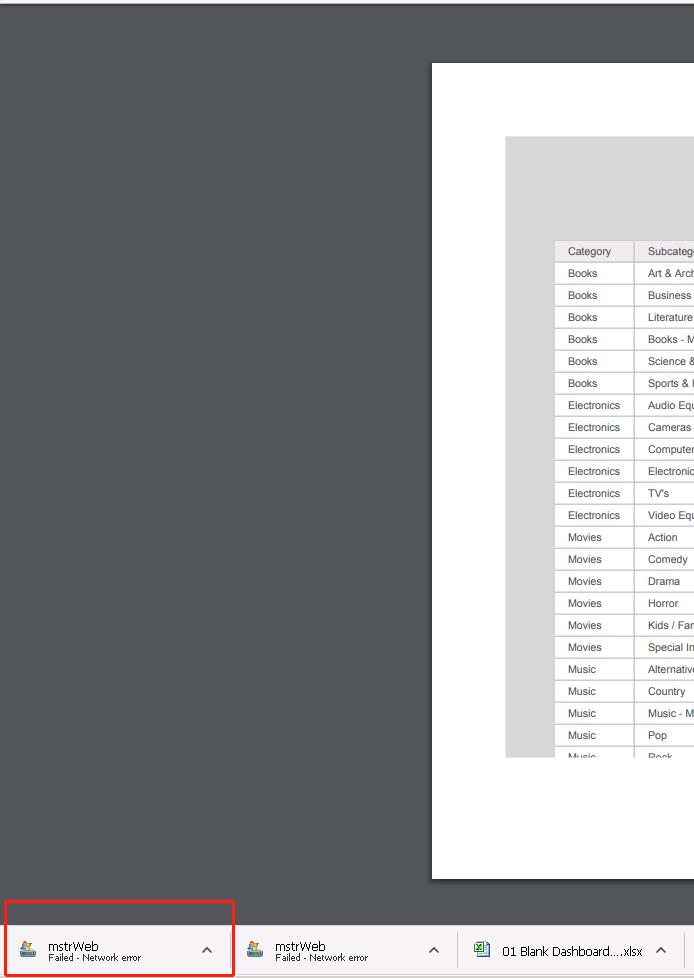
  1. Create a document and export it to PDF by URL API.
     Refer here to construct exporting URL.
  2.  In Chrome browser , save current exported PDF file.
  3. The wrong file type appears as showed below. 


ka0PW0000000mavYAA_0EM44000000Qy6i.png

ACTION
This issue has been addressed in Strategy 10.4 Hotfix 3. Install the Hotfix or upgrade to take advantage of the fix.
 
Article reference number :KB442061


Comment

0 comments

Details

Knowledge Article

Published:

September 30, 2018

Last Updated:

February 15, 2024