SYMPTOM
In Strategy Web 10.x and 11.x, MTDI in-memory cube could be created by importing external data.
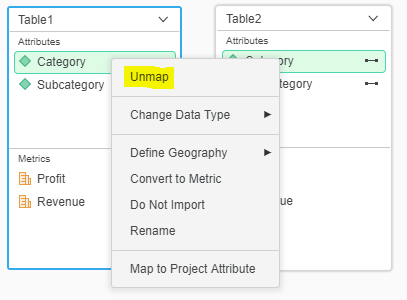
When column with same name and datatype exist among the multiple tables, it would be automatically mapped as one unique attribute as below:
Both tables contains Category and Subcategory, so they are automatically mapped.

However if user want to map columns with different names, there is no option in the context menu to do the mapping.

Or if the automatically generated mapping is unmapped, there is no option to recover it.
ACTION
Follow below steps to map the columns with different names:
1. Rename one of the column so that the columns share same name:
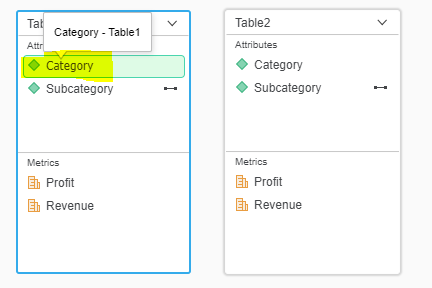
2.Press ENTER to save the change. Below message will be prompted.
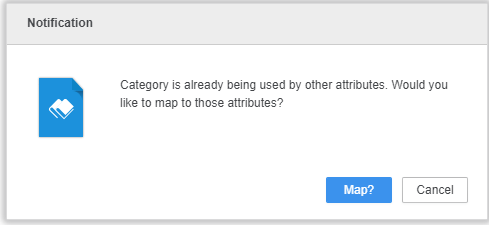
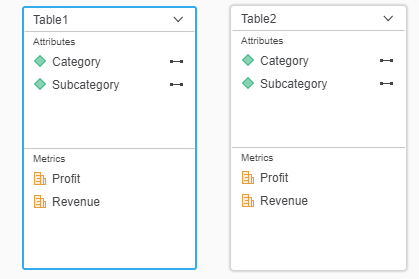
3.Click on Map so that they are mapped again.
KB442120
