Troubleshooting
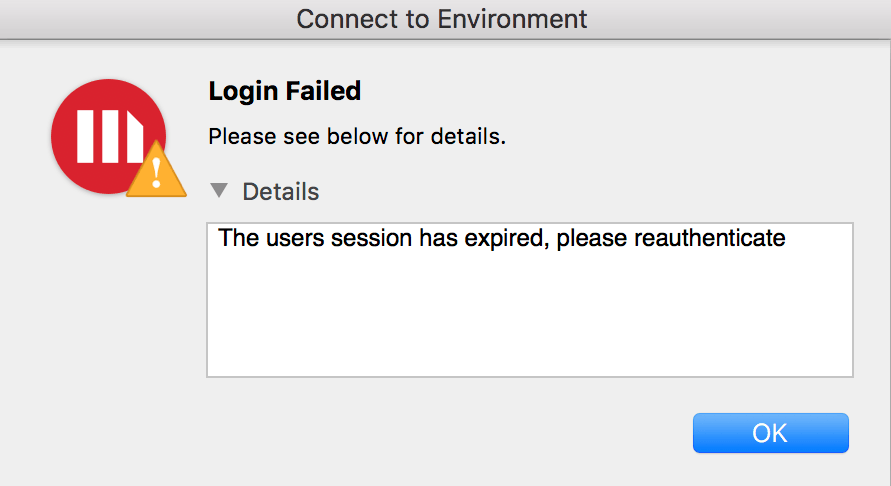
Error "The users session has expired, please reauthenticate" occurs when logging into Strategy Desktop/Workstation 10.11 CU1 Mac using SAML authentication.
Error "The users session has expired, please reauthenticate" occurs when logging into Strategy Desktop/Workstation CU1 Mac using SAML authentication. This only affects Workstation on Mac. Windows version of Strategy Desktop/Workstation works with SAML authentication.
See below:
Steps to reproduce
1. Open Strategy Desktop\Workstation CU1 in a Mac machine.
2. Connect to a Library environment which is configured to SAML authentication with Okta.
3. Log in using IDP account.
4. Note that error "The users session has expired, please reauthenticate" is received.
Why is this happening?
This is a known issue in Strategy Desktop/Workstation 10.11 CU1 Mac.
Next Steps
This issue has been resolved in version 11.1 and older. Upgrade to take advantage of the fix.
Have other questions? Feel free to start a discussion or reach out to your Support liaison to open a case!
