STEPS TO REPRODUCE:
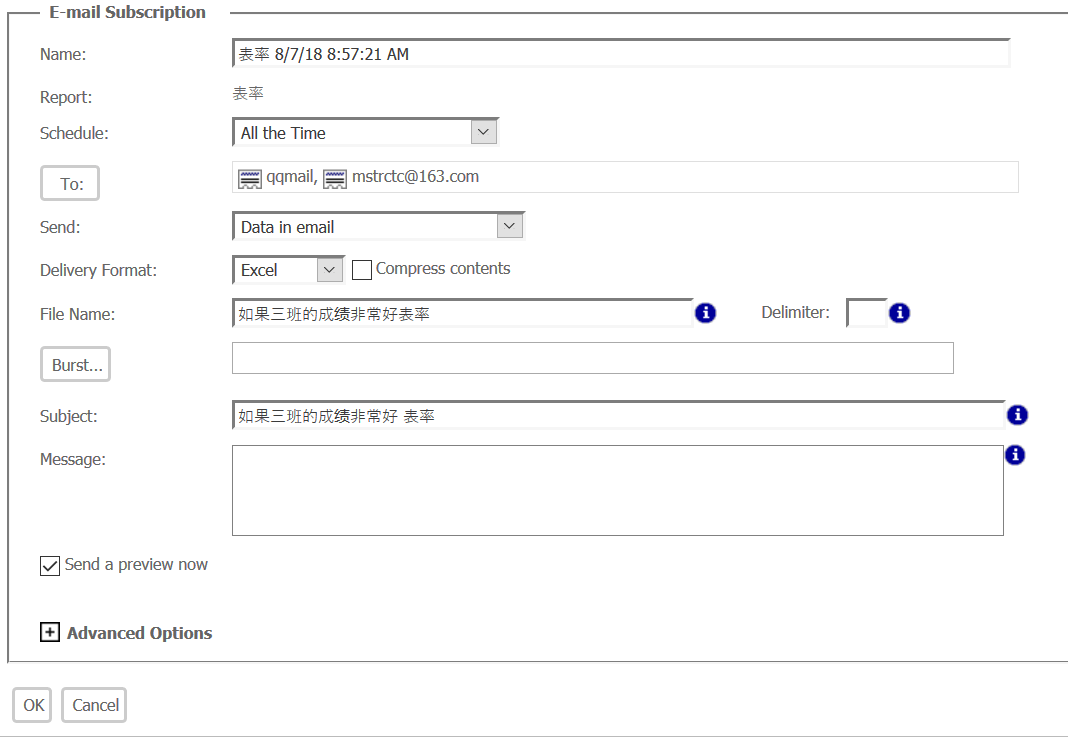
1. Create a simple report with Chinese title
2. Subscribe this report as email with excel format, also check "Send a preview now"
3. Type in about 20 different Chinese characters in "file name" and "subject"
4. In "To" filed, select a 163 mail address, device=webmail
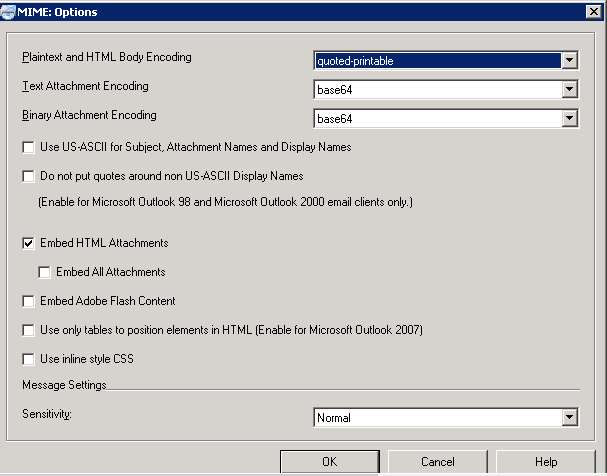
also make sure that "Use US-ASCII for Subject, Attachment Names and Display Names" is unchecked in developer for "webmail"
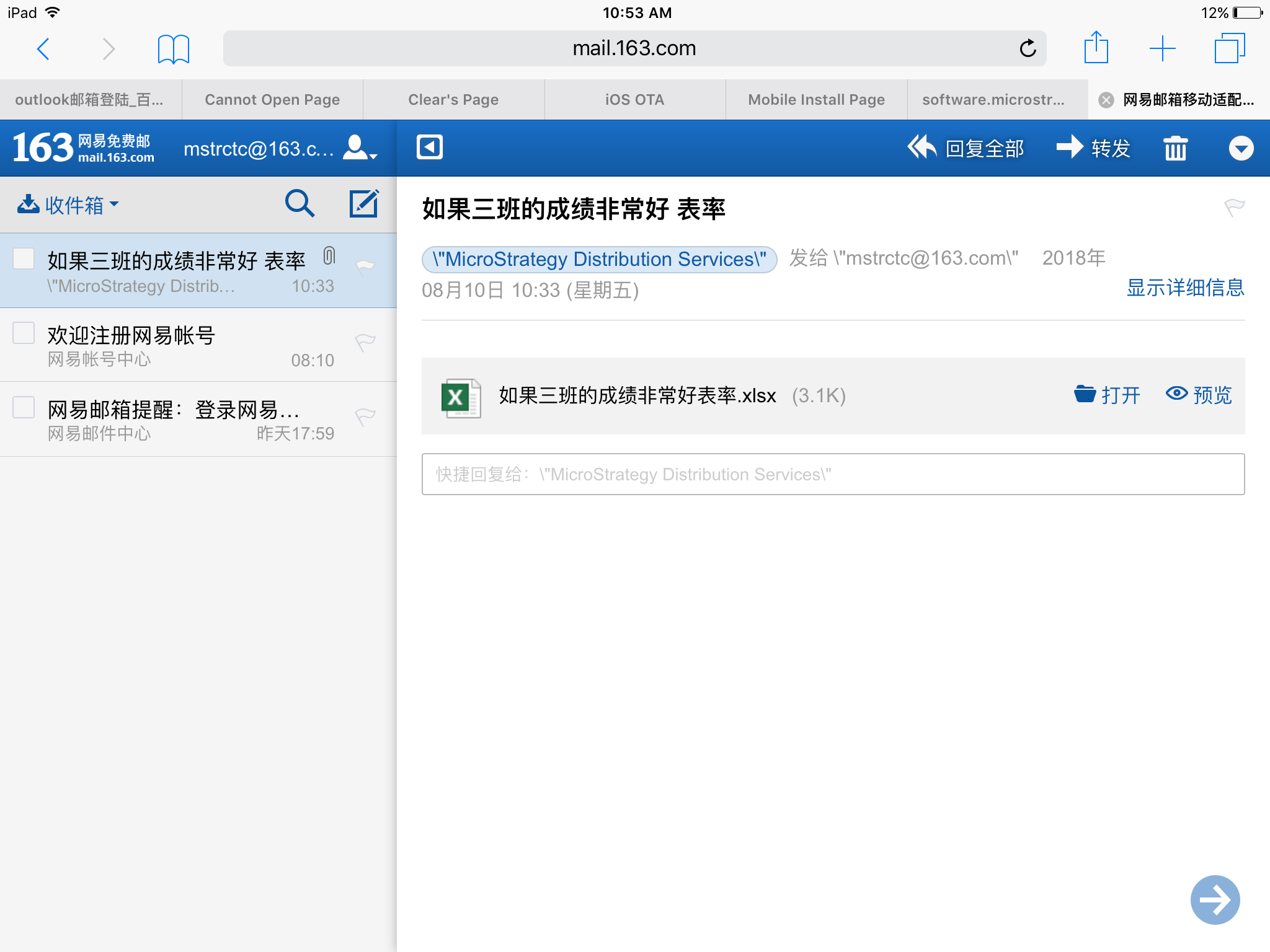
5. On ipad, open the 163 mail in safari, see everything is OK
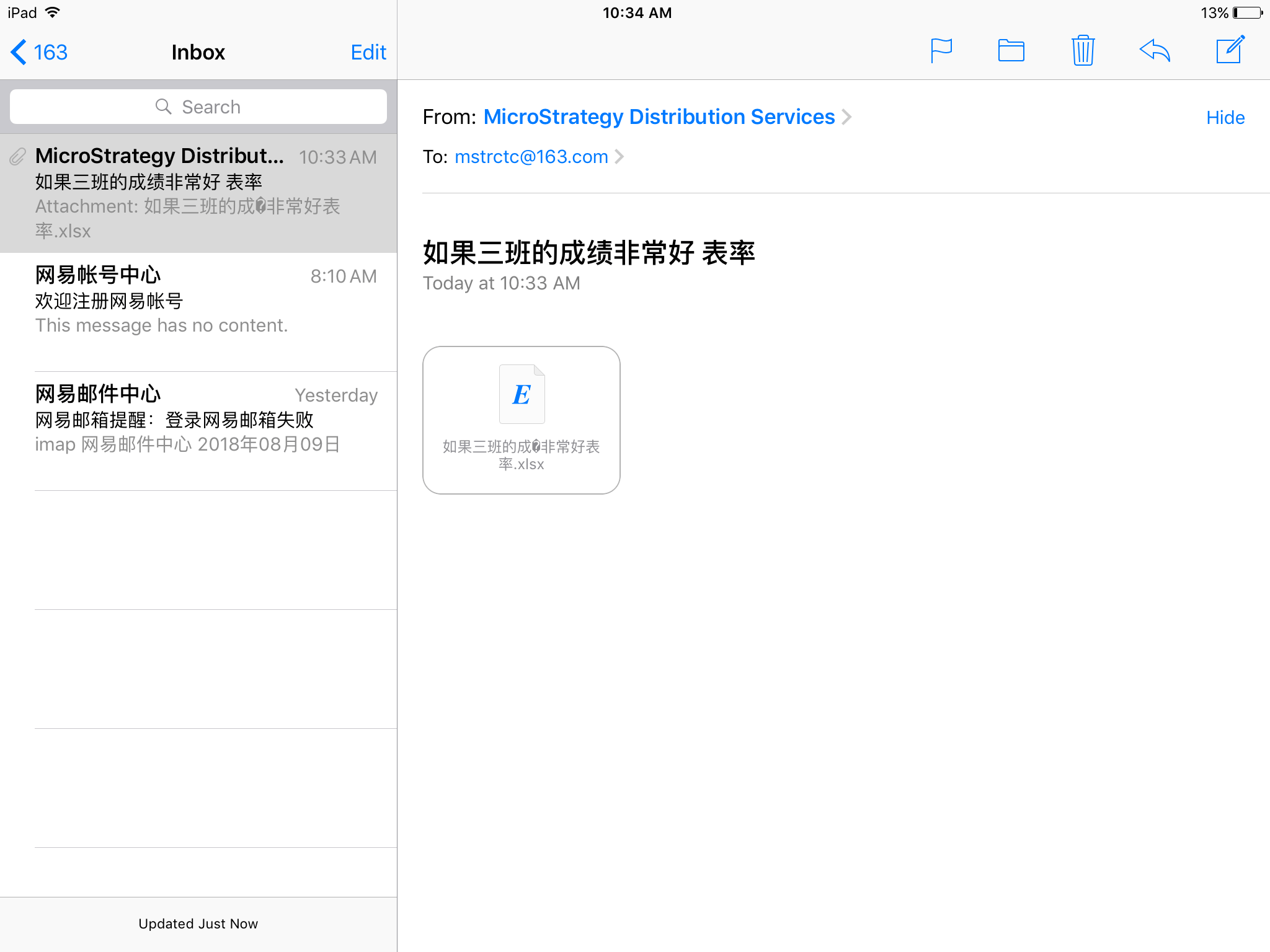
6. In "Mail" app, if 163 mail is already setup, see the meaningless code "?" appear in the title of excel file.
CAUSE:
This is not MSTR product issue, but a bug of Mail app. 163.com/qq.com use "B" encoding while MSTR uses "Q" encoding. According to RFC2047, mail client should support both "B" and "Q" encodings; however the result shows that iOS mail app does not quite support "Q" encodings in attachment section.
ACTION:
Use browser or individual mail app to open emails in iOS devices. KB442205
