Starting with the release of Strategy ONE (March 2024), dossiers are also known as dashboards.
SYMPTOM
Some existing dossiers present in a different look and feel in Strategy 11 Intelligent Enterprise.
The behavior applies exclusively to VI Dashbosards created before Strategy 9.5.
For example,
In Pre-11 versions, a Text Box looks like below:

Since Strategy 11 Intelligent Enterprise, it may look like this (the same size of the Text Box can no longer hold the same length of text):

In Pre-11 versions, a Dossier Grid looks like below:
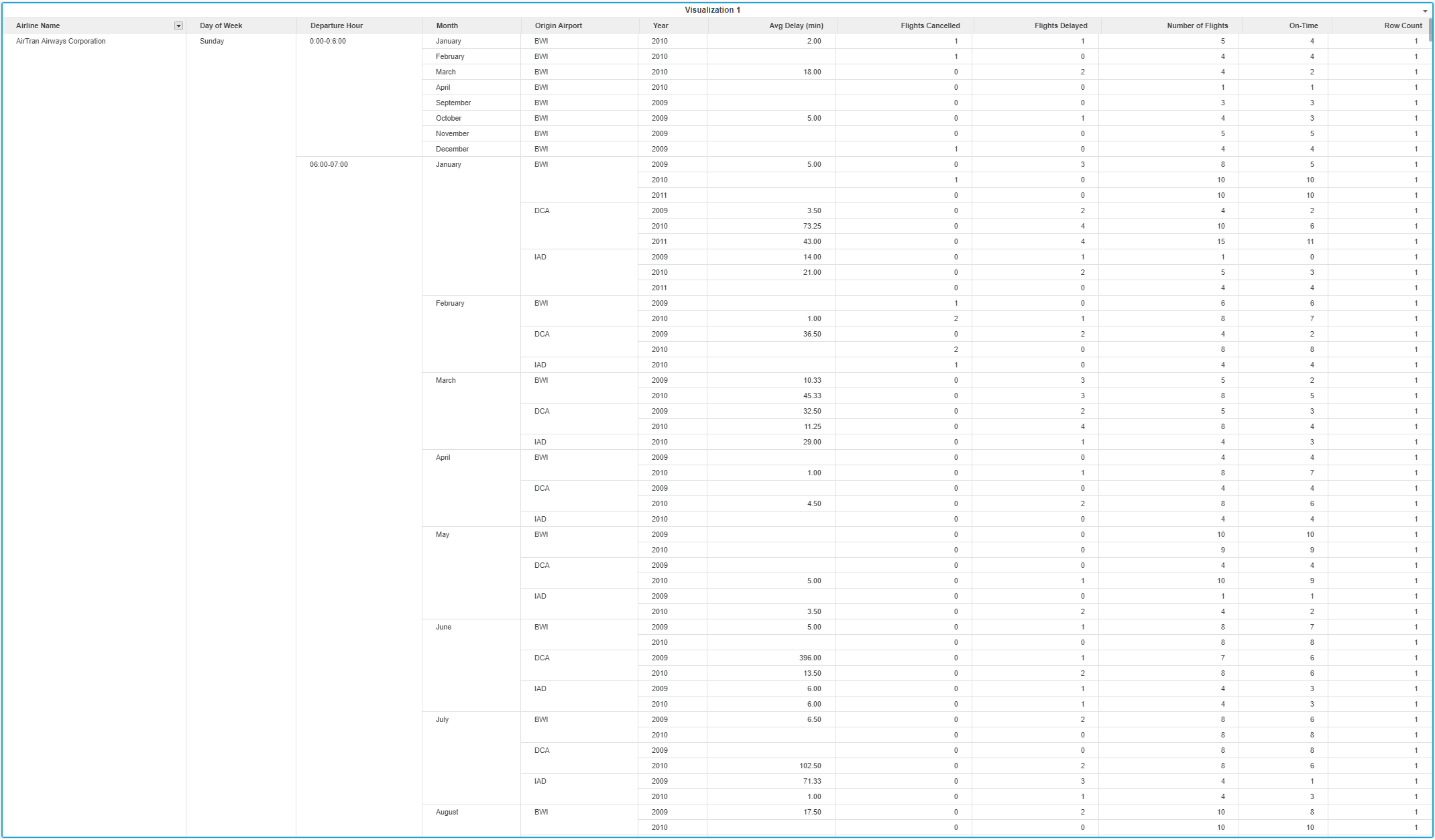
Since Strategy 11, it looks like below (the font size is larger, the column lines disappear, etc.):

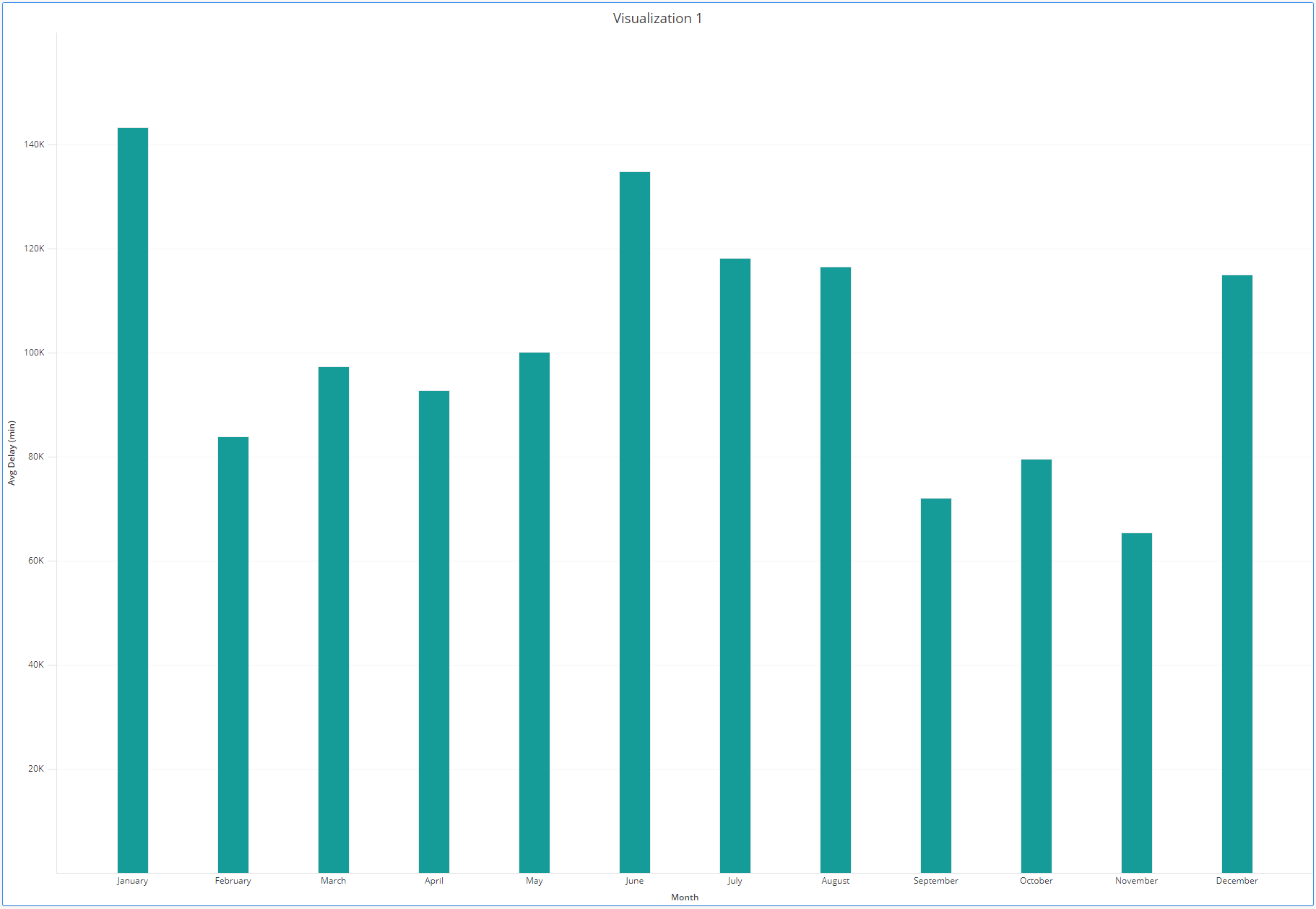
In Pre-11 versions, a bar chart looks like below:
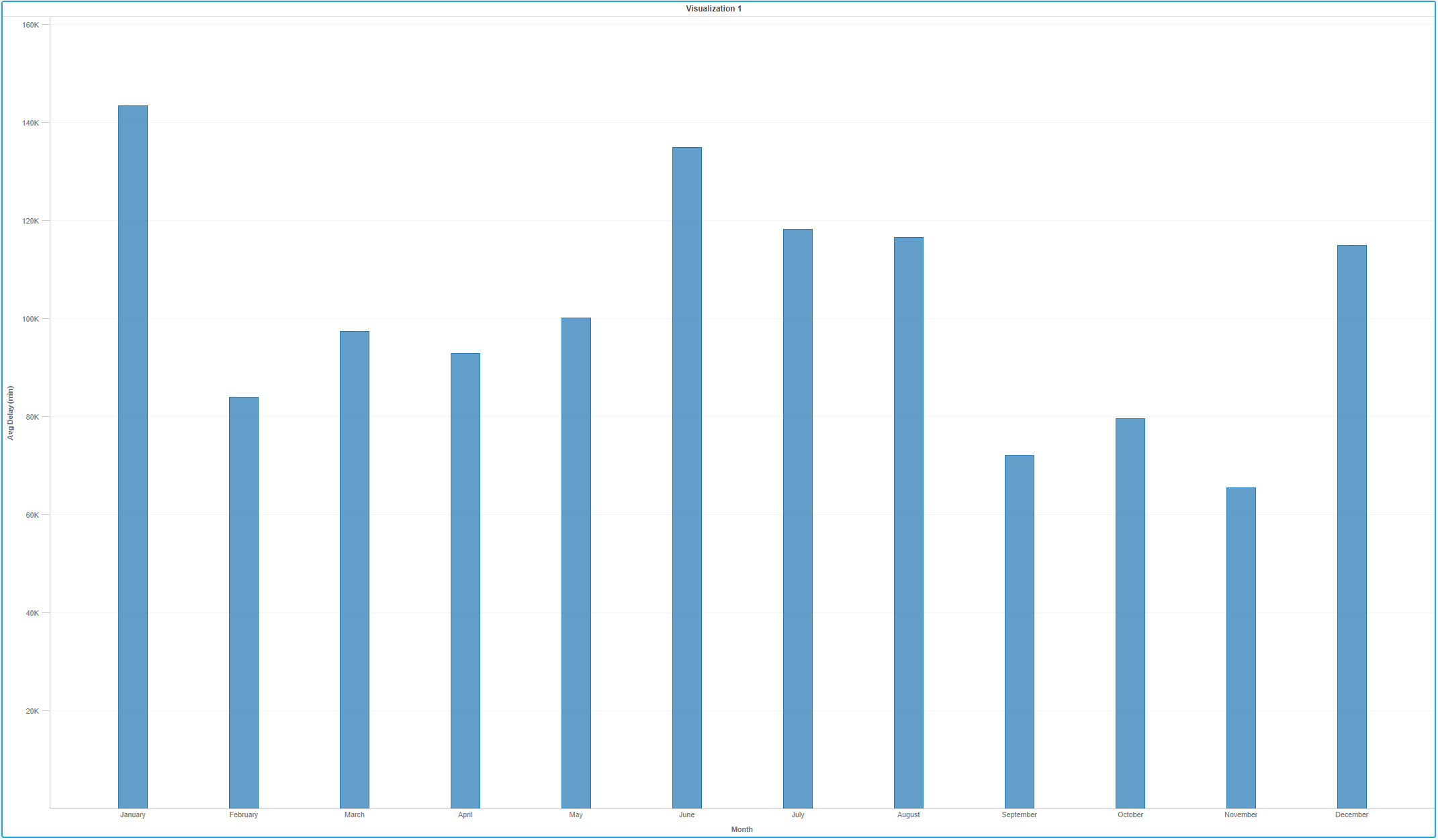
Since Strategy 11, it looks like below (the bars are in a different color):
In Pre-11 versions, a Heat Map looks like below:

Since Strategy 11, it looks like below (the shapes are in different colors):

CAUSE:
Dossiers created in early versions are too old to have the “Theme” feature.
When the “Theme” feature is introduced, the workflow is that:
When a user runs a Dossier created before “Theme” is available, the system default theme will be automatically applied to the Dossier, so that it gets uniform look-and-feel with those newly-created Dossiers.
Before Strategy 11.0, the system default theme is Light Theme and the default color palette is as shown in the following screenshot.
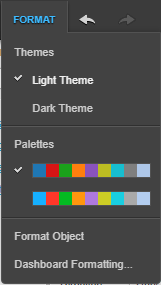
Since Strategy 11.0, the system default theme is changed to Default Theme and the default color palette is Categorical. (The original Light Theme is renamed as Classic Theme.)

Therefore, dossiers (previously known as VI Dashboards) created before Strategy 9.5, will get Light Theme automatically applied to them when they are run with an Intelligent Server of any version between Strategy 10.0 and 10.11.
If run with an Intelligent Server of Strategy 11.0 and above, the new Default Theme will automatically be applied to them.
The Theme difference results in different formatting of these existing dossiers when upgrading.
ACTION
Switch to Classic Theme to roll back to the previous look-and-feel and save the Dossier.
It is also possible to edit any of the unexpected format and save the Dossier.
After saving the Dossier, the theme is saved to the metadata and is not affected by the possible default theme change in the future.
Article Reference Number: KB442309
