When a user runs an ESRI map with custom shape configured by KML file, the following error occurs:
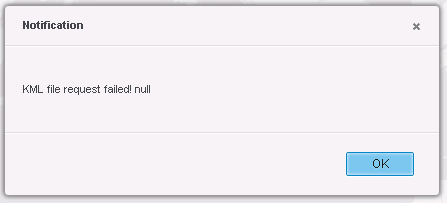
KML file request failed! Null
When checking the Fiddler log, the following record may be found for the getESRIKMLConfig request:
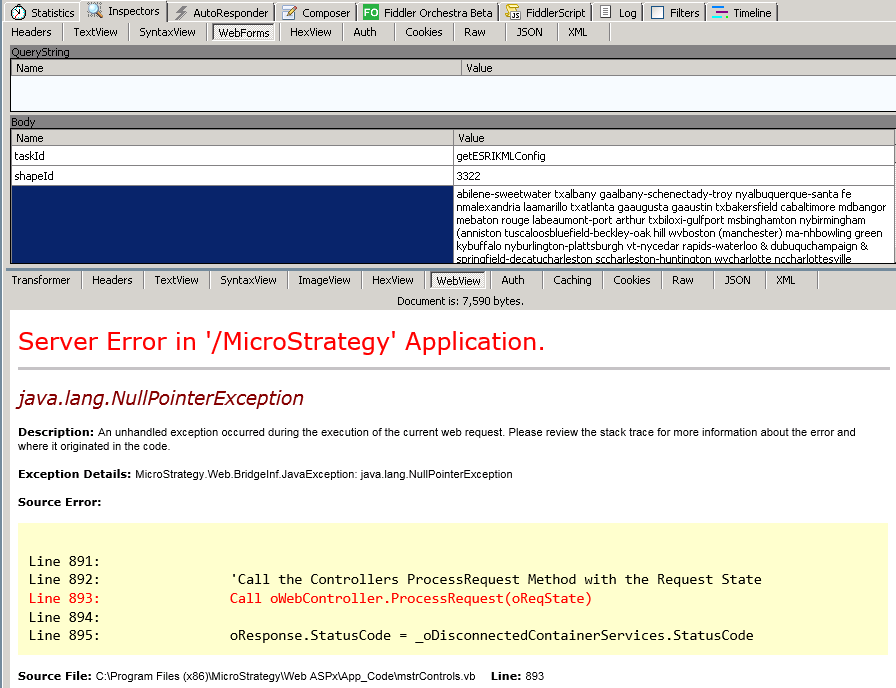
Server Error in ‘/Strategy’ Application.
Java.lang.NullPointerException
One possible cause of this issue is there are some syntax error in the KML file. e.g. for the <coordinates> tag of a placemark, it contains the geography information (longitude, latitude [,altitude] tuples) for each point which consists the shape binary. If the longitude or latitude information is missing for some points, the above error would return.
Choose a part of the placemarks only in your KML file and delete the else. Test if it works well until you find the exact placemark which triggers this issue. Check all the tag information and see if there are any errors.
