SUMMARY:
Before Strategy 11.0 release, if the relations are modified in MTDI cube editor, the user only needs to update the dataset to get the cube modified with the new relation definitions. There is no data source needed during this action.
From Strategy 11.0 release, we have changed the workflow to ensure we can always deliver the correct data to the user. If the relations are modified in the cube editor, the cube has to be re-published to be used again. In additional to some performance impact, this re-publishing workflow will also need the original data source access.
The relation modification include adding/deleting/changing relationship in the "Define Relationships" dialog and the mapping/un-mapping the project attribute.
DESCRIPTION:
In the web cube editor for a data-import cube, pick a table and choose "Define Relationships" from the table drop-down menu to modify the relations, e.g. delete one relation as the following
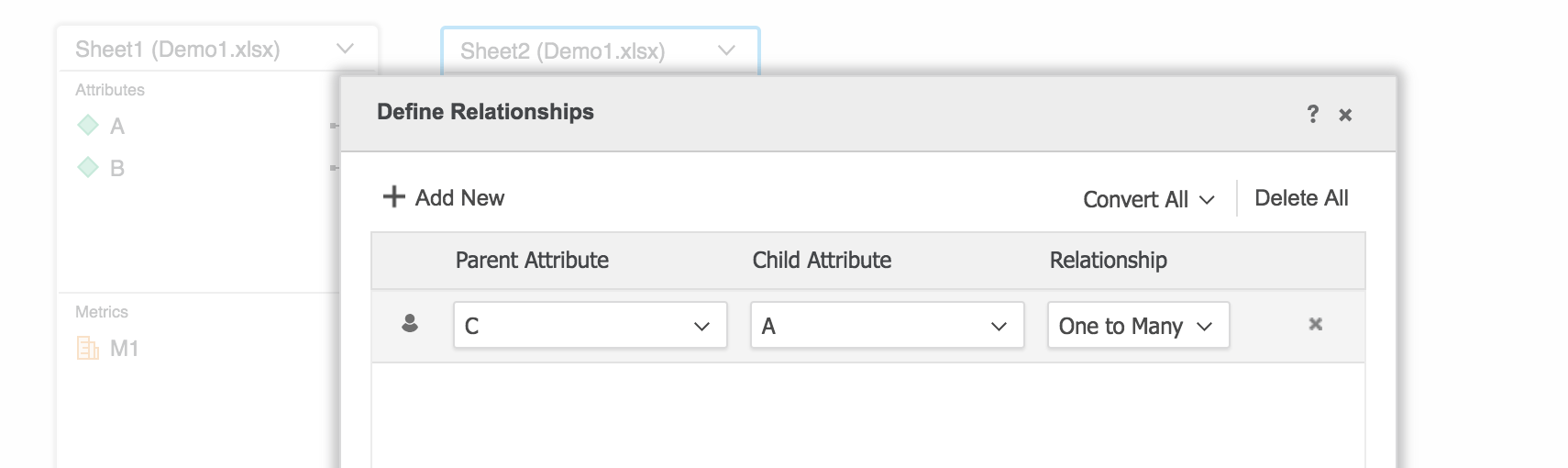
Then click "Save" to go back to the cube editor, click the "Update Dataset" button in the bottom right corner.
Before 11.0, you will see the "Build the cube" progress bar and then the cube editor exits. This means the cube can be updated without the data source.
In 11.0, you will see the datasource window popped up again, which means the cube has to be updated with the original data source. In other words, if the source is file, you will need to have the original file to update the cube.
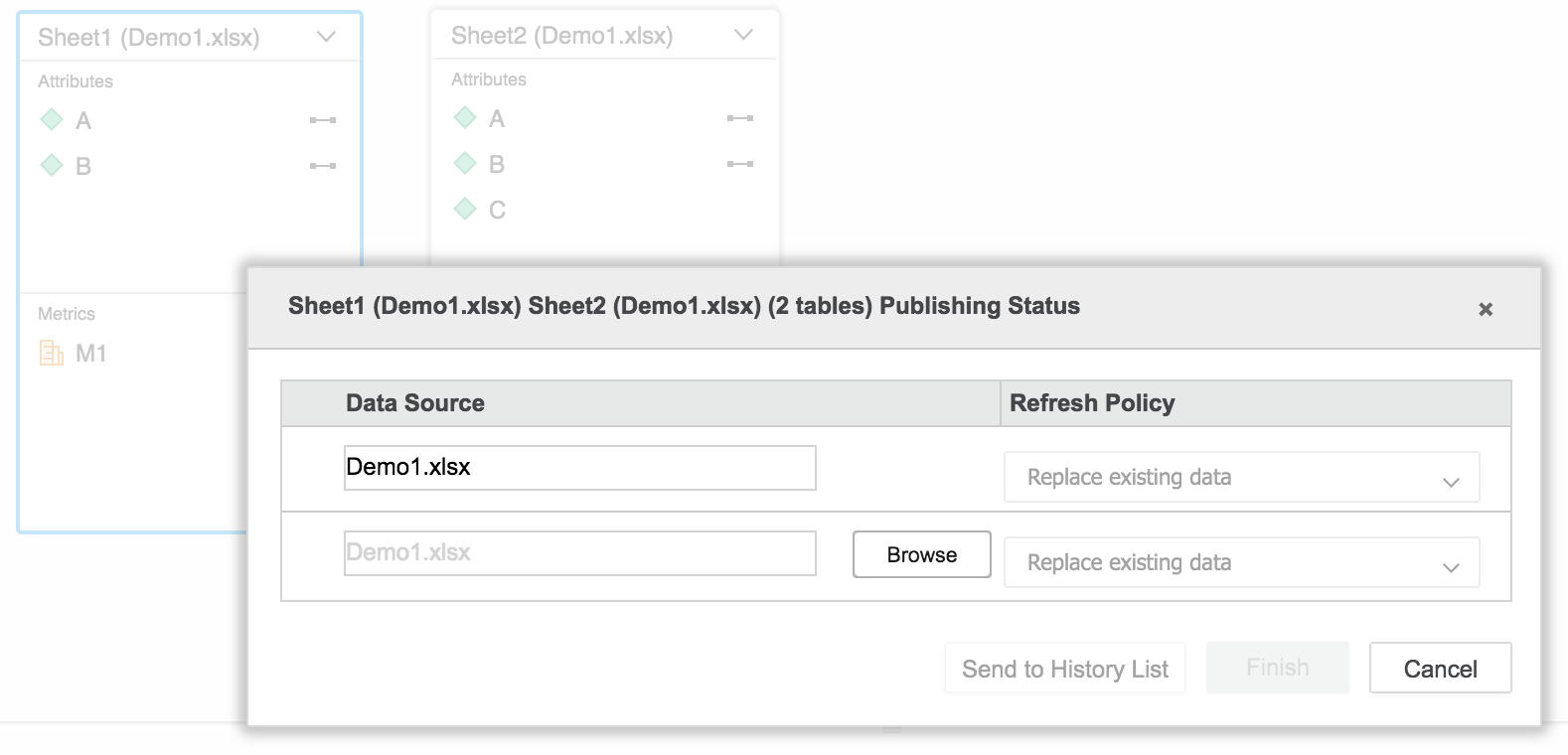
If the source is DB tables, you will need the connection to the DB to update the cube.
ACTION:
N/A
This workflow change is tracked by internal reference number KB442385.
