Telemetry is stopped in Strategy 2019 on Windows server 2012.

When trying to re-configure log telemetry, following error appears:

The following messaging service node(s) is unavailable:
xx.xx.xx.xx:9092
Either because you have input the wrong FQDN(port) or the corresponding service is not running.
Do you want to continue? Click No to modify the services configuration.
If you start Apache Kafka from Windows Services Manager, it stops automatically.
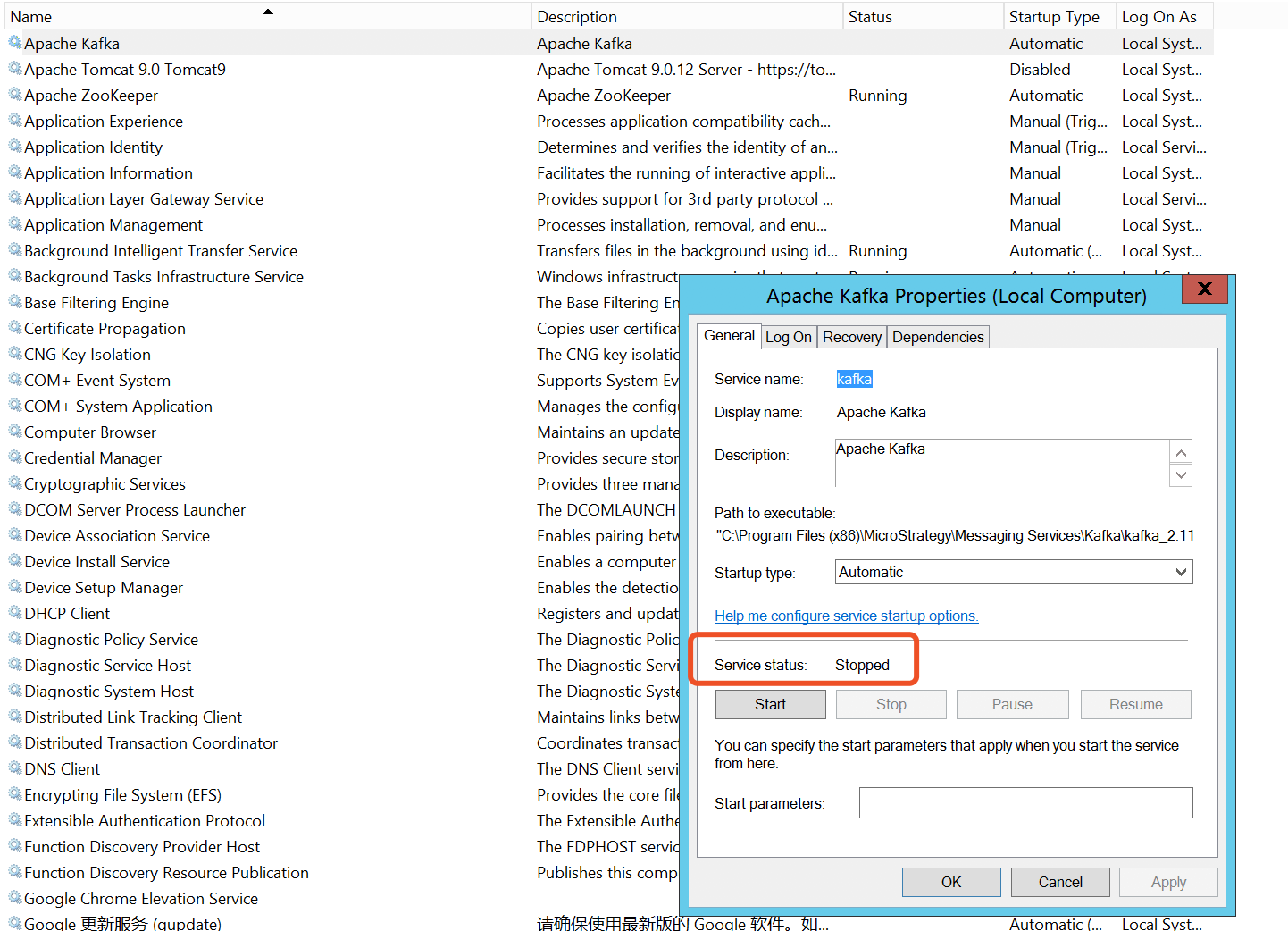
The corresponding messaging service is not running.
1. Locate the Kafka log from C:\Program Files (x86)\MicroStrategy\Messaging Services\Kafka\kafka_2.11-1.1.0\logs\kafka\server.log
2. Check if it matches the below common Kafka issue and implement the workaround documented there:
KB441447: Kafka could not be started due to " Failed to clean up log for __consumer_offsets" in MicroStrategy 10.x
3. Refer to the Technical Document below to bring up Strategy Messaging Services (Kafka).
KB328852: How to start and stop MicroStrategy Messaging Services (Kafka) in MicroStrategy 10.5 and higher versions on Windows and Linux
-Apache Kafka (kafka)
-Apache ZooKeeper (zookeeper)
-Strategy Intelligence Server Log Consumer (MSTR_KafkaConsumer)
Check out the 11.068 System Administrator course that guides students in providing technical support to the Platform Administrator, including steps to monitor and restart nodes and services through Workstation.
Article Reference Number: KB442561
