SYMPTOM:
In Strategy 10.x and above, "Oops Unable to get the authorization URL for the given webservice. Please contact your administrator" error occurs when republishing cube with OAuth sources as shown below:
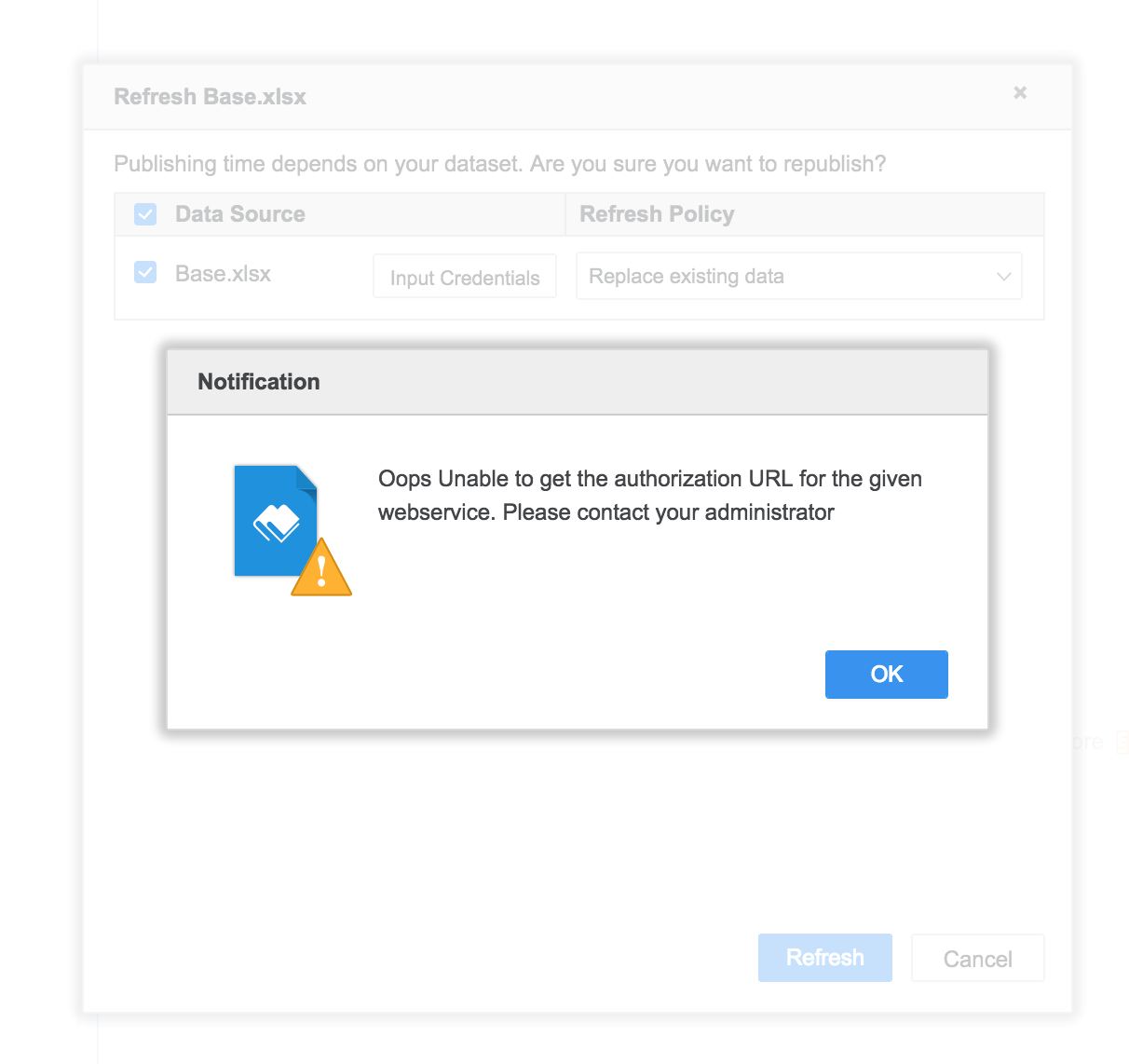
OAuth sources
For data import from OAuth sources, namely Facebook, Google BigQuery, Twitter, Dropbox, Salesforce or public data.
REPRODUCING STEPS IN TUTORIAL:
1. Click ‘republish cube’.
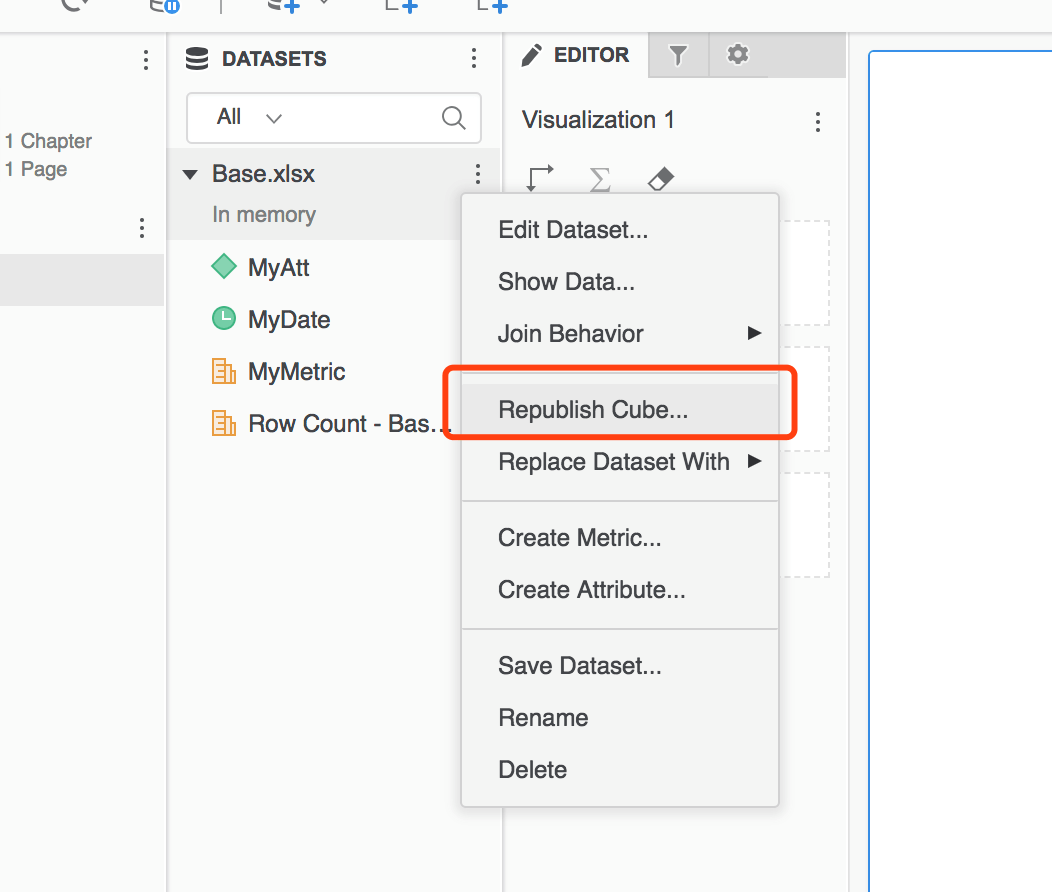
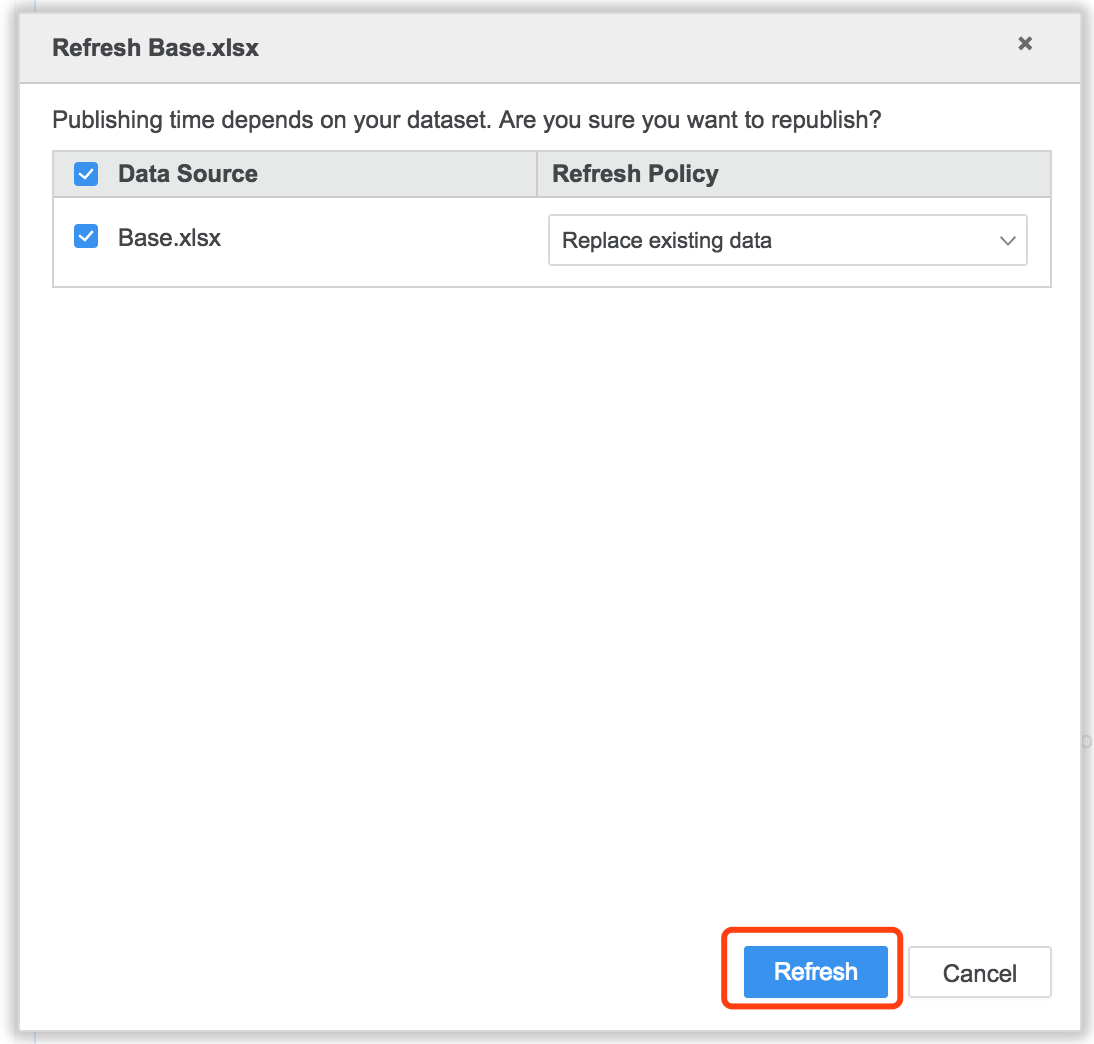
2. Click 'refresh' button.
3. Refresh failed with error of “We do not have the credentials needed to get the data for this table. Please provide the credentials to proceed publishing this table.
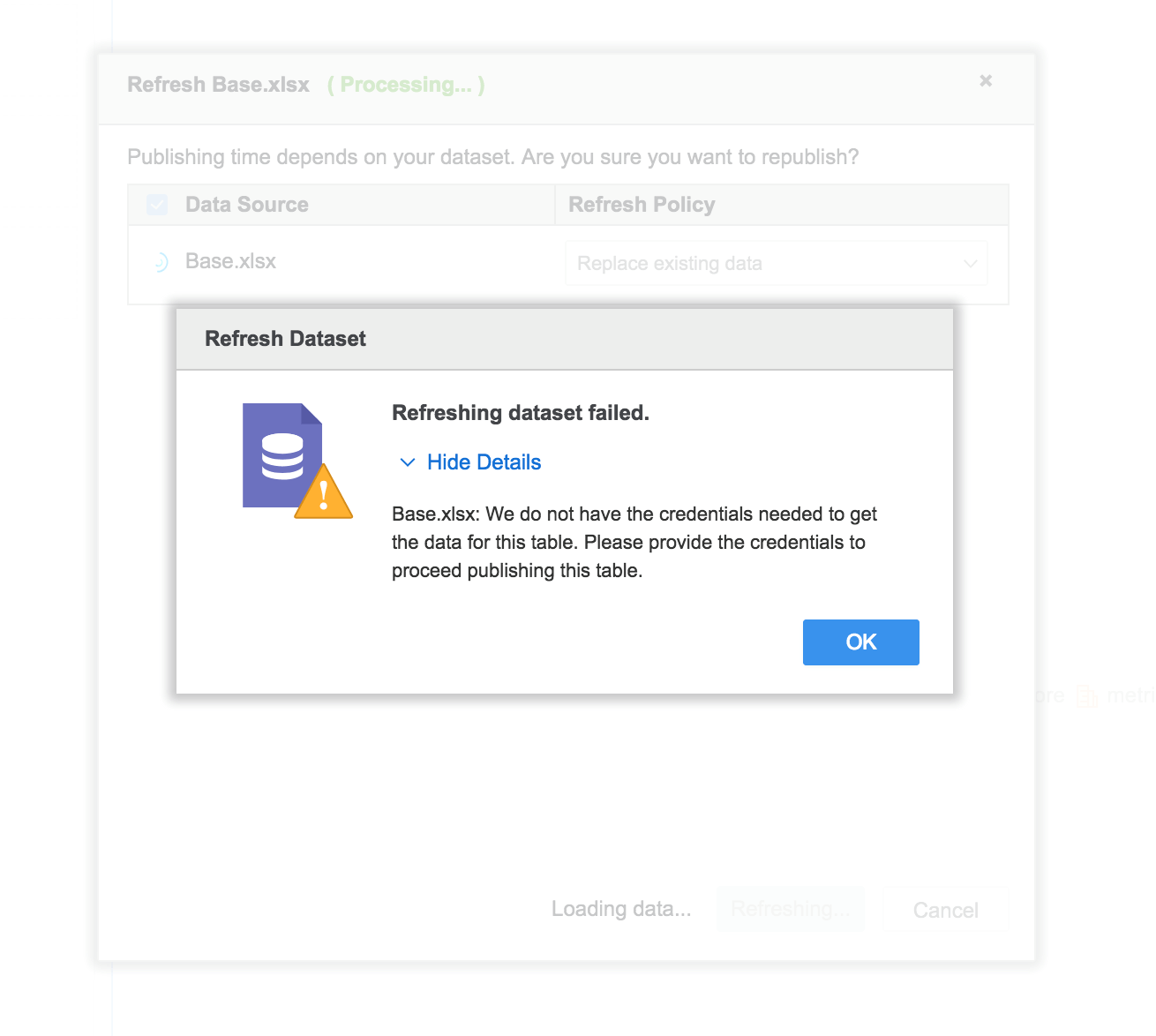
4. Notice below 'Input Credentials' window:
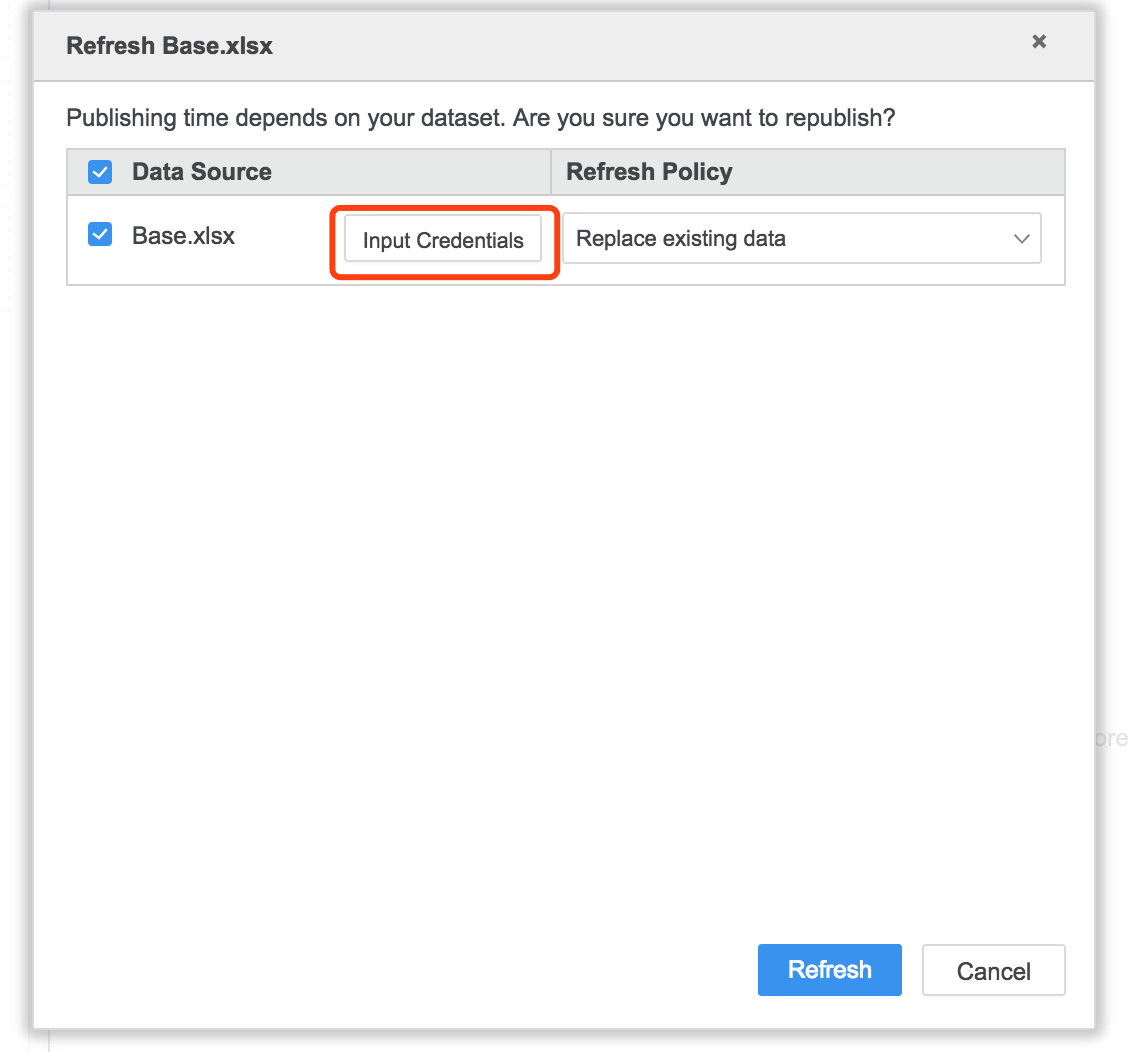
5. Click 'Input Credentials', "Oops Unable to get the authorization URL for the given webservice. Please contact your administrator" notification pops up.
CAUSE:
There is no sufficient information to build authorization URL for the logging user may due to below two causes.
Refer to Technical Document below on how to export a VI dashboard to a .mstr file:
KB45753: New Feature in MicroStrategy Web 9.4.1 HF1: Importing dashboards packaged in MicroStrategy Files (.mstr) into MicroStrategy Web.
ACTION:
Navigate to data import main page and fill in corresponding authorization information, then sign in with corresponding account.
1. Open data import main page
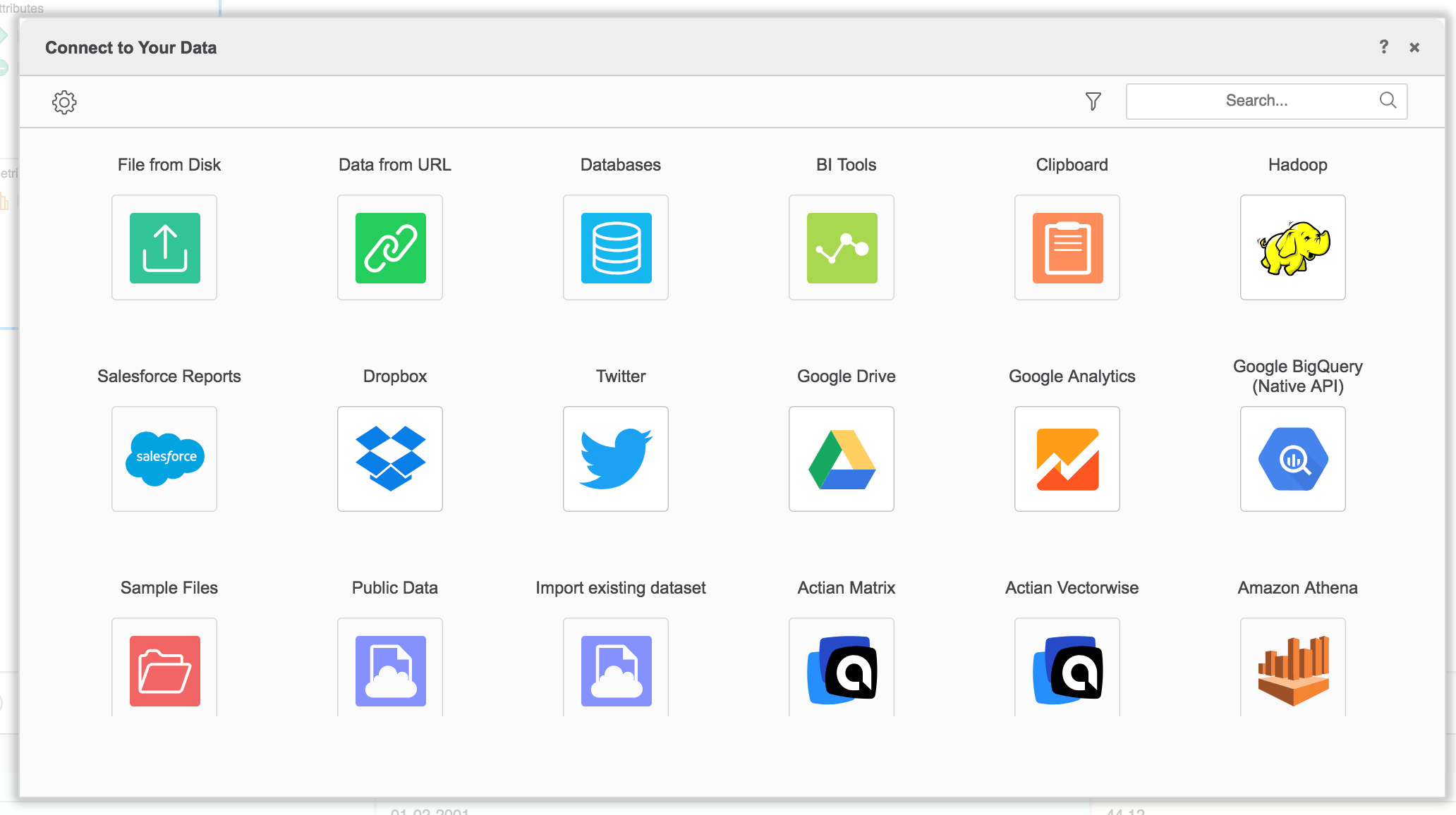
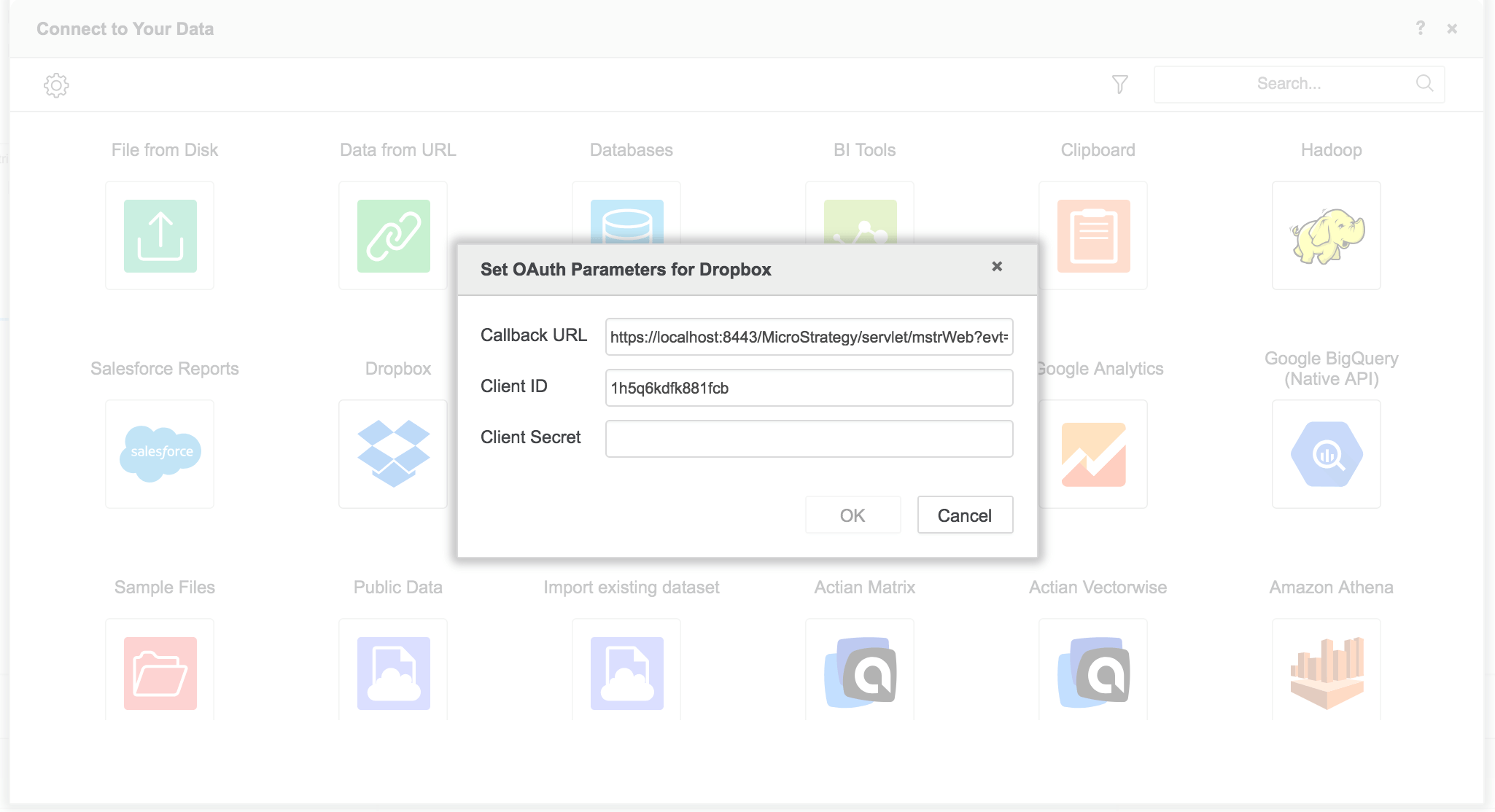
2. Chose corresponding OAuth source, input OAuth parameter. It can be skipped If already has these parameter.
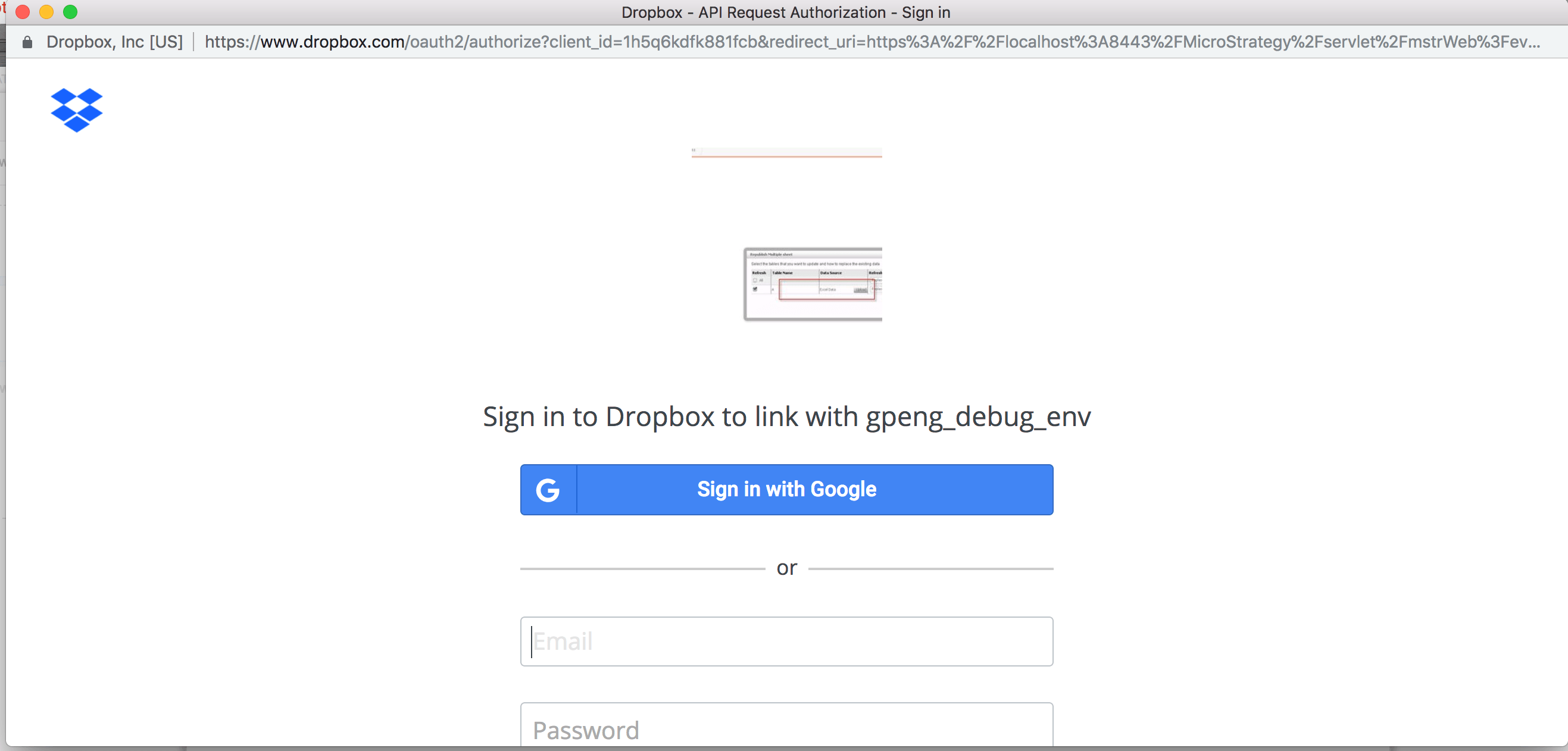
3. Sign in with corresponding account.
4. Then republish again.
Article Reference Number: KB442597
