SYMPTOM:
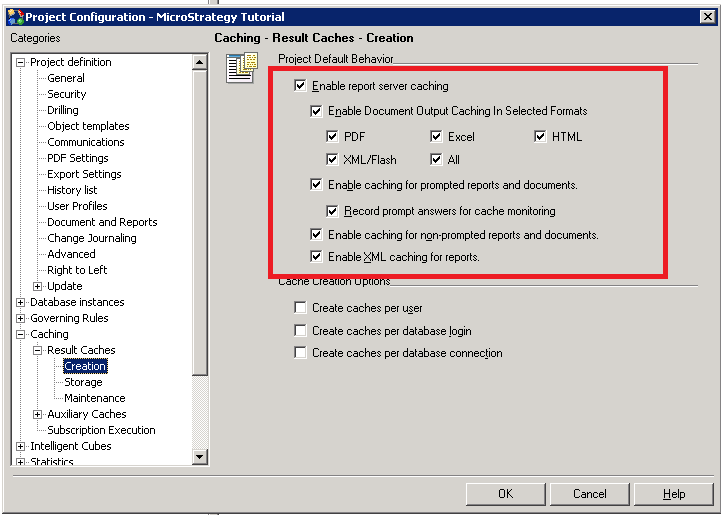
Some document caches can be created without dataset caches, such as documents created against visual insight and so on. This kind of document caches cannot be deleted by executing outline "PURGE ALL CACHING IN PROJECT "<Project Name>";" in Strategy Command Manager 9.x and 10.x.
STEPS TO REPRODUCE:
CAUSE:
"PURGE ALL CACHING" command can only purge object, element and report caches.
ACTION:
Execute command "DELETE DOCUMENT CACHES IN PROJECT "<project_name>"; ".
WORKAROUND:
Manually delete document caches in cache monitor.
