SYMPTOM:
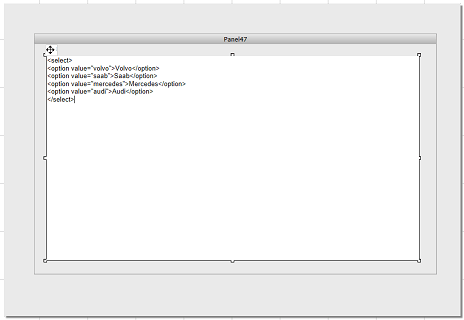
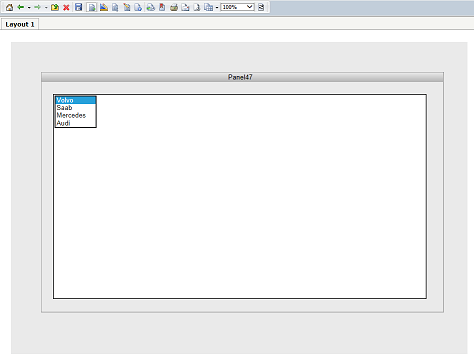
In Strategy Web 9.3.x, when an HTML container is placed in a panel stack certain custom HTML tags will not work in Interactive Mode.
Refer to the Steps to Reproduce section for the specific case scenario.
STEPS TO REPRODUCE:

CAUSE:
This is a limitation of the HTML container in Strategy Web 9.3.x. The HTML container was not created to support all custom html tags. The select tag is an example of an html tag that was not intended to work, even when it does work under certain circumstances.
ACTION:
Contact Strategy Technical Support for an update on this issue.
WORKAROUND:
Users can either choose to view the document in Express Mode or choose not to insert the HTML container onto a panel stack. Either choice will permit users to manipulate the dropdown box as expected.
