When an OLAP report is created from an Intelligent Cube, some users may have difficulty adding prompt objects to that report.
The following procedure describes how to add or create a prompt in a cube report in Strategy Developer.
1. Open the cube report in Design View.
2. If the View filter is not already visible, select this from the View drop-down menu.
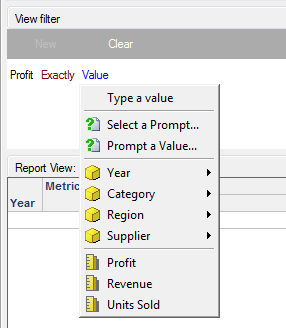
3. Start a new View filter qualification. Note that a prompt can be chosen for Field or Value, depending on qualification choices:
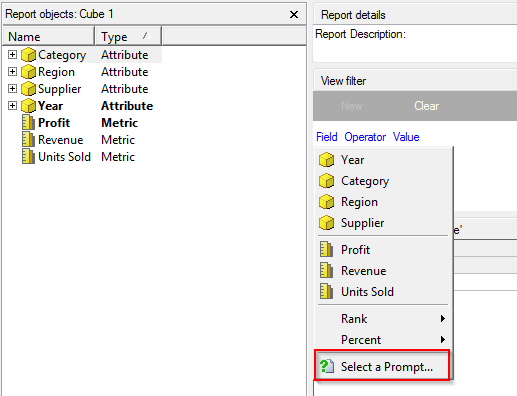
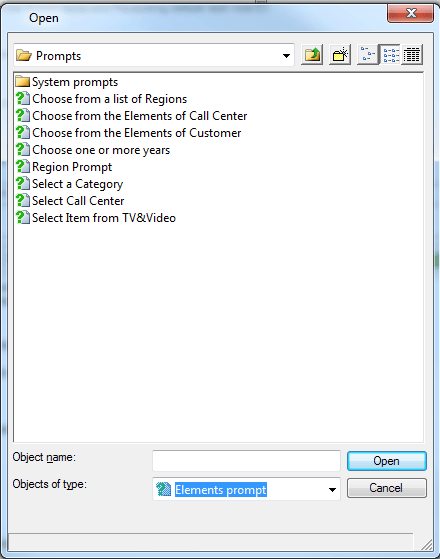
Here, certain types of prompts (not object prompts) can be selected:
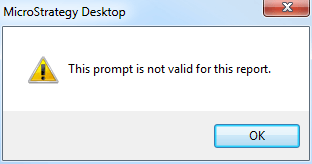
Note that if a prompt object prompts on an object that is not present in the Intelligent Cube, the following error is returned:
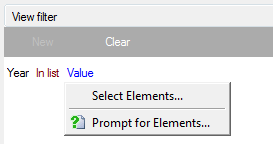
If Attribute or Metric is picked as Field, different prompt options will display. Below are several examples:
44364
