When the document experiences this issue after the specific steps are taken, then the document is left in a state where attempting to save returns an error message, attempting to execute returns an error message, and the group by section of the document cannot be modified any further.
STEPS TO REPRODUCE
This issue can be reproduced in the Strategy Tutorial project in Strategy Desktop 9.3.1. The following example contains screenshots of a report services document using two datasets, however the instructions reproduce this issue with a single dataset.
1) Create a report in Desktop 9.3.1 that contains two attributes and a metric
2) Save and close the report. Right click the report and Create Document.
3) In Design View of the document, place one attribute in the group by section, and execute the document in PDF View
3a) Observe how there is a drop down box created for the attribute in the group by section, and that it is able to be interacted with properly


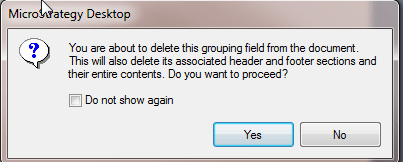
4) Return to Design View, and remove the attribute from the group by section. Hit OK to the message that pops up.
4a) Observe how the attribute's header and footer are removed from the document

5) Execute the document again in PDF View
5a) Observe how everything displays properly

6) Return to Design View, and re-add the same attribute to the group by section
6a) Observe how the attribute's header and footer section are properly re-added to the document

7) Execute the document once again in PDF View
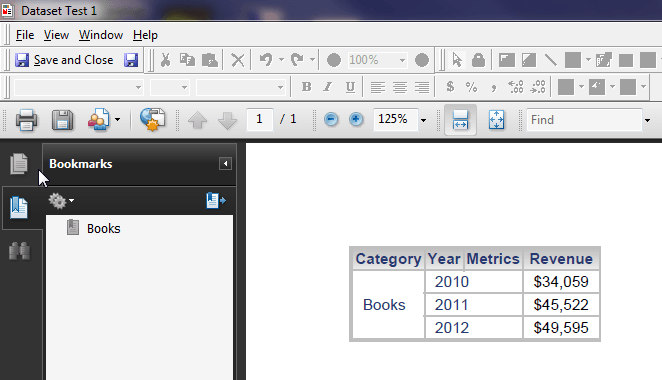
7a) Observe how no drop down box is created for the attribute in the group by section when in PDF View, and it appears that only the first element of the attribute in the group by section is shown in the grid
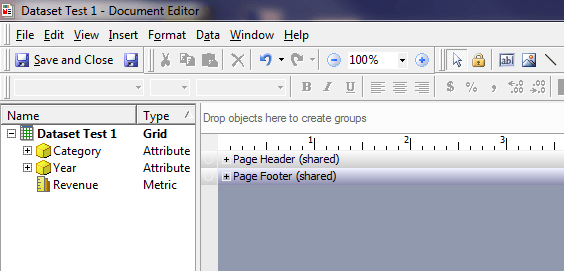
8) Return to Design View, and notice that the issue appears -- only Page Header and Page Footer are visible on the document
8a) Observe how you cannot add any attributes to the group by section
8b) Observe that an error message is thrown when trying to save in any way -- File > Save, File > Save As, Save and Close button, Save button
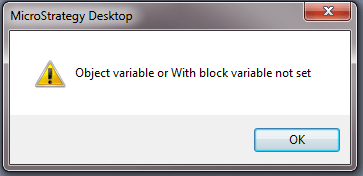
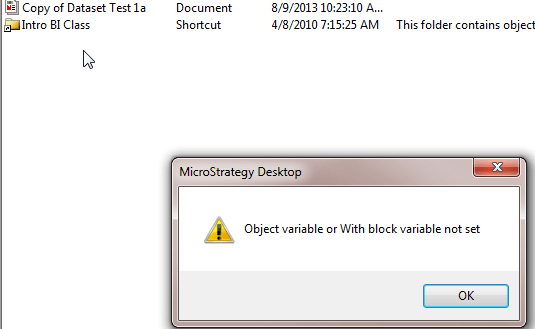
8c) Error when saving: "Object variable or With block variable not set."
8d) Observe that an error message is thrown when trying to execute the document in any way -- PDF View, HTML View, Flash View
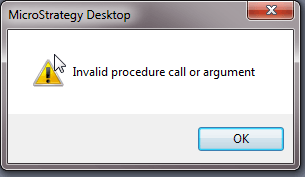
8e) Error when executing: "Object variable or With block variable not set" at first, but later attempts to execute display, "Invalid procedure call or argument"
Sample Code/Error
Object variable or With block variable not set
Sample Code/Error
Invalid procedure call or argument
9) This issue can affect a document if a document is saved after the attribute is removed from the group by section
9a) If the document no longer requires the use of the group by section after the attribute is removed, then the document appears to be ok
9b) If the document uses other attributes in the group by, then this issue will be experienced once the document is executed, and then returned to Design View
9c) If the document is saved after the group by attribute was removed, and another attribute was added to the group by section, then the document will return an error message when trying to be executed from Desktop
WORKAROUND
This issue does not appear to happen when creating and modifying report services documents in Strategy Web 9.3.1. If this issue is experienced, you can either re-create the document from scratch in Desktop, or perform the group by edits of the existing document in Strategy Web.
ACTION
This issue has been addressed in Strategy 9.3.1 Hotfix3. Upgrade to take advantage of the fix.
