SYMPTOM:
Users trying to do a partial search for elements in a search box selector in Strategy Web 9.4.1 may notice that no elements are returned despite having elements in the dataset that correspond to the search keyword. Instead of the pop over list with the result set of elements containing the characters that were typed in the search box, nothing is displayed at all.
STEPS TO REPRODUCE:
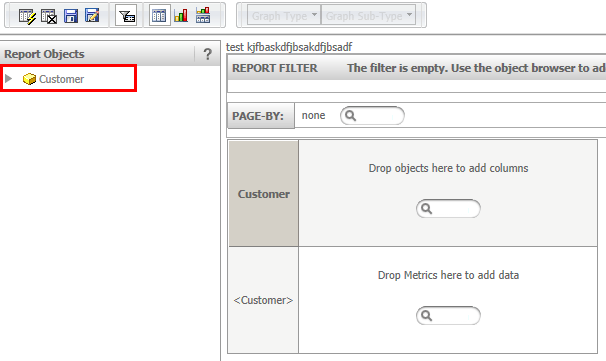
1. Create new report and add the attribute "Customer".
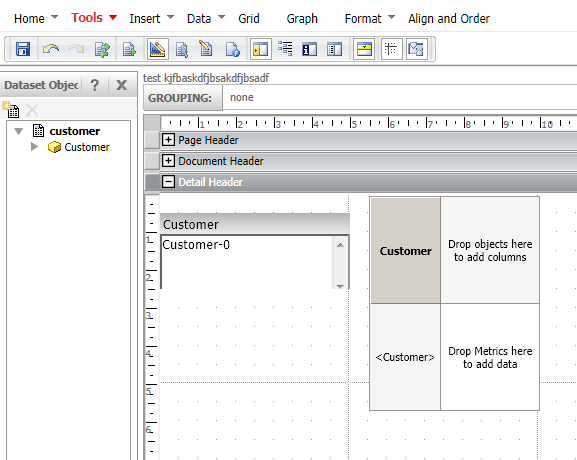
2. Create a new document and add the report created at step 1 as dataset.
3. Add the dataset as grid and insert a "Search Box" under Insert > Selector > Search Box.
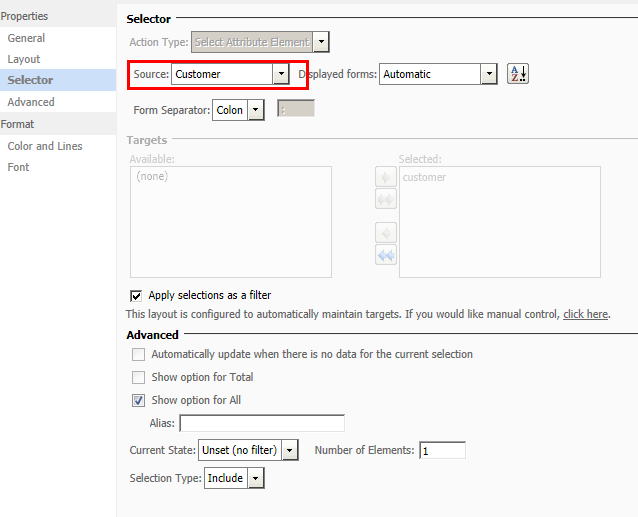
4. Modify the selector properties and formatting to target the "Customer" attribute.
5. Run the document in Flash mode and type "Hu" into the search box selector. Note that no elements are returned.
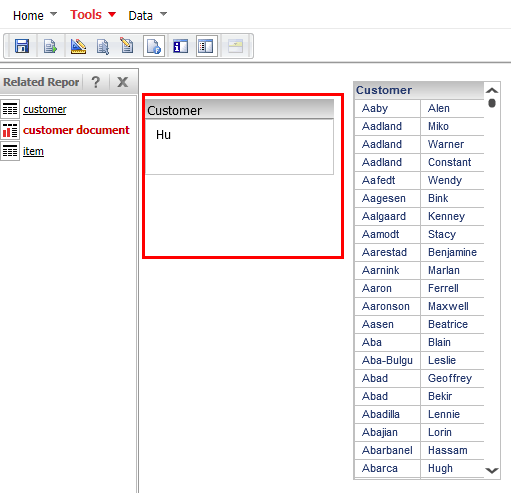
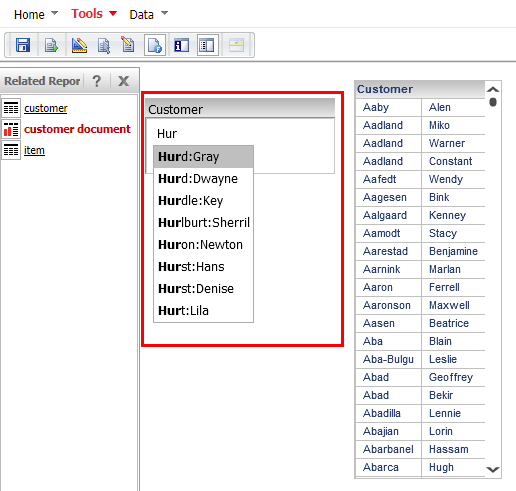
6. Instead of "Hu" type "Hur" into the search box selector and note that a list with elements is returned.
CAUSE
One possible reason for this behavior might be due to too many elements returned by the search. This behavior is working as designed in a Flash document. The element list is displayed only if the result set is less or equal 50 elements. In above case, the search result for "Hu" returns 51 elements, thus the list is not displayed.
ACTION
An Enhancement Request has been logged to display a message that the result set has returned too many elements.
