SYMPTOM:
In Strategy Web 10.x, the Schema Objects folder is missing within the Report Builder prompt page as shown below.
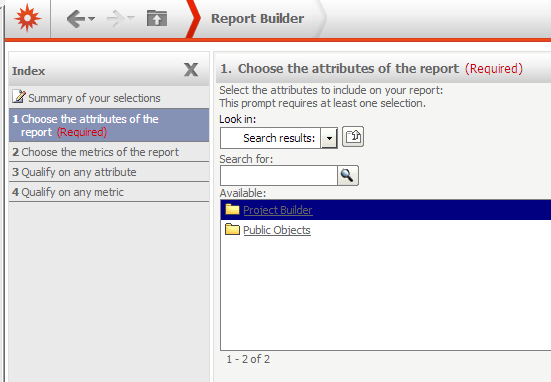
This prevents users from adding attributes when creating a new report. However, this only occurs to certain users. With the Administrator user, the folder shows up correctly as seen below.

CAUSE:
The Schema Objects folder does not have the View ACLs for the particular user group.
ACTION:
Add the user group to the Access Control List with View permissions to the Schema Objects and any other missing folders.
