SYMPTOM:
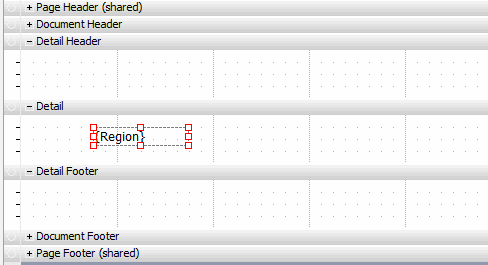
In Microstrateg Web/Developer a user is not able to apply filters to attributes/metrics in text boxes in a document detail section. If a user wishes to only display a particular object from a dataset in the document detail section, they can create a text box for that object. The limitation in this instance is that users cannot apply regular or view filters to display only certain attribute elements (Ex. only South and North Region), or metric values.
WORKAROUND:
Using the above example in Strategy Tutorial, use conditional formatting on the Region text box if only particular Regions are desired on the document.
1. Right click the Region text box and select 'Conditional Formatting'.
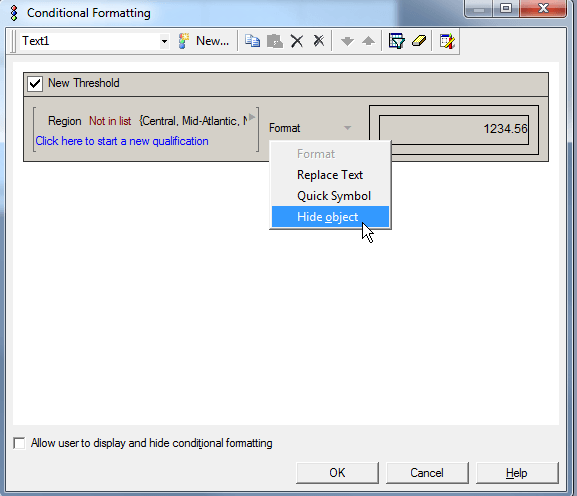
2. In the conditional formatting editor, select Region and set up the correct filtering qualification. For example, if only Central, Mid-Atlantic and Northwest Regions are to display in the detail section, set up the the qualification in the following way.