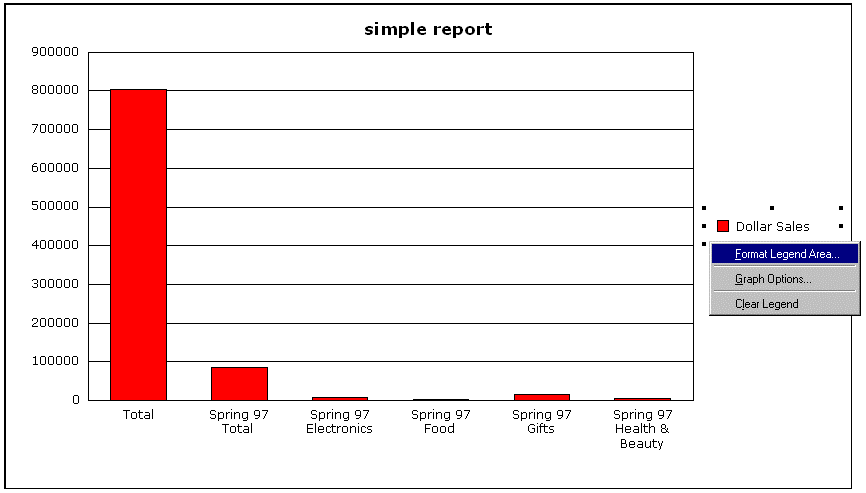
It may be difficult to ensure that the legend boxes display proper formatting if the legend box style is not enabled in Strategy Developer. When right-clicking on the selected legend box, the option 'Format Legend Area…' appears. Though the line and fill settings can be manipulated from this dialog box, the formatting does not change.
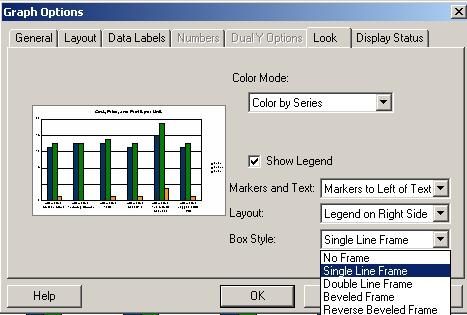
To control the format of the legend, right-click anywhere on the graph in question and choose 'Graph Options'. Set the Box Style section under the Look tab to any option other than 'No Frame', as shown below:
Once this option is set, the proper line and fill formatting choices appear.
