SYMPTOM:
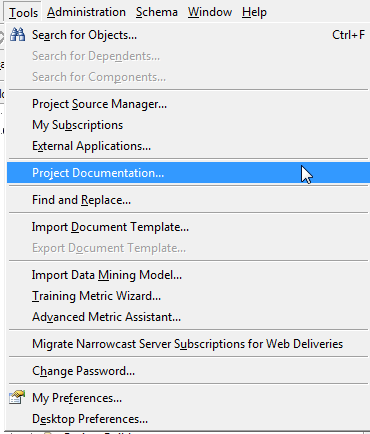
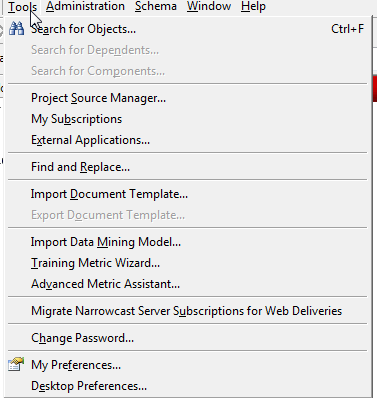
The 'Project Documentation' option is not available in the 'Tools' menu in Strategy Developer 9.x.
CAUSE:
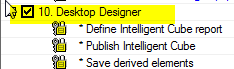
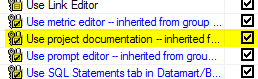
The Project Document Wizard allows users to create online project documentation, including information about application objects, schema objects and configuration objects, by translating the metadata's information of these objects. In order for a user to be able to see this option in Strategy Desktop the 'Use Project Documentation' privilege must be granted to the user. This privilege can be found under the 'Desktop Designer' privilege in Project Access.
ACTION:
Provide the user with the 'Use Project Documentation' privilege as shown below.
The user will now be able to see the 'Project Documentation' option in the Tools menu in Strategy Desktop once logged in to the project.