SYMPTOM:
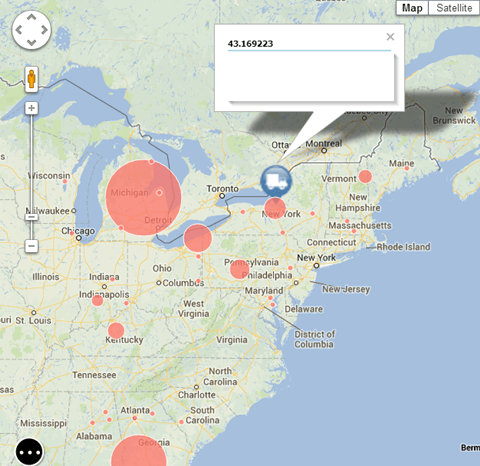
The user has already designed their dashboard in order to use Affinity Lines for Google Maps in Strategy Web 9.4.x-10.x, according to the steps laid out in article KB43123. The primary dataset is for the Origin attribute, while the secondary dataset is for the Destination attribute. Unlike the example laid out in the tech note, where each airport could be either an Origin or a Destination, the Origin attribute's elements are distinct from the Destination attribute's elements. When the document is run, the Google Maps widget does not show any affinity lines, like shown below:
CAUSE:
This is a limitation of Strategy Web 9.4.x-10.x. Currently, the Affinity Line functionality is only supported when all plotted points come from the same data source. The first dataset provides information about all locations in the map, i.e. it must include the origin and destination, while the secondary dataset defines the relationship between the various markers. The relationship between the origin and destination must use only one set of Latitude and Longitude attribute forms.
ACTION:
Users should use the Ideas Exchange to request this to be addressed in future versions.
Strategy will continue to investigate and post updates as soon as they are available.
WORKAROUND:
If possible, the schema should be designed so that both location attributes can share one set of Latitude and Longitude attribute forms.
