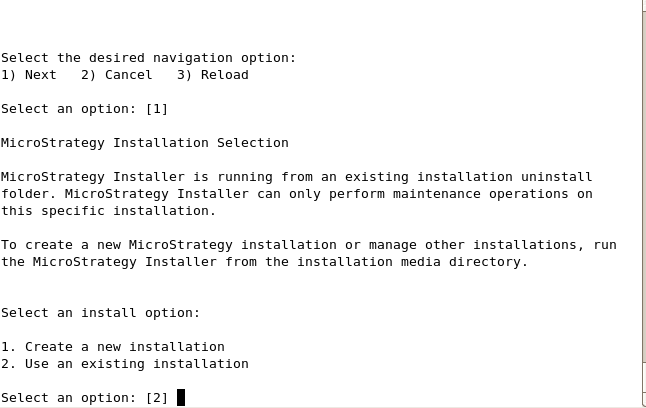
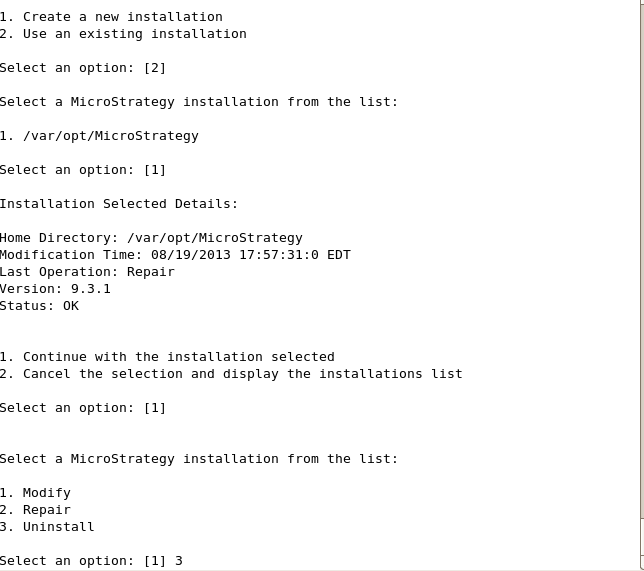
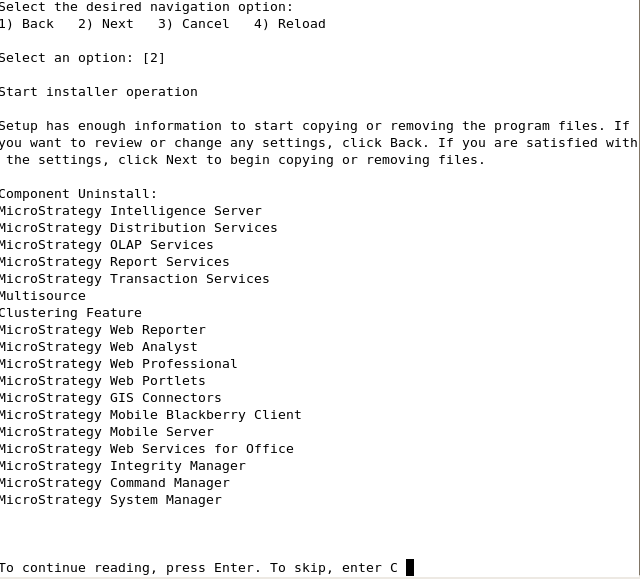
A user can uninstall Strategy in a UNIX/Linux environment using the Strategy Installer for UNIX/Linux in Strategy 9.3.x and newer. The Strategy Installer for UNIX/Linux (setup.sh) can be found within the Strategy install directory.
Sample Code:
MSTR_INSTALL_DIR/_Uninstall
Graphical User Interface (GUI) Mode:
To utilize the Graphical User Interface version of the Strategy Installer for UNIX/Linux, run the setup.sh executable file as shown below:
Sample Code:
./setup.sh
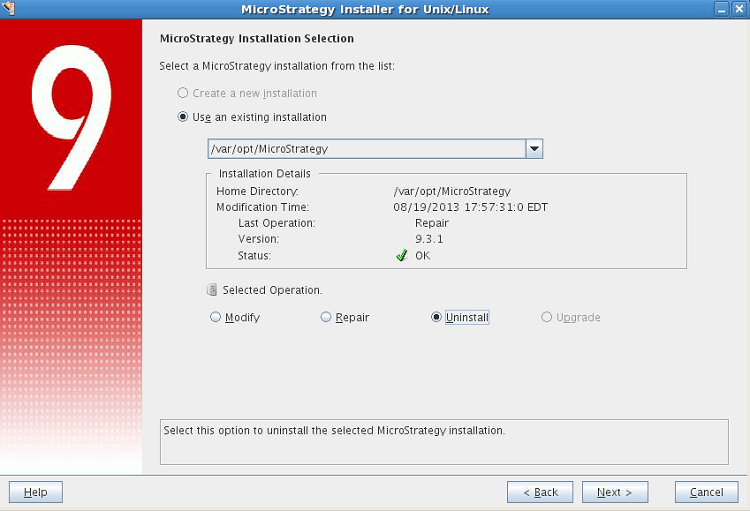
Command Line Mode:
To utilize the command line mode version of the Strategy Installer for UNIX/Linux, run the setup.sh as shown below:
Sample Code:
./setup.sh -console