SYMPTOM:
Strategy Web 9.x users are unable to resize the left pane in the default home page until the panel is collapsed at least once as shown below:
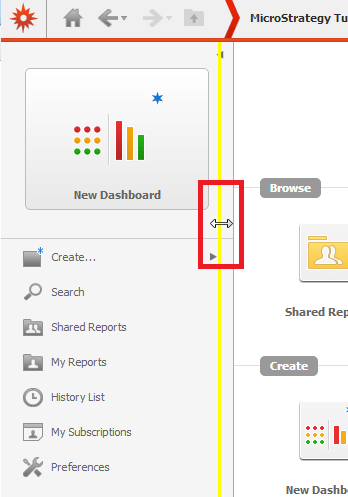
In the image above the user had to collapse the left pane to be able to resize.
STEPS TO REPRODUCE:
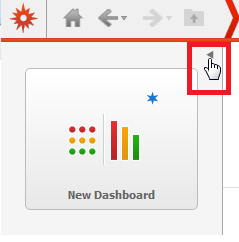
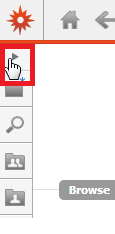
Users will continue to be able to resize the left pane as long as the cookies in the browser are valid. Clearing the cookies will reset the behavior.
CAUSE:
This is a known issue with the left pane in the default start page of Strategy Web 9.3.1.
ACTION:
This issue has been addressed in Strategy Web 9.4.1 Hotfix 1. Upgrade to this version to take advantage of the fix.
WORKAROUND
As mentioned above, collapse and restore the whole pane to gain access to resizing it.
