To duplicate a project without subscriptions, follow the next steps:
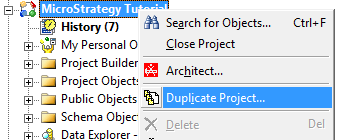
1. In Strategy Desktop, log onto the source project containing the project to duplicate and right click on it. Select "Duplicate Project..."
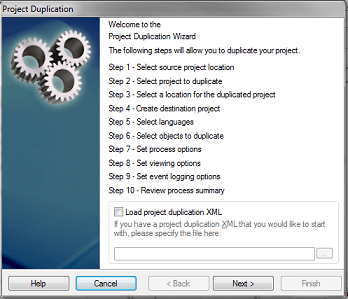
2. The project duplication wizard will show up, click Next.
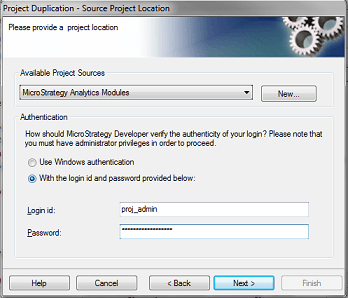
3. From the "Available Project Sources" Select the project source with "standard authentication" not LDAP, and input the "proj_admin" credentials provided for Cloud environment. Click Next.
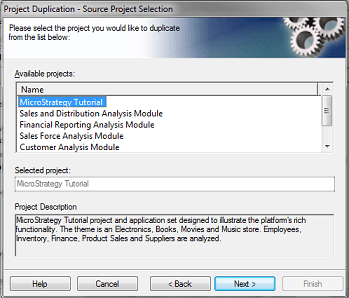
4. Select the project to duplicate and click Next.
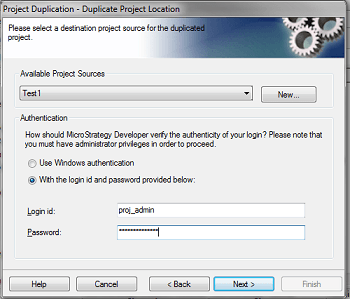
5. From the "Available Project Sources" Select the destination project source and input the "proj_admin" credentials provided. Click Next.
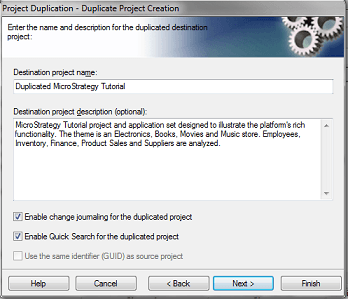
6. Change the name (if needed) for the destination project and check "Enable change journaling" and "Enable Quick Search" at the bottom. Click Next.
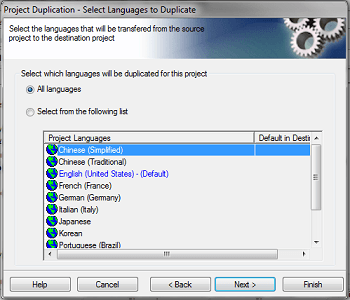
7. Leave everything as it is for the Language Settings and click Next.
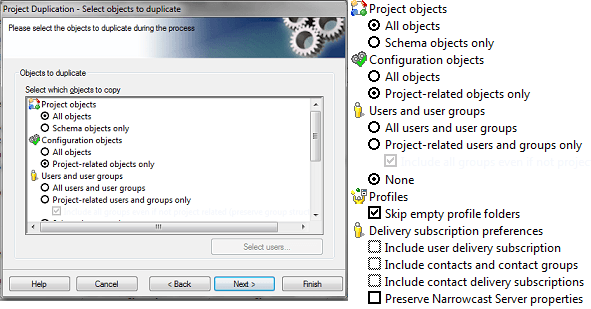
8. Make sure to copy all project objects and only project related configurations.
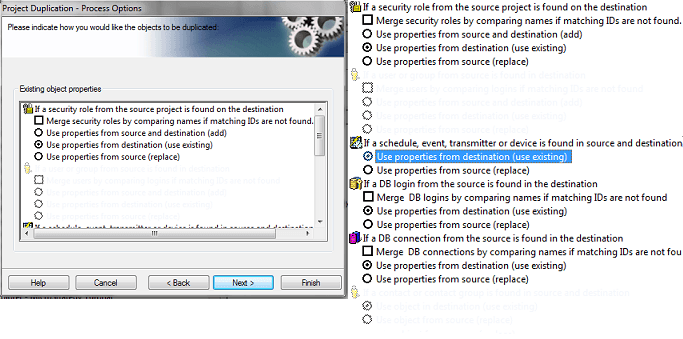
If the project is being duplicated into the same Metadata, for "Security Roles", "DB Logins" and "DB Connections" besides choosing the option "Using properties from destination (Use Existing)" check the "Merge... by comparing names if matching ID's are not found"
For copying into a different Metadata, just check the options as the screenshots below.
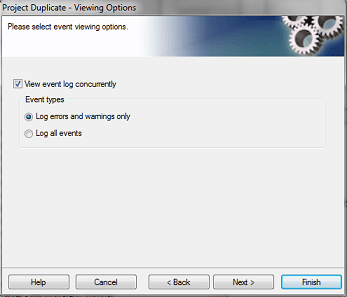
9. Keep everything as is for the event log.
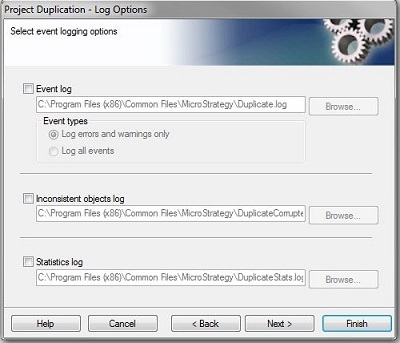
10. Uncheck the logging options.
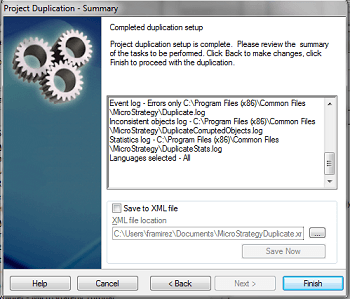
11. Leave everything default for summary and click Finish.
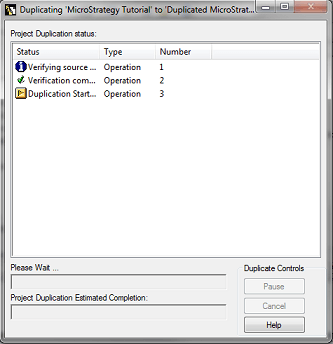
12. Wait for the process to finish (It could take a while) and once it is finished, exit the wizard.
Once this is finished, open a case with Strategy Technical support, mentioning the project duplication and requesting the following:
- Cache and Intelligent Cubes storage setting.
- Restart the destination Intelligence Server for the changes to take effect.
