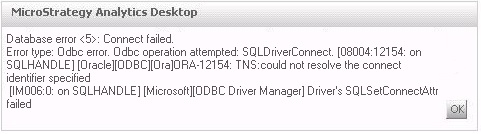
The following error message appears when connecting to an Oracle 11g R2 Database instance by using the Oracle Native client driver 11.2.0.3 in Strategy Analytics Desktop running on Windows 7 64-bit Professional Edition:
Database error <5>: Connect failed.
Error type: Odbc error. Odbc operation attempted: SQLDriverConnect. ORA-12154: TNS:could not resolve the connect identifier specified
Driver's SQLSetConnectAttr failed
This is a known issue in Strategy Analytics Desktop.
This issue was addressed in the latest version of Strategy Analytics Desktop.
In case it is not possible to move to the latest Strategy Analytics Desktop version, so as workaround, use the Oracle instant client driver 12.1.0.1.
