SYMPTOM:
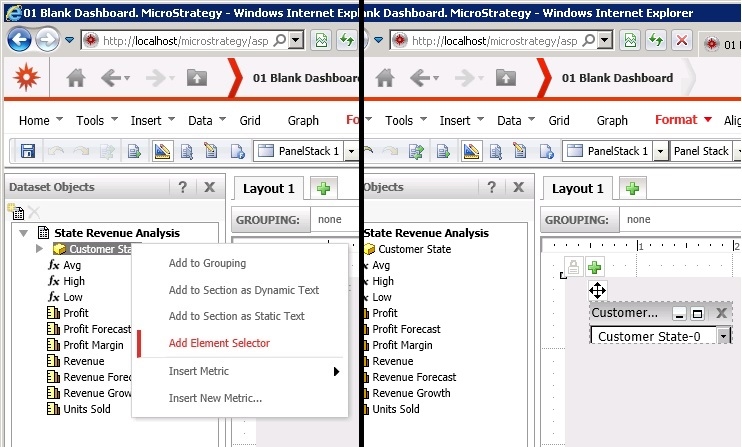
In Strategy Web 9.x, when adding a new selector in a Report Services Documents by using the Add Element Selector option, a Drop-down selector is added automatically and there is no option to select a different selector style, as shown:
CAUSE:
By default, a Drop-down selector is created automatically when adding a new selector by using the Add Element Selector option in Strategy Web 9.x.
ACTION:
Follow the steps below In order to change the selector style:
1 - Right mouse click on the selector and select the Properties and Formatting option
2 - On the right side, under Properties, click on Layout
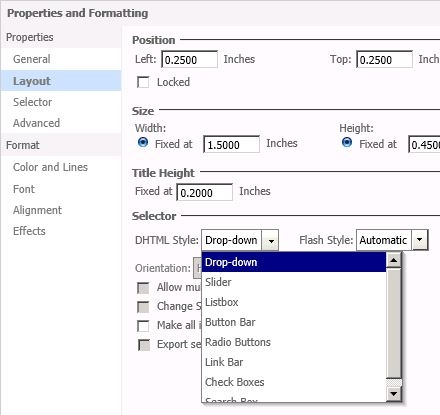
3 - On the left side, under the Selector section, select the desired selector style from the options available in the DHTML Style and Flash Style Drop-down list menus: